What are Dead Pixels?

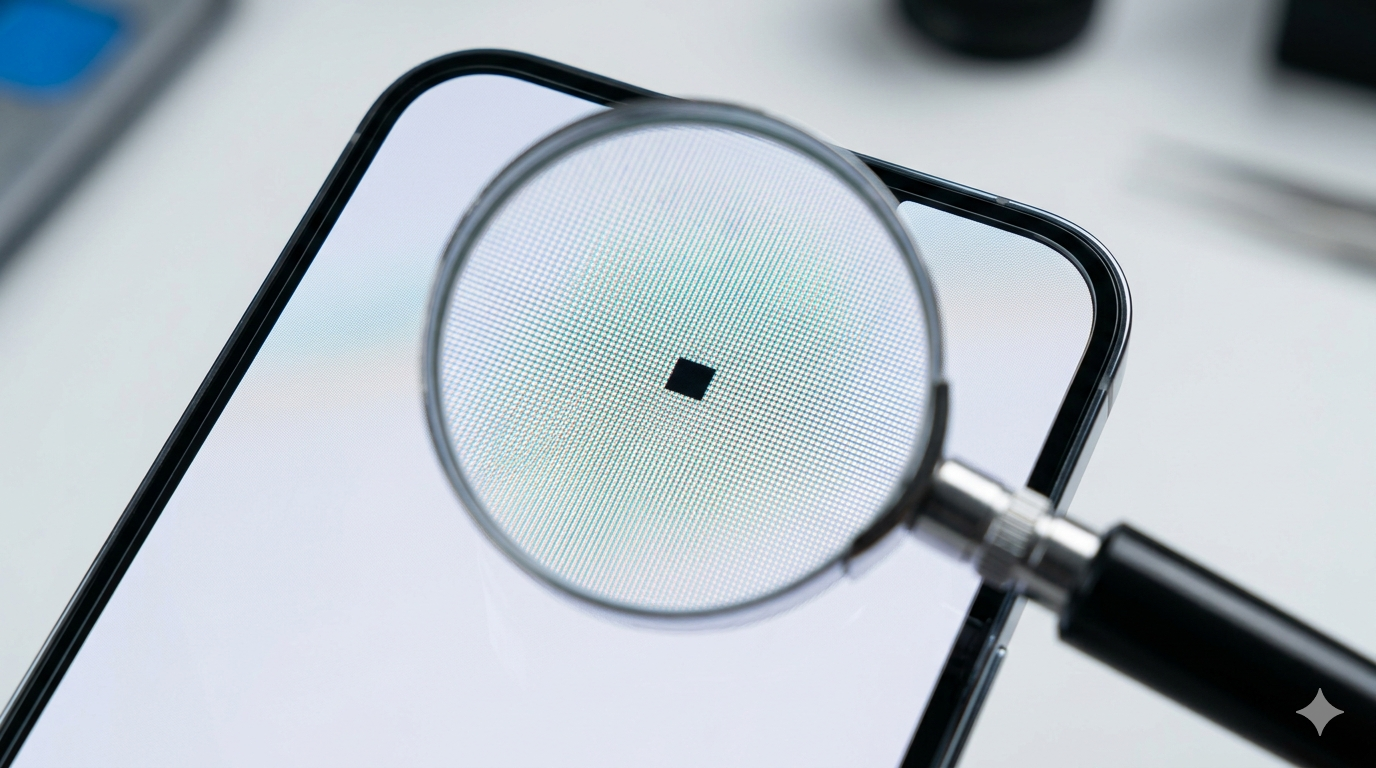
A dead pixel is a tiny rectangular spot on your smartphone’s display that stays black regardless of what is being shown on the screen. Unlike other display issues, a dead pixel is essentially a “broken” transistor that fails to supply power to the individual pixel, leaving it permanently dark. This can be very distracting, especially when viewing bright images or watching videos.
Common Causes of Dead Pixels
Most dead pixels are the result of manufacturing defects. Since modern screens contain millions of pixels, it is common for a few to fail during the assembly process. However, they can also appear later due to physical damage, such as dropping the phone or applying excessive pressure to the glass. In some cases, internal heat or moisture can also cause the sensitive components behind the screen to malfunction.
How to Identify a Dead Pixel
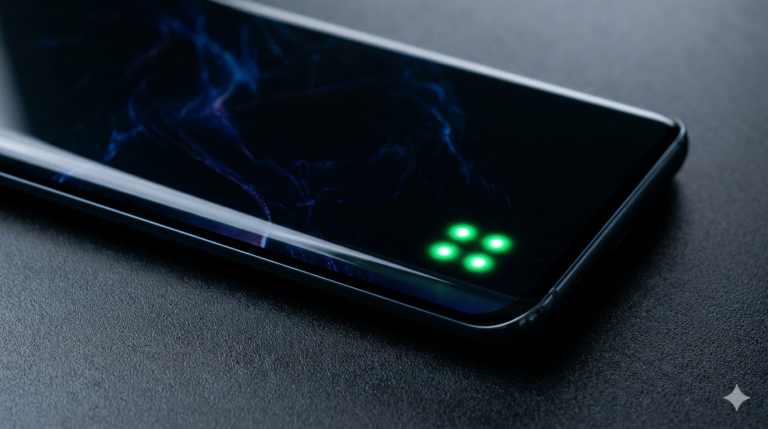
To confirm if you have a dead pixel, you should perform a “Screen Color Test.” You can do this by displaying a solid white or bright green background on your phone. If you see a persistent black dot that doesn’t change color or move, it is likely a dead pixel. It is important to distinguish this from a “stuck pixel,” which usually appears as a bright red, green, or blue dot.
Can You Fix a Dead Pixel?
Unfortunately, dead pixels are usually a permanent hardware failure. Unlike stuck pixels, which can sometimes be “massaged” or flashed back to life using software, a dead pixel has no power. If your device is under warranty, most manufacturers have a “Pixel Policy” that allows for a free screen replacement if the number of dead pixels exceeds a certain limit. For out-of-warranty devices, the only real solution is a full screen assembly replacement.