How to Fix Stuck Pixels on Your Gaming Monitor
Stuck vs. Dead Pixels: The Difference
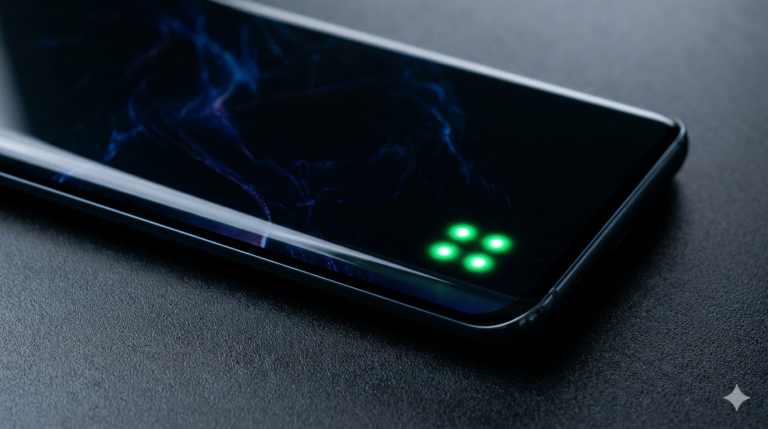
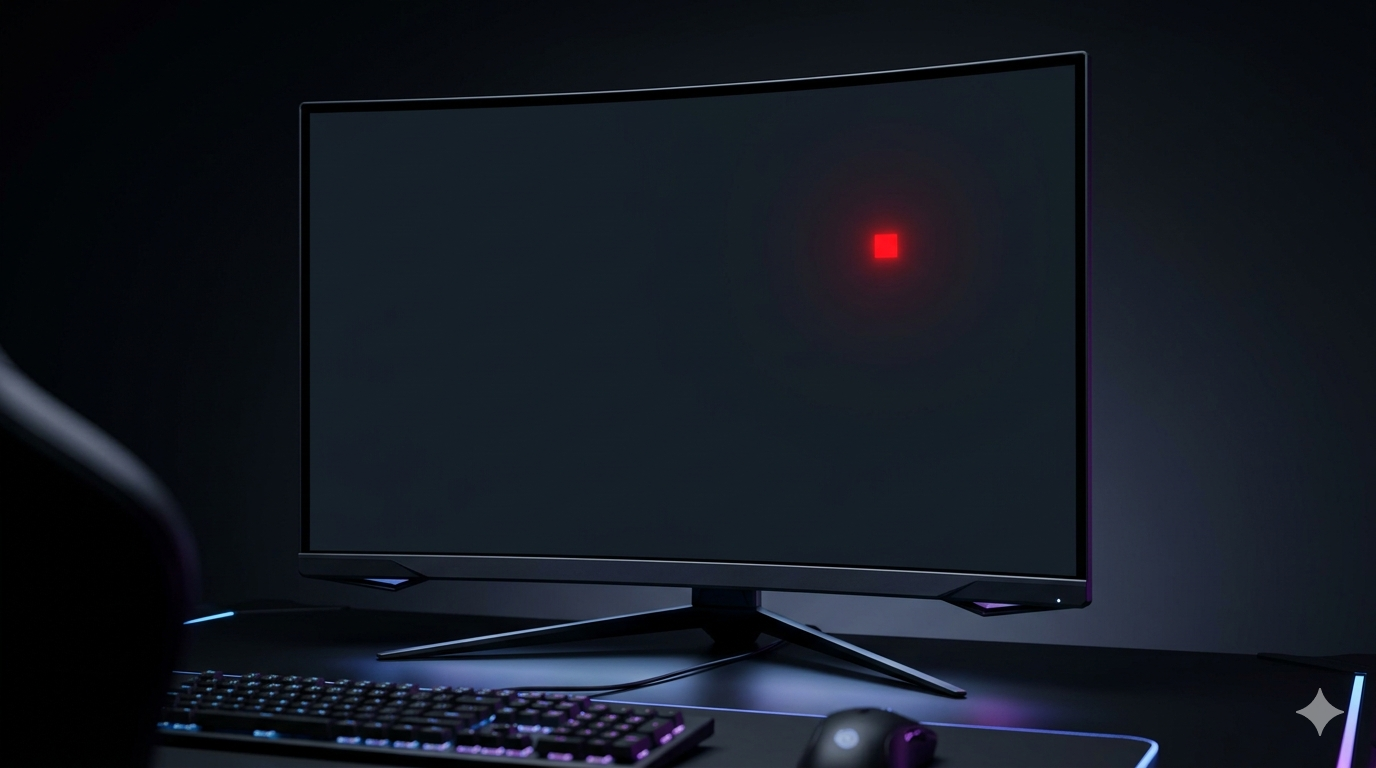
While a dead pixel is always black, a stuck pixel is a sub-pixel that remains “on” in a specific color—usually red, green, or blue. This happens when the transistor for that specific color gets stuck in an active state. The good news for gamers is that stuck pixels are often temporary and can be fixed without replacing the entire monitor, unlike their “dead” counterparts.
Using Software to Flash the Pixel
One of the most effective ways to fix a stuck pixel is by using software tools like JScreenFix or similar online pixel repairers. These tools work by rapidly cycling through various colors on the affected area of the screen. This rapid switching can sometimes “unstuck” the transistor and restore normal function. It is recommended to run these tools for at least 30 to 60 minutes for the best results.
The Manual Pressure Method
If software doesn’t work, some users opt for the “pressure method.” This involves using a soft, lint-free cloth or a rubber eraser to apply very gentle pressure directly onto the stuck pixel while the monitor is off. Once you turn the monitor back on, you slowly release the pressure. However, this method is risky and should be a last resort, as applying too much force can cause permanent damage to the surrounding pixels.
Prevention and Care
To prevent pixel issues on gaming monitors, avoid leaving static images on the screen for long periods, as this can lead to image retention or pixel fatigue. Using a screen saver and turning off the monitor when not in use are simple yet effective ways to prolong the life of your display. If the pixel remains stuck despite your efforts, check your monitor’s warranty, as many brands cover stuck pixels if they appear within the first year.