Dealing with White Spots on iPad and Tablet Displays

Why Do White Spots Appear?
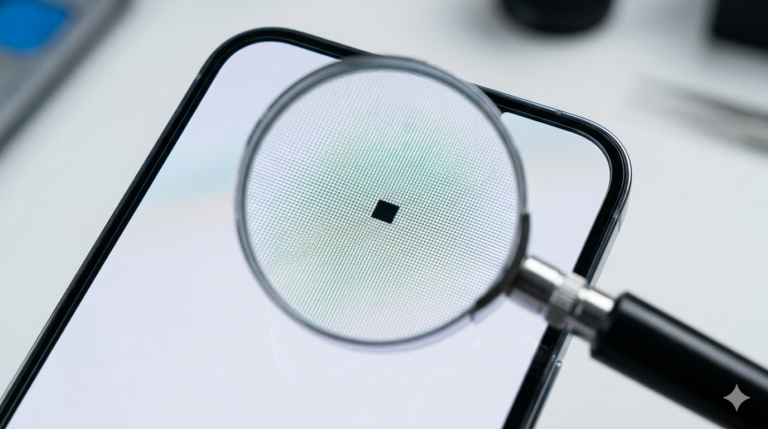
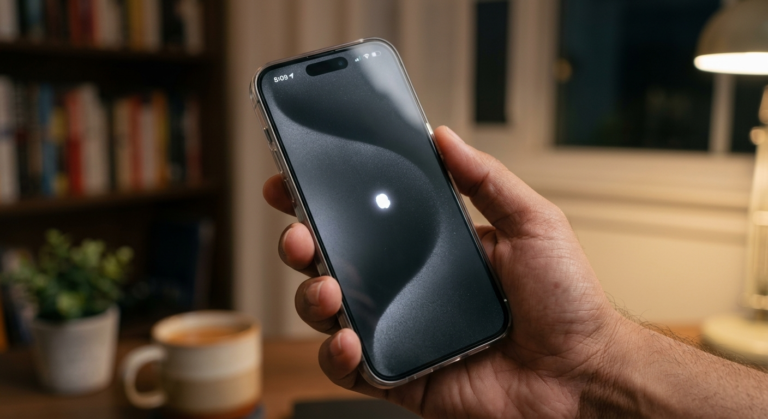
White spots on an iPad or tablet screen are often called “pressure marks” or “bright spots.” These usually appear as small, glowing patches that are more visible on white or light-colored backgrounds. Unlike dead pixels, these are not caused by individual pixel failure but are typically related to the backlight assembly or the layers of the LCD panel being pushed together.
The Impact of Physical Pressure
The most common cause of white spots is physical pressure. This can happen if you carry your tablet in a cramped bag where other items press against the screen, or if you rest your hand too heavily while using an Apple Pencil or stylus. Over time, this pressure causes the internal components to compress, resulting in a localized area where the backlight shines through more intensely than it should.
Backlight Bleeding and Aging
In some cases, white spots are a sign of “backlight bleeding.” This occurs when the light from the LEDs behind the screen leaks through the edges or weak points in the display’s structure. As tablets age, the adhesives holding the screen layers together can weaken, leading to these imperfections. While small spots might be ignorable, they can sometimes grow larger over time.
Professional Repair Options
Unfortunately, white spots are rarely fixable via software. Because they are a physical hardware issue within the display layers, the only way to get rid of them completely is to replace the LCD or OLED panel. If your iPad is still under AppleCare+, this may be covered as a manufacturing defect if there is no visible sign of external damage. Otherwise, a professional technician will need to swap the display assembly.