The Mystery of Green Dots on AMOLED Displays

AMOLED Technology and Color Fails
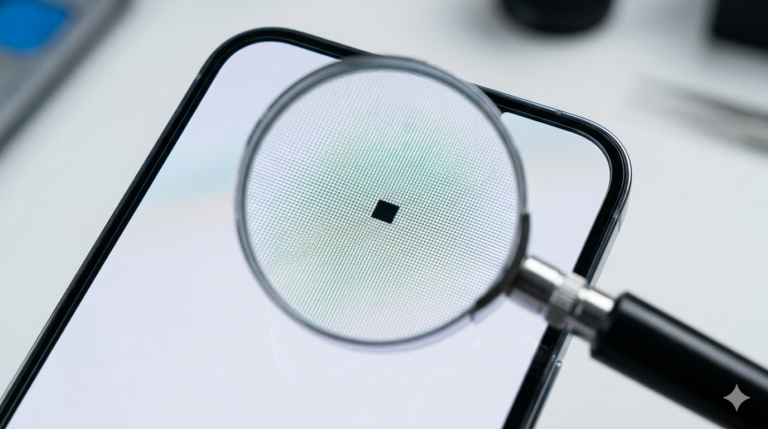
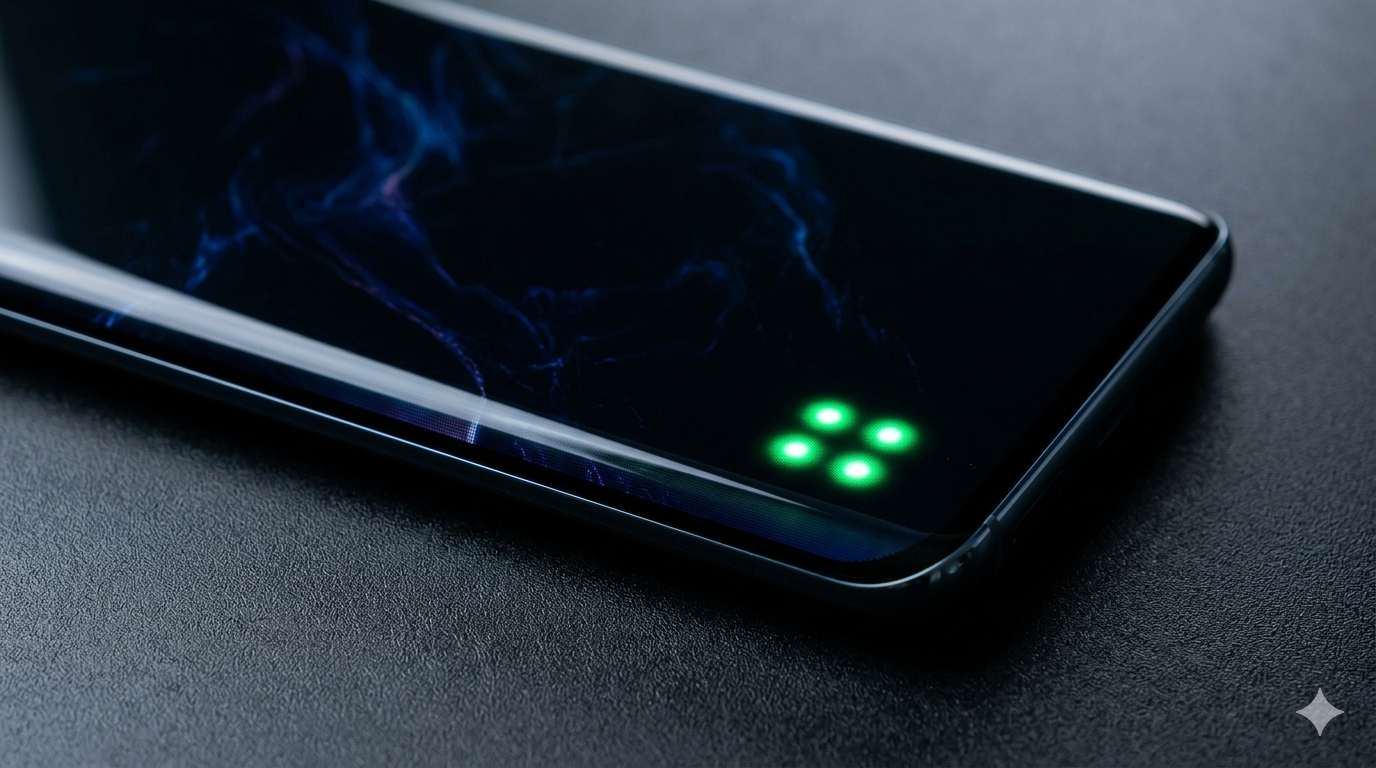
AMOLED (Active-Matrix Organic Light-Emitting Diode) screens are famous for their deep blacks and vibrant colors. However, they are also susceptible to specific types of failures, such as bright green dots or lines. Because each pixel in an AMOLED screen produces its own light, a malfunction in the organic material or the controlling circuitry can cause a pixel to “fire” at maximum green intensity.
Why Green Dots Appear
Green dots can be caused by a software glitch, but more often, they are a sign of hardware stress. This can happen after a software update (which might change the voltage sent to the screen) or due to a tiny crack in the internal glass that isn’t visible on the surface. Since green is the most efficient color for these displays, it is usually the first color to “malfunction” when something goes wrong with the electrical current.
Software Glitch vs. Hardware Failure
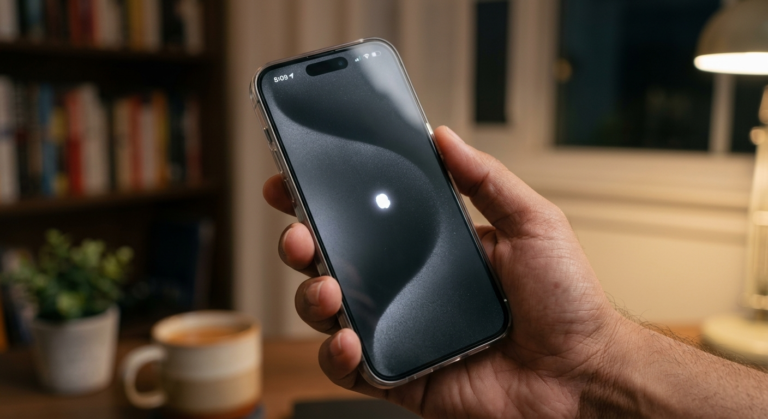
To check if the green dot is a software issue, try restarting your phone in Safe Mode. If the dot disappears, it was likely caused by a third-party app. You can also try a factory reset. However, if the green dot remains visible even during the boot-up screen (the manufacturer logo), it is almost certainly a hardware failure involving the display’s controller chip or the panel itself.
Warranty and Replacement
The “Green Line” or “Green Dot” issue has become well-known in recent years across various smartphone brands. Many manufacturers have acknowledged this as a defect and offer free screen replacements even outside the standard warranty period for specific models. If you see these green artifacts, your best bet is to visit an authorized service center immediately before the issue spreads to the rest of the screen.