Laptop Screen Pressure Marks: Causes and Prevention

What are Pressure Marks?
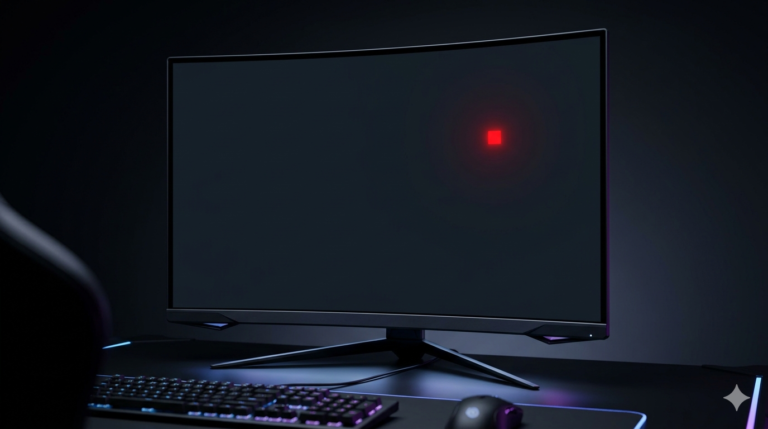
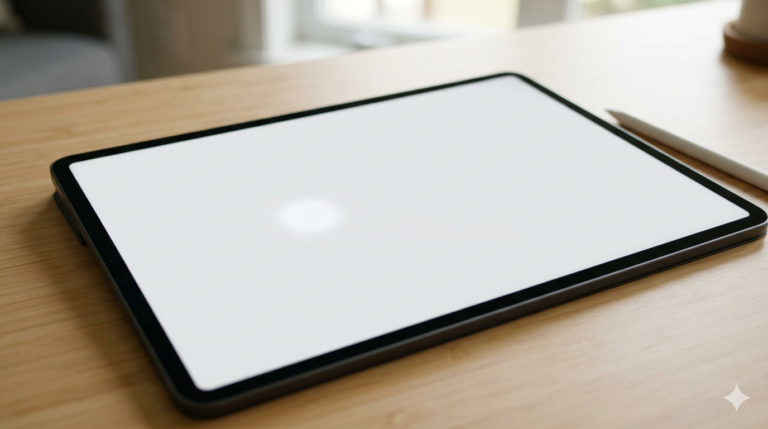
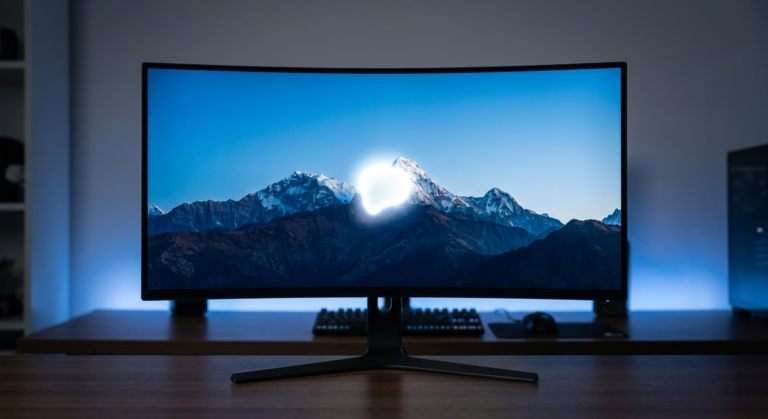
Pressure marks are cloudy or bright areas on a laptop screen that look like “bruises.” They are most noticeable on a white background and can vary in size. These marks occur when the liquid crystal layer in the display is physically squeezed, causing a permanent change in how light passes through that section of the screen.
Why They Happen in Laptops
Laptops are particularly prone to pressure marks because of their portable nature. Common causes include stacking heavy books on top of a closed laptop, carrying the laptop in a bag without a protective sleeve, or even a keyboard that presses against the screen when the lid is shut. In some thin-and-light models, even picking up the laptop by the screen corner can cause enough flex to create a pressure mark.
Are Pressure Marks Permanent?
In the majority of cases, pressure marks are permanent. Because the internal structure of the LCD panel has been physically altered, there is no software fix or “massage” technique that can reliably restore the pixels to their original state. While they don’t usually interfere with the laptop’s functionality, they can be a major annoyance for designers, photographers, or anyone who requires color accuracy.
Protecting Your Laptop Screen
Prevention is the best strategy. Always use a padded laptop sleeve when transporting your device and avoid placing heavy objects on the lid. If you notice that your keyboard is leaving marks on your screen, consider placing a thin microfiber cloth between the keyboard and the screen before closing the lid. Regular cleaning with a proper screen cleaner and a soft cloth can also help you spot these issues early.