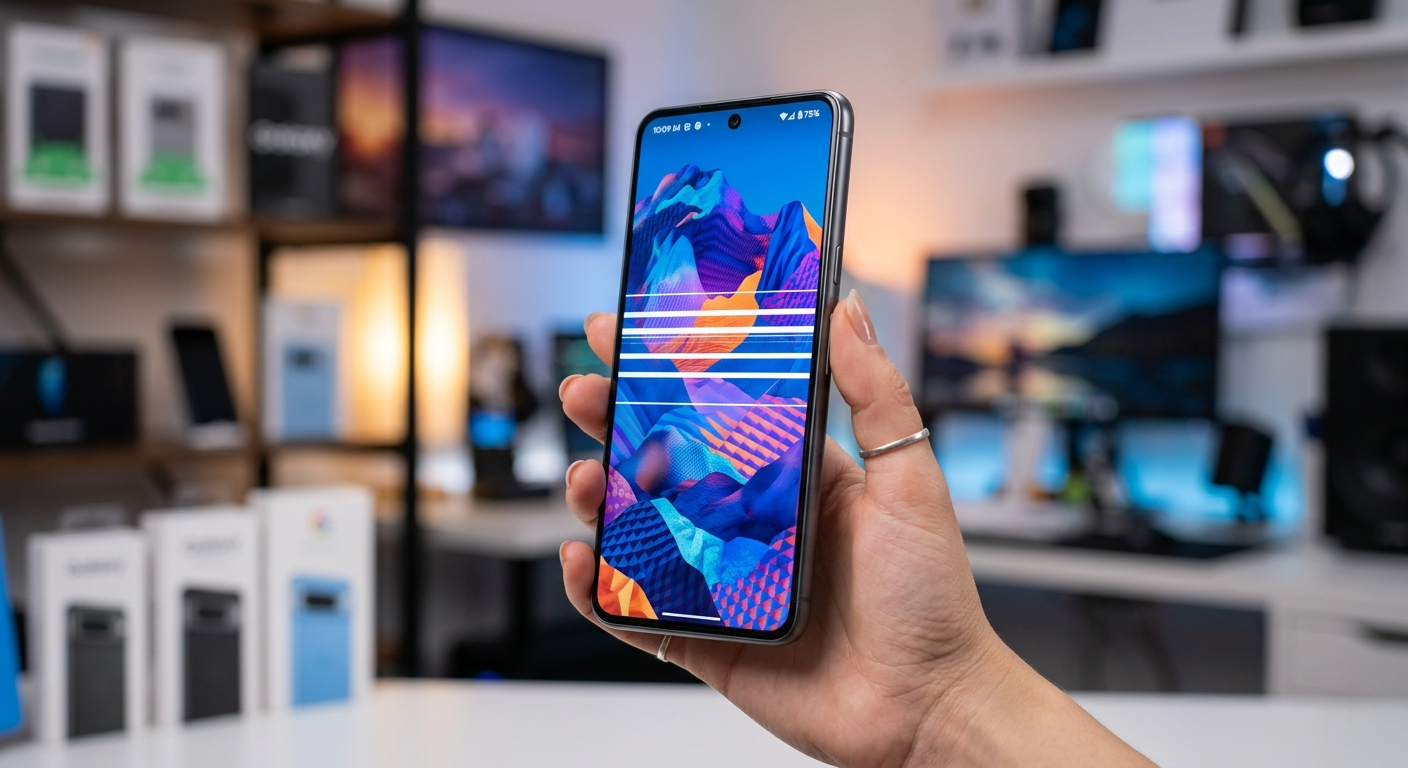
White Horizontal Lines on Phone Screen: Causes and Fixes
Updated: March 2026 | Reading Time: ~7 Min | Covers: Android and iPhone
You pick up your phone and there it is.
A white horizontal line cutting across your screen. Or maybe two lines. Or a whole cluster of them flickering near the top.
It is one of the most alarming things that can happen to your phone because the screen is the one component you interact with every single second.
The good news: not every line means an expensive repair. Some causes are 100% software-related and disappear with a simple restart.
This guide walks you through every cause and every fix, in the right order, so you do not waste time or money.
How to Diagnose the Lines Before Doing Anything Else
Two minutes of diagnosis can save you hours of trial and error.
Test 1: Take a Screenshot

Take a screenshot right now using your phone’s button combination.
Open the screenshot on another device or upload it somewhere to view it.
If the lines are NOT visible in the screenshot, the problem is in your physical display hardware.
If the lines ARE visible in the screenshot, the problem is a software or graphics rendering issue that can likely be fixed without any hardware repair.
Test 2: Check if Lines Move or Stay Fixed
- Lines stay in one fixed position regardless of what is on screen: Hardware damage to the display panel or connection.
- Lines flicker or change when you scroll or open apps: Software or graphics driver issue.
- Lines appear only in certain apps: That specific app has a display bug. Try uninstalling and reinstalling it.
- Lines get worse when you press the screen edges or flex the frame: Loose display cable or connector inside the phone.
Test 3: Gently Apply Pressure to the Frame
While the phone is on, press very lightly on the edges of the screen frame (not the glass itself).
If the lines change, shift, or temporarily disappear when you apply pressure to a specific spot, the display cable or connector is loose inside the device.
This is actually good news because it is usually a cheaper fix than a full screen replacement.
What Causes White Horizontal Lines on a Phone Screen?
There are six main causes. Identifying yours determines the correct fix.
1. Physical Impact or Drop Damage
This is the most common cause of horizontal lines.
When a phone is dropped, the internal display components absorb the force of impact. Even without a cracked outer screen, the internal LCD matrix or OLED panel can fracture.
The fractured row of pixels stops receiving correct signals and displays a permanent white or bright line.
LCD screens typically show bright white lines when damaged. OLED screens more commonly show dark lines because the pixel rows burn out rather than stay lit.
2. Loose or Damaged Display Cable

Your phone’s display is connected to the motherboard by a thin ribbon cable.
This cable can become partially disconnected due to a drop, thermal expansion over time, or manufacturing stress.
A partially disconnected cable causes lines that may flicker, change position, or temporarily improve when you flex the phone frame.
This is one of the most fixable causes. A technician can reseat or replace the cable for far less than a full screen replacement.
3. Software or Graphics Driver Bug
A corrupted app, a failed iOS or Android update, or a buggy graphics driver can cause the display to render lines where there should be none.
Software-caused lines almost always appear in the screenshot test.
They typically affect the whole screen or appear in predictable locations tied to a specific app or screen element.
These are the easiest to fix and cost nothing.
4. Pressure or Bend Damage
Sitting on your phone, keeping it in a tight back pocket, or bending it in a bag puts mechanical stress on the display panel.
LCD panels are particularly vulnerable. Sustained pressure causes the liquid crystal rows to misalign, creating persistent white horizontal bands.
This type of damage is permanent and requires a screen replacement.
5. Overheating
Extreme heat causes display components to expand beyond their design tolerances.
Prolonged gaming, direct sunlight exposure, or a faulty battery generating excess heat can cause temporary or permanent display artifacts including horizontal lines.
If lines appeared during intense use and then partially improved after cooling, heat stress is a likely contributor.
6. Manufacturing Defect
On rare occasions, horizontal lines appear on a brand-new phone or appear within the first few weeks of use without any physical damage.
This is a manufacturing defect in the display panel or the connection between the panel and the motherboard.
Manufacturing defects are covered by the manufacturer warranty. Report them immediately.
How to Fix White Horizontal Lines on Your Phone Screen
Work through these fixes in order. Start with the free software options before considering hardware repair.
Fix 1: Restart Your Phone
This is the fastest fix and works for software-caused lines.
Hold the power button and select Restart (not just lock the screen).
A full restart clears the RAM, resets the graphics subsystem, and closes any app that may be causing a rendering glitch.
If the lines disappear after a restart and do not come back, a temporary software glitch was the cause.
Fix 2: Charge Your Phone Fully
This sounds too simple but it works in specific situations.
When a phone battery drops critically low, voltage irregularities can cause the display driver to malfunction and produce line artifacts.
Charge your phone to 100% and observe whether the lines reduce or disappear.
Fix 3: Update Your Operating System
Go to Settings > General > Software Update (iPhone) or Settings > Software Update (Android).
Install any available update.
Display rendering bugs are common targets for OS point releases. If lines appeared shortly after an update, the next update may fix them.
Also update all installed apps, particularly recently updated ones that appeared around the time the lines started.
Fix 4: Boot Into Safe Mode (Android)

Safe Mode starts your Android phone with only the core system apps running. All third-party apps are temporarily disabled.
To enter Safe Mode: hold the power button, then long-press the Power Off option until you see a Safe Mode prompt.
If the horizontal lines disappear in Safe Mode, a third-party app is causing the problem.
Uninstall recently installed apps one by one until the issue stops in normal mode.
Note: iPhone does not have a Safe Mode equivalent, but you can test by deleting recently installed apps manually.
Fix 5: Factory Reset

Back up all your data before performing a factory reset. This erases everything on the device.
A factory reset restores the phone to its original software state.
If lines are software-caused and persisted through all other fixes, a factory reset will resolve them.
On Android: Settings > General Management > Reset > Factory Data Reset.
On iPhone: Settings > General > Transfer or Reset iPhone > Erase All Content and Settings.
If lines persist even after a factory reset, the cause is definitely hardware, not software.
Fix 6: Apply Gentle Pressure to the Frame
Only try this if the frame pressure test in the diagnosis section showed that lines changed when you pressed the frame. Do not press the screen glass itself.
Power off the phone.
Apply light, even pressure around the edges of the phone frame for about 30 seconds.
Power it back on and check if the lines have reduced.
This can temporarily reseat a partially disconnected display cable. It is not a permanent fix, but it confirms the cause and tells you what the repair technician needs to address.
Fix 7: Visit a Repair Center or Claim Warranty
If all software fixes have failed, the cause is hardware and requires professional repair.
Before paying out of pocket, check your warranty status:
- iPhone: Check at checkcoverage.apple.com. Standard warranty is 1 year. AppleCare Plus covers accidental screen damage for a service fee of $29 to $99 depending on the model.
- Samsung: Check at samsung.com/support. Samsung Care Plus covers screen damage. Out-of-warranty screen replacement ranges from $129 to $299 for Galaxy S and Z series in 2026.
- Google Pixel: Check at support.google.com. Pixel Repair covers screen damage. Out-of-warranty screen repair starts at $129 for Pixel 8 and goes up to $249 for Pixel 9 Pro.
- Other Android brands: Visit the brand’s official support page. Many third-party authorized repair centers also offer competitive pricing.
Does Your Screen Type Affect the Lines?
Yes. The type of display technology in your phone affects what the lines look like and what causes them.
LCD Screens
LCD phones include many budget and mid-range Android devices, older iPhones (iPhone 8 and earlier), and iPhone SE models.
LCD screens typically show white or bright horizontal lines when damaged because the broken pixel rows stay lit.
LCD screens are more prone to pressure damage and backlight issues.
OLED and AMOLED Screens
OLED and AMOLED screens are used in most flagship phones in 2026, including iPhone X and later models and all Samsung Galaxy S and Z series.
OLED screens more commonly show dark or black lines when damaged because damaged pixel rows turn off rather than staying lit.
White horizontal lines on an OLED screen are less common and typically indicate a connection issue or driver problem rather than direct panel fracture.
What This Means for Your Repair
LCD screen replacements are generally cheaper than OLED replacements because OLED panels cost significantly more to manufacture.
If your OLED phone is showing white horizontal lines, first rule out software and cable causes before assuming the panel itself is damaged.
When to Replace the Phone Instead of Repairing It
Sometimes repair does not make financial sense.
Consider replacing the entire phone if:
- The repair cost exceeds 60% of the phone’s current market value.
- The phone is more than 4 years old and no longer receives OS security updates.
- Multiple hardware issues exist beyond just the screen.
- The phone uses a folding OLED display, where replacement costs can exceed $400.
For recent flagship phones in otherwise good condition, screen repair almost always makes more financial sense than replacement.
How to Prevent Horizontal Lines on Your Phone Screen

- Use a quality case with raised bezels that prevent the screen from contacting flat surfaces when placed face-down.
- Apply a tempered glass screen protector. It absorbs impact and helps distribute force away from the display panel.
- Avoid keeping your phone in tight back pockets where sitting pressure can stress the display.
- Do not use your phone in extreme heat. Keep it out of direct sunlight for extended periods.
- Charge your phone regularly. Avoid letting it drop below 10% frequently, as low-voltage stress affects display components over time.
- Update your OS promptly. Manufacturers regularly patch display driver bugs in software updates.
Frequently Asked Questions
Can horizontal lines on a phone screen fix themselves?
Software-caused lines sometimes disappear on their own after a restart or an OS update.
Physical damage causing lines does not self-heal. Lines from a cracked panel, fractured LCD matrix, or damaged cable will persist and usually worsen over time.
Is it safe to use a phone with horizontal lines on the screen?
A single faint line is generally safe to use if the phone functions normally otherwise.
If lines are multiplying, spreading, or the screen is becoming unresponsive in the affected area, the damage is progressing and the phone should be repaired soon.
If you see the screen bulging or feel heat near the lines, power off the phone immediately and have it inspected. A swollen battery can cause display pressure damage and is a safety hazard.
Does a manufacturer warranty cover horizontal lines?
Manufacturing defects that cause lines from day one are covered under the standard warranty.
Lines caused by a drop, pressure, or liquid exposure are classified as accidental damage and are not covered by the standard warranty.
AppleCare Plus, Samsung Care Plus, and similar extended plans cover accidental screen damage for a service fee.
How much does it cost to fix horizontal lines on a phone screen in 2026?
Repair costs in the US as of 2026:
- Budget Android phones: $60 to $120 at a third-party repair shop.
- Mid-range Android (Samsung A series, Pixel 8a): $100 to $180.
- iPhone SE / older iPhone models: $129 to $199 at Apple.
- iPhone 15 / 16 series: $229 to $379 at Apple out of warranty.
- Samsung Galaxy S24 / S25 series: $199 to $299 at Samsung authorized centers.
Third-party certified shops typically charge 30 to 50% less than manufacturer service centers.
Can I fix horizontal lines without replacing the screen?
Yes, if the cause is software, a loose cable, or a driver issue.
Software fixes including restarts, updates, and factory resets cost nothing.
Cable reseating by a technician costs $30 to $60 and is far cheaper than a full screen replacement.
If the panel itself is fractured or the pixel rows are permanently damaged, screen replacement is the only solution.
Final Thoughts
White horizontal lines on a phone screen are alarming, but they are often fixable without an expensive screen replacement.
Start with the screenshot test to determine if the cause is hardware or software.
Work through the free software fixes first: restart, update, Safe Mode, and factory reset.
If software fixes do not work, check your warranty before paying for any repair.
With the right diagnosis and the correct fix applied in the right order, most horizontal line issues are fully resolvable.
_____________________________________________________
This article is for informational purposes only. Repair pricing reflects US market averages as of March 2026 and will vary by location and device condition. Always verify warranty coverage before authorizing any paid repair.