
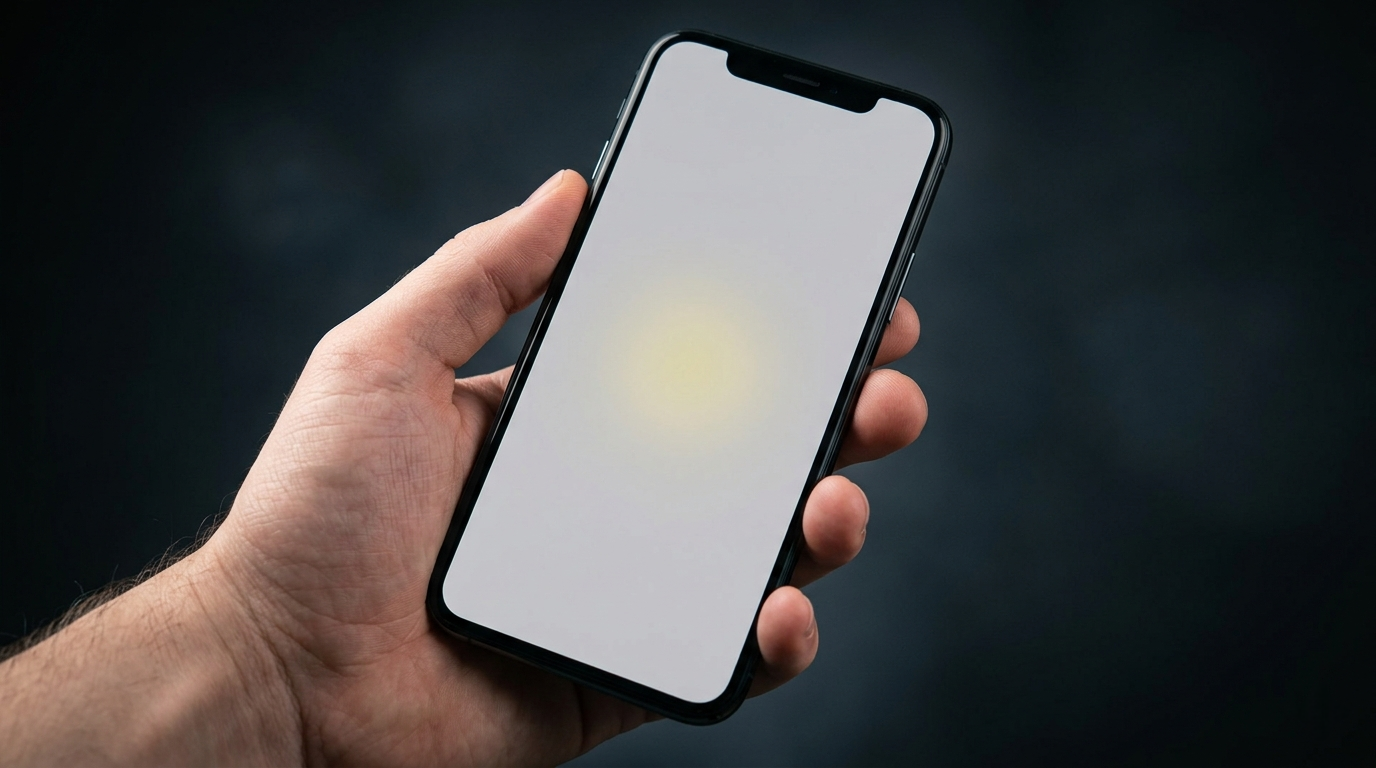
You noticed a yellow patch on your phone screen.
Maybe it is a faint warm glow in one corner. Maybe it is a visible yellowish blob sitting right in the middle of your display.
It raises one urgent question: is this fixable, or is my screen done?
A yellow spot is most commonly caused by OLED burn-in, physical impact damage, heat exposure, or moisture between screen layers. It can also be caused by a display setting like Night Shift or Eye Comfort mode, which is not damage at all.
The fastest way to check: take a screenshot. If the yellow spot does not appear in it, the cause is hardware. If it does appear, the cause is software and is likely free to fix.
This guide walks you through every cause and every fix in the correct order so you do not waste time or money.
Step 1: Diagnose Your Yellow Spot in 2 Minutes

The correct diagnosis determines everything. Do this before attempting any fix.
Screenshot Test
Take a screenshot on your phone and open it on another device.
If the spot is not in the screenshot, the problem is hardware. If it is visible, the cause is software.
Check Display Settings First
Many users mistake a built-in feature for actual screen damage. Check these first:
- iPhone Night Shift: Settings > Display and Brightness > Night Shift. Toggle off.
- Samsung Eye Comfort Shield: Settings > Display > Eye Comfort Shield. Toggle off.
- Android Blue Light Filter: Settings > Display > Blue Light Filter. Turn off.
If the yellow disappears immediately, your screen was fine. It was a feature, not damage.
Spot Behavior Test
| What the Spot Does | Likely Cause |
| Fixed position, never moves | Physical damage or OLED burn-in |
| Appears only in one specific app | Software bug in that app only |
| Gets worse in heat or sunlight | Heat damage or LCD aging |
| Appeared hours after a drop | Internal impact damage |
| Grew slowly over weeks | OLED burn-in or LCD panel aging |
| Changes when you flex the frame | Loose display cable inside device |
What Causes a Yellow Spot on a Mobile Screen?

There are six main causes. Identifying the right one determines the correct fix.
OLED Burn-In
The most common cause on flagship phones in 2026.
OLED pixels generate their own light individually. When the same image stays in one position too long, those pixels degrade faster than surrounding ones. The result is a permanent yellowish ghost image.
Common burn-in sources: keyboard bar, navigation bar, social media bottom icons, always-on clock displays.
- Affected devices: Affected devices: iPhone X through 17 Pro, Samsung Galaxy S series, Google Pixel 6+, OnePlus 9+.
- Fixable? No. Screen replacement is the only permanent solution.
Physical Impact or Drop Damage
A drop can fracture internal display layers without cracking the outer glass.
LCD screens develop milky yellowish bruises. OLED screens show yellowish patches where the organic material deformed. The spot often appears hours after the drop.
Heat Damage
Direct sunlight, a hot car, or sustained gaming heat can permanently yellow the LCD layer.
Heat damage does not go away after cooling.
Moisture or Liquid Exposure
Even IP68-rated phones become more vulnerable after 1 to 2 years.
Moisture between display layers causes yellowish staining with blurred or wavy edges as it dries.
LCD Panel Aging
Phones four years or older develop yellowish areas in high-brightness regions over time. This is gradual cosmetic degradation.
Manufacturing Defect
A yellow spot on a brand-new phone is a manufacturing defect and is always covered by the standard warranty. Report it immediately.
How to Fix a Yellow Spot on Your Mobile Screen

Work through these in order. Free software fixes come first. Hardware repair comes last.
Turn Off Warm Display Settings
Disable Night Shift, Eye Comfort Shield, or Blue Light Filter in your display settings.
If the yellow disappears, no repair is needed at all.
Restart the Phone
Hold the power button and select Restart, not just lock the screen.
This clears graphics memory and resets the display driver.
Update Your Operating System
Go to Settings > Software Update and install any available update.
Display calibration bugs are regularly patched in OS releases.
Try a Pixel Fixer Tool
If the yellow area is a small single dot, it may be a stuck pixel. Pixel fixer tools cycle colors rapidly to electrically unstick frozen pixels. Success rate is around 60% for soft stuck pixels.
Reduce OLED Burn-In Visibility
If OLED burn-in is confirmed, these steps reduce how visible it is until you replace the screen:
- Lower screen brightness to 40 to 60%.
- Use a white or light-colored wallpaper. Burn-in is least visible on bright backgrounds.
- Set screen auto-lock to 30 seconds.
- Enable any burn-in protection feature your phone offers.
Check Your Warranty
Always check coverage before paying for any repair.
| Plan | Coverage in 2026 |
| iPhone 1-year warranty | Manufacturing defects only. Not accidental damage. |
| AppleCare Plus | Accidental damage. Service fee $29 to $99. |
| Samsung 1-year warranty | Manufacturing defects only. |
| Samsung Care Plus | Accidental damage. Service fee $29 to $149 by model. |
| Google Preferred Care | 2 screen repairs per year. Service fee $29 to $79. |
Professional Screen Replacement
When all other fixes fail, a screen replacement is the final solution.
| Phone Model | Repair Cost (US, 2026) |
| iPhone 15 / 16 / 17 OLED | $229 to $379 at Apple |
| iPhone SE 3rd gen LCD | $129 at Apple |
| Samsung Galaxy S26 / S25 series | $199 to $349 at Samsung |
| Samsung Galaxy A series | $80 to $150 third-party |
| Google Pixel 10 series | $179 to $259 at Google |
| Budget Android (general) | $60 to $120 third-party |
Third-party certified shops charge 30 to 50% less than manufacturer service centers.
Always get a written warranty on parts and labor before approving any repair.
LCD vs OLED: Why Screen Type Matters

Your screen type determines the type of yellow spot you get and the correct repair approach.
| Factor | LCD Phones | OLED Phones |
| Main cause | Pressure, heat, aging, liquid | Burn-in, impact, manufacturing defect |
| Self-correct? | Rarely. Light bruises sometimes fade. | No. Burn-in is permanent. |
| Which phones | iPhone SE, budget Android, older models | iPhone X+, Samsung S series, Pixel 6+ |
| Repair cost | $60 to $180 | $150 to $350+ |
How to Prevent Yellow Spots on Your Mobile Screen

- Use a case with raised screen bezels to protect the glass when placed face-down.
- Apply a tempered glass screen protector to absorb impact force from drops.
- Avoid leaving the phone in direct sunlight or inside a hot car.
- Run screen brightness at 60 to 70% to reduce OLED pixel wear over time.
- Set auto-lock to 30 seconds to avoid prolonged static image display.
- Do not use the phone while charging and running hot simultaneously.
Frequently Asked Questions

Why did a yellow spot appear without me dropping my phone?
Heat exposure, gradual OLED burn-in, or a manufacturing defect can all cause yellow spots without any physical drop.
Check the screenshot test first to confirm instantly whether the cause is hardware or software.
Can a yellow spot go away on its own?
Occasionally a mild LCD pressure bruise self-corrects within a few days.
OLED burn-in and impact damage do not reverse. If the spot lasts more than one week, it is permanent without repair.
Is a yellow spot covered by warranty?
Yes, if it is a manufacturing defect on a new phone.
No, if caused by a drop, heat, or liquid. Protection plans like AppleCare Plus cover accidental damage for a service fee.
Why is there a yellow spot but my screen is not cracked?
The outer glass and internal display panel are separate components.
The glass can survive a drop while the LCD or OLED panel beneath fractures internally. This is very common.
Is it safe to keep using a phone with a yellow spot?
A small static spot is generally safe to continue using.
If the area is growing, the screen feels warm near it, or it is separating from the frame, stop using the device immediately.
How much does the fix cost in 2026?
Under warranty: free or $29 to $99 service fee with a protection plan.
Out of warranty: $60 to $120 for budget phones, $150 to $350 for flagship OLED devices.
Final Verdict

A yellow spot on your mobile screen has six possible causes. Two of them are completely free to fix in under two minutes.
Start with the display settings check and the screenshot test. These confirm instantly whether it is hardware or software.
If hardware is the cause, check your warranty before spending anything on repair.
If you are out of warranty and repair cost is under 50% of your phone’s current value, repair is almost always the smarter financial choice.
| About the AuthorBen is the founder of screenproblems.com, a resource dedicated to diagnosing and solving mobile and computer display issues.All content is written without brand sponsorship. Every recommendation is based on what actually works. |