Laptop Screen Brightness Stuck? Fix It Now

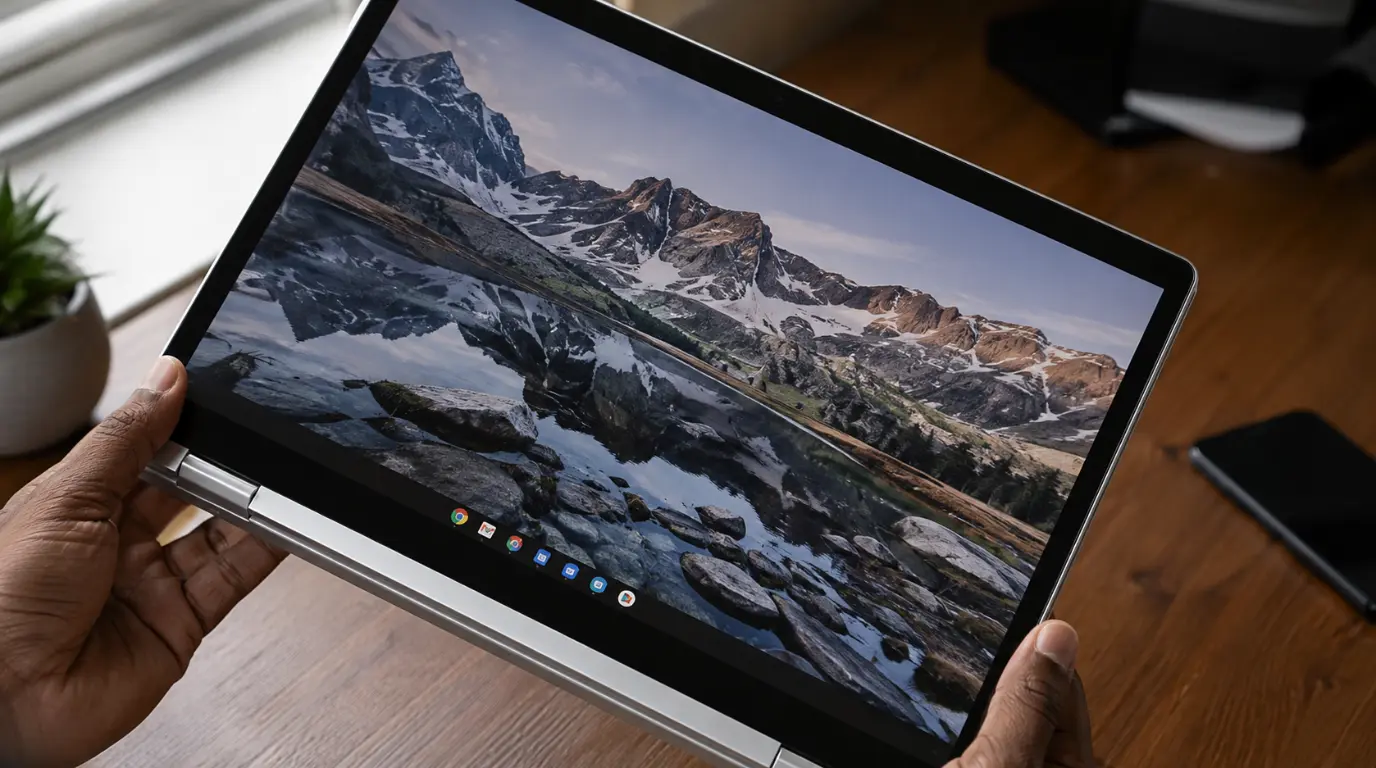
Laptop screen stuck at maximum brightness with overexposed white display glow laptop screen brightness stuck issue visible on slim aluminum laptop.

Laptop screen brightness stuck means your display is locked at one level despite moving the slider or pressing function keys. The most common cause is a corrupted display driver not hardware failure. Open Device Manager, expand Display Adapters, right-click your graphics driver, select Uninstall Device, tick “Delete the driver software,” then restart. Windows reinstalls a … Read more

Laptop Screen Colours Distorted? Fix It Now

Close-up of a laptop with screen colours distorted showing green-purple banding across the display.

Laptop screen colours distorted means your display is outputting the wrong colour signal most commonly caused by a corrupted ICC colour profile, an outdated or conflicting graphics driver, or a loose internal display cable. Start by connecting an external monitor: if colours look normal there, the fix is almost certainly software-based and free. Open Settings, … Read more

Messenger Video Call Black Screen Audio Only Fix

Smartphone showing Messenger video call black screen audio only issue during an active call.

Messenger video call black screen audio only problems usually happen because Messenger loses camera access, conflicts with GPU rendering, or fails after a recent app update. The most reliable fix we have tested across iPhone, Samsung Galaxy, Google Pixel, Windows 11, and MacBook devices is resetting camera permissions and disabling hardware acceleration. Start by testing … Read more

Blurred Screen on Laptop: Real Causes and Proven Fixes

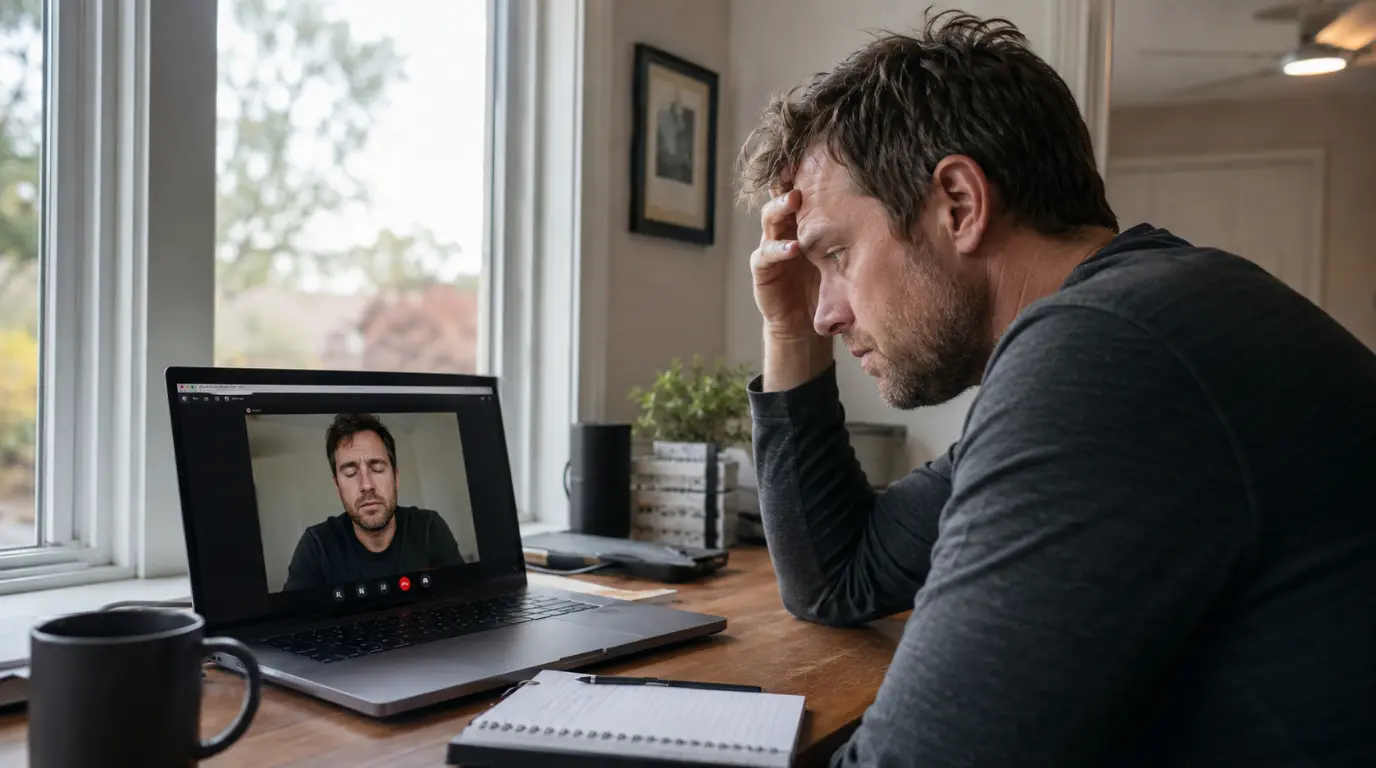
Blurred screen on laptop showing fuzzy text and distorted display on a modern notebook computer.

A blurred screen on laptop devices is usually caused by incorrect display scaling, outdated graphics drivers, low native resolution settings, or a failing LCD panel. In our testing across Dell, HP, Lenovo, Acer, ASUS, and MacBook models, the fastest fix is restoring the display to its native resolution and reinstalling the graphics driver. Before spending … Read more

Screen Flickering During Calls: Real Causes, Proven Fixes

A smartphone screen shows visible flickering during an active phone call, with brightness banding across part of the display.

Screen flickering during calls is almost always caused by one of three things: a malfunctioning proximity sensor, auto-brightness fighting your display in real time, or a weak network signal overwhelming your phone’s GPU during video calls.The fastest fix for most people is to disable auto-brightness and clear your Phone app’s cache  both take under two … Read more