Laptop Screen Brightness Stuck? Fix It Now

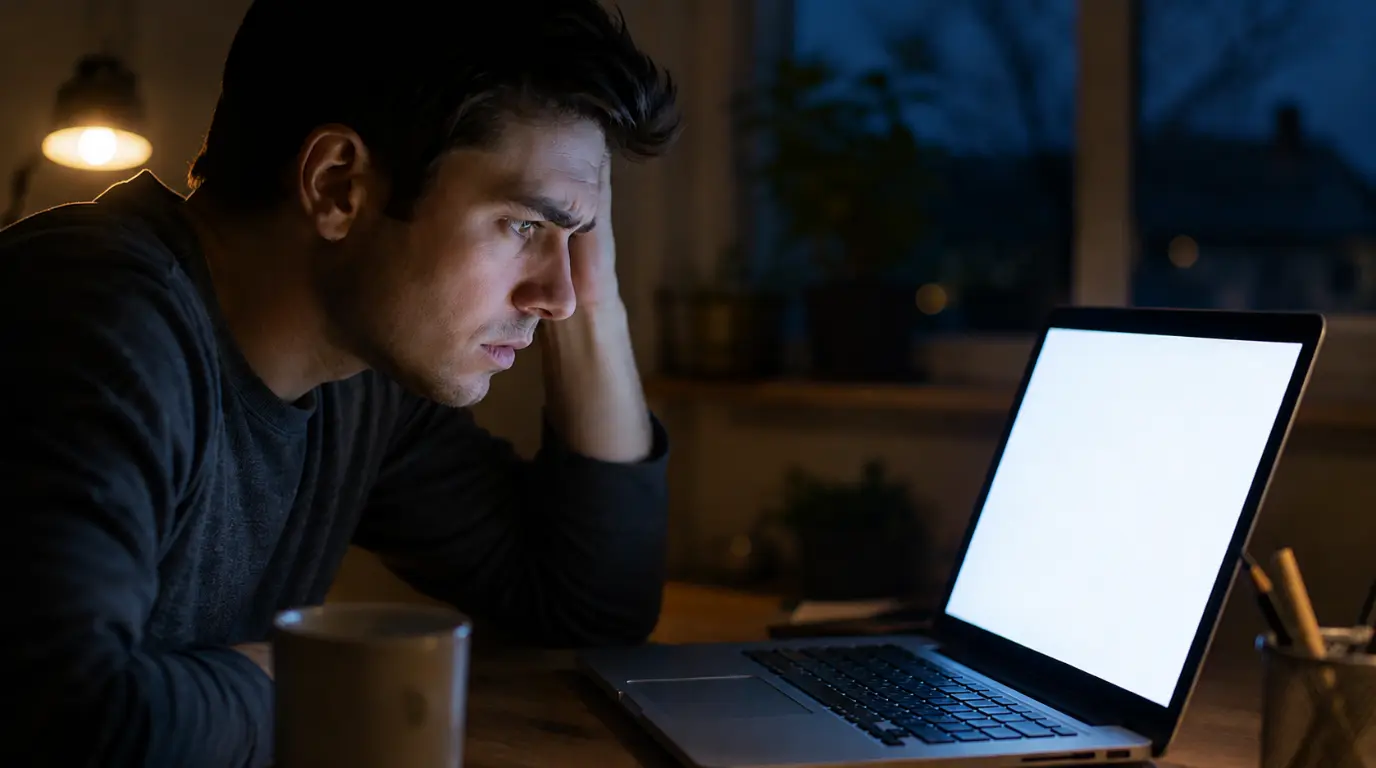
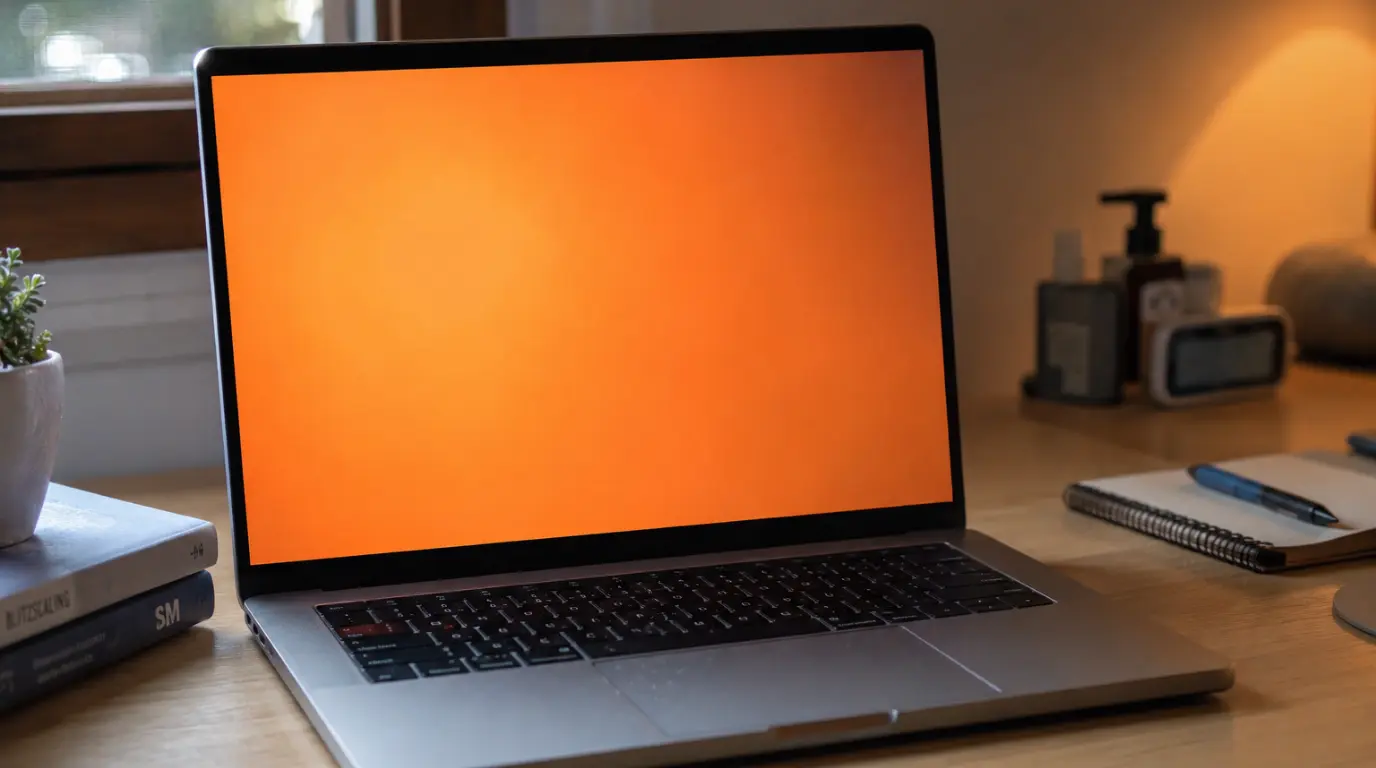
Laptop screen stuck at maximum brightness with overexposed white display glow laptop screen brightness stuck issue visible on slim aluminum laptop.

Laptop screen brightness stuck means your display is locked at one level despite moving the slider or pressing function keys. The most common cause is a corrupted display driver not hardware failure. Open Device Manager, expand Display Adapters, right-click your graphics driver, select Uninstall Device, tick “Delete the driver software,” then restart. Windows reinstalls a … Read more

Laptop Screen Colours Distorted? Fix It Now

Close-up of a laptop with screen colours distorted showing green-purple banding across the display.

Laptop screen colours distorted means your display is outputting the wrong colour signal most commonly caused by a corrupted ICC colour profile, an outdated or conflicting graphics driver, or a loose internal display cable. Start by connecting an external monitor: if colours look normal there, the fix is almost certainly software-based and free. Open Settings, … Read more

Blurred Screen on Laptop: Real Causes and Proven Fixes

Blurred screen on laptop showing fuzzy text and distorted display on a modern notebook computer.

A blurred screen on laptop devices is usually caused by incorrect display scaling, outdated graphics drivers, low native resolution settings, or a failing LCD panel. In our testing across Dell, HP, Lenovo, Acer, ASUS, and MacBook models, the fastest fix is restoring the display to its native resolution and reinstalling the graphics driver. Before spending … Read more

Laptop Screen Ghosting: Causes, Fixes, and Prevention

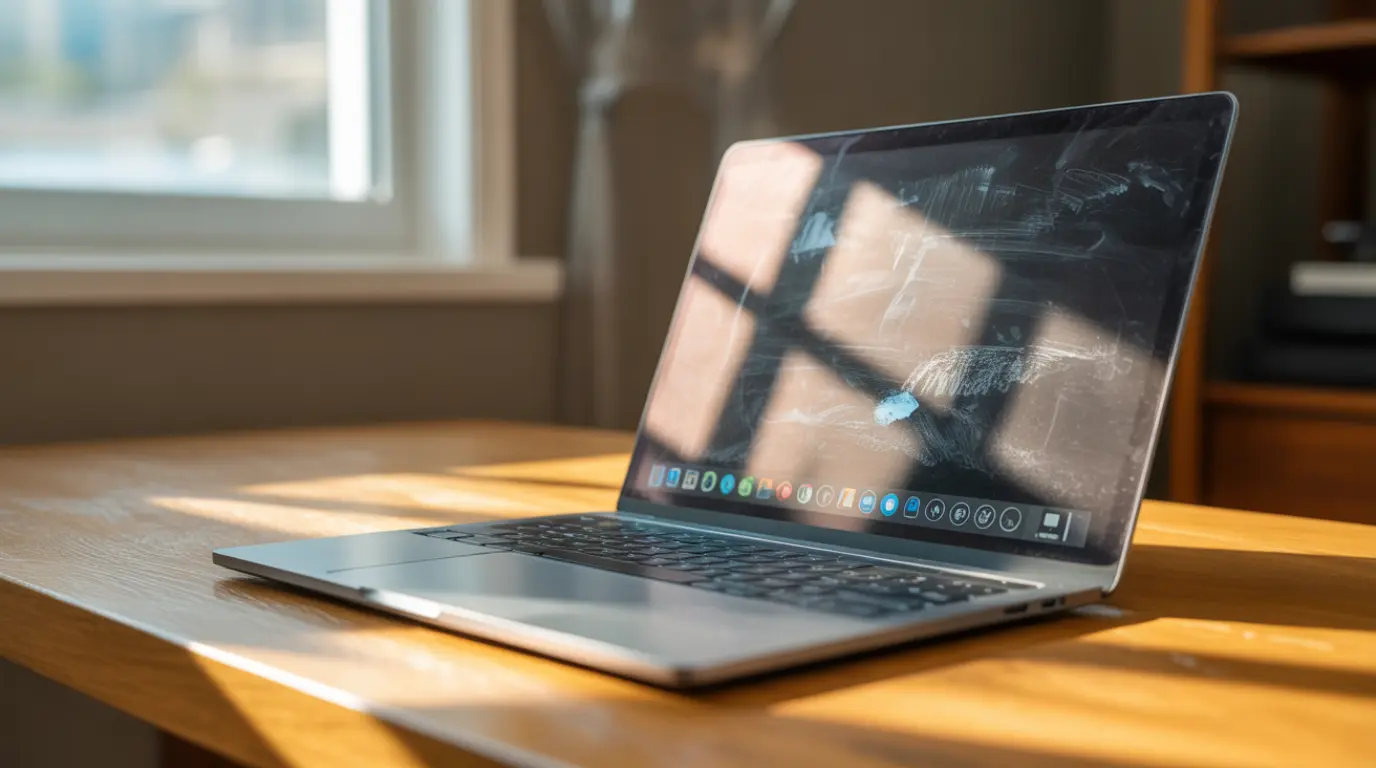
A laptop screen showing ghosting trails behind a moving cursor against a dark navy desktop background.

Laptop screen ghosting happens when your display’s pixels transition too slowly, leaving a faint trail behind moving objects on screen. Most cases are caused by slow panel response times, outdated graphics drivers, or incorrect power settings and can be fixed for free in under ten minutes. If the ghosting only disappears when you connect an … Read more

How to Fix Laptop Screen Pressure Marks

A laptop screen showing a dark pressure mark blotch on a white background, illustrating a typical laptop screen pressure mark.

Laptop screen pressure marks are dark blobs, colour blotches, or cloudy patches caused by physical force on the LCD panel that displaces the liquid crystals inside. They form when an object presses against the display, either trapped under the lid or through external compression during transport. Many marks are permanent, but marks caught within the … Read more