Screen Flickers After Installing New RAM or GPU: Complete Fix Guide

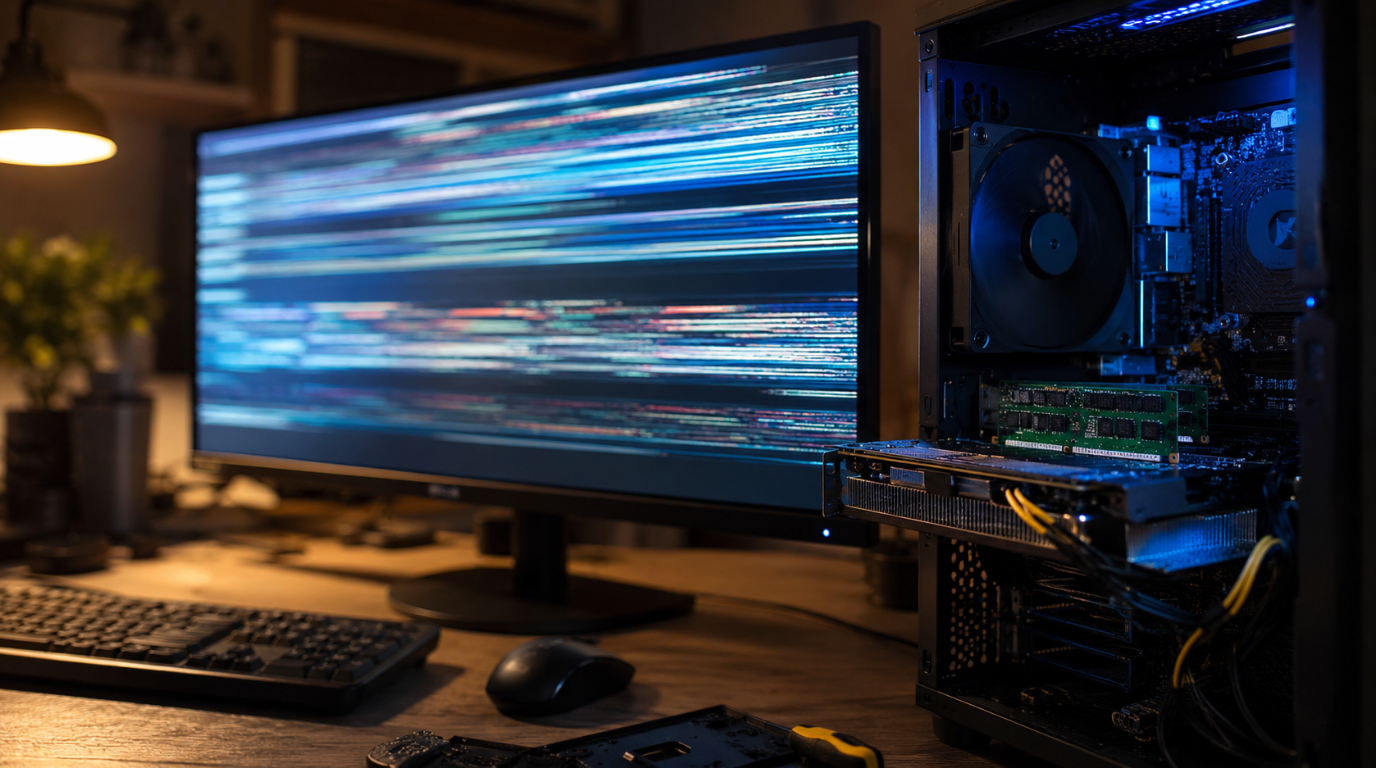
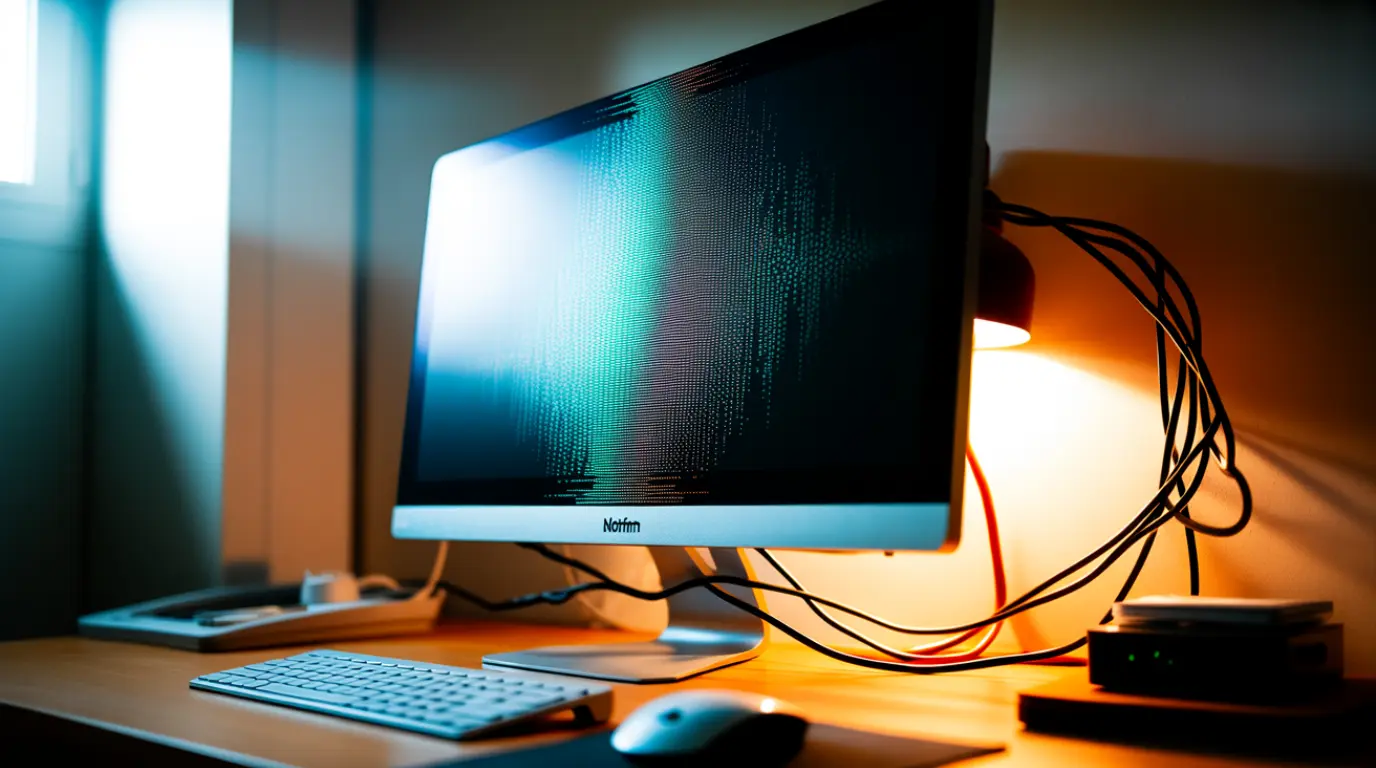
Desktop monitor showing screen flickering and glitch lines after installing new RAM and GPU in an open PC case

Installing new RAM or a new graphics card should boost your PC’s performance. Instead, many users see their screen flickering, flashing, or going black right after the upgrade. This is a common issue and rarely means your new hardware is defective. In most cases, the flickering comes from a seating problem, a driver conflict, or … Read more

HDMI vs DisplayPort: Which One Actually Gives You Better Screen Quality?

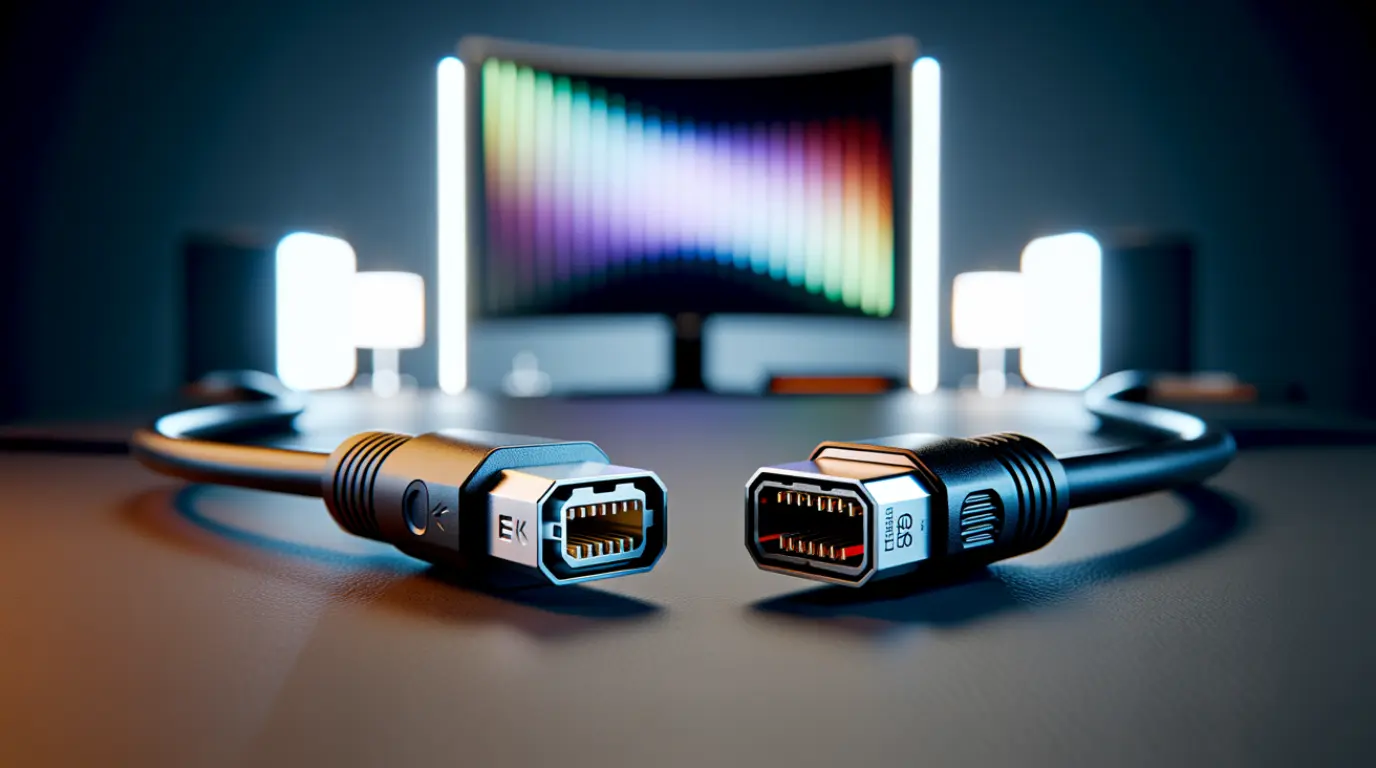
Close-up of HDMI and DisplayPort cable connectors beside a glowing 4K monitor on a desk.

DisplayPort currently wins on raw bandwidth, since DisplayPort 2.1 pushes 80 Gbps against HDMI 2.1’s 48 Gbps ceiling. That gap matters most at high refresh rates above 144Hz on PC monitors. For TVs, consoles, and everyday viewing, HDMI 2.1 already delivers identical picture quality, and the newer HDMI 2.2 standard closes most of the remaining … Read more

Two Monitors, Different Colors? Here’s the Real Fix

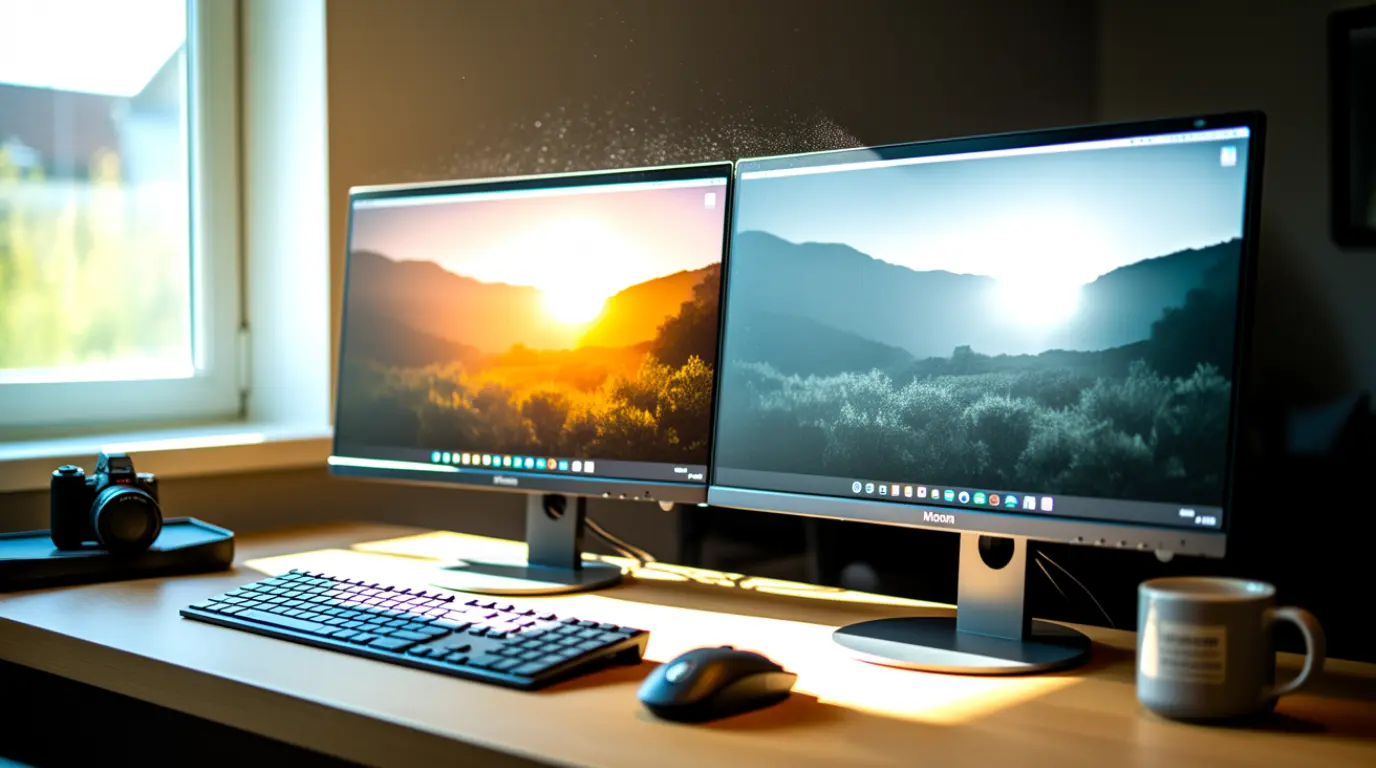
Two side-by-side monitors showing the same image with visibly different color tones

Monitor colors not matching between two screens usually come from different panel types, mismatched color profiles, or unequal factory calibration, not a broken monitor. Start by resetting both displays to their default picture mode and matching color temperature manually. Most cases improve significantly within 15 minutes at no cost. If one monitor is several years … Read more

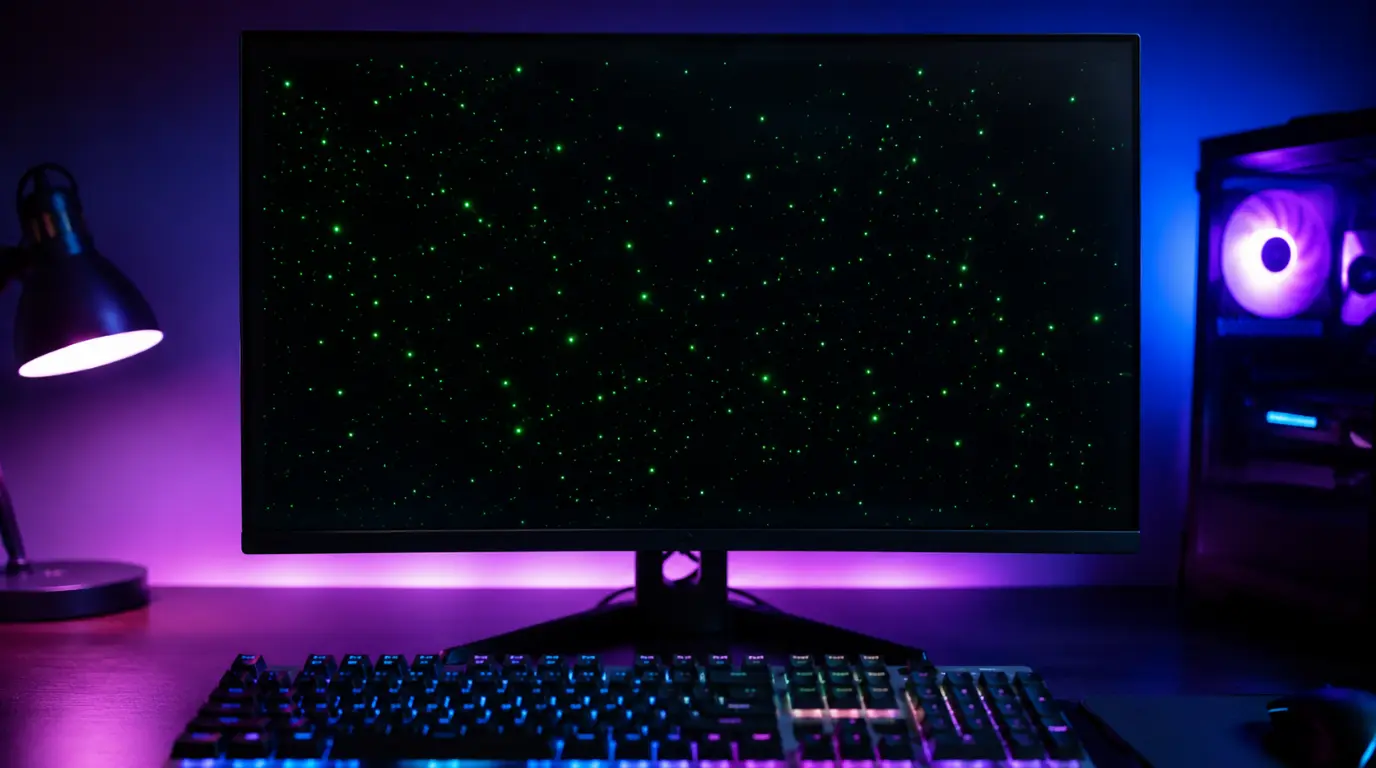
Green Dots on Computer Screen? Expert Fix Guide That Actually Works

Green dots visible on a desktop PC monitor displaying screen artifact issues.

Green dots on a computer screen are usually caused by GPU overheating, VRAM damage, a loose display cable, stuck pixels, or corrupted graphics drivers. The fastest way to identify the cause is connecting your computer to an external monitor. If the dots appear in BIOS or during startup, the problem is usually hardware-related and may … Read more