
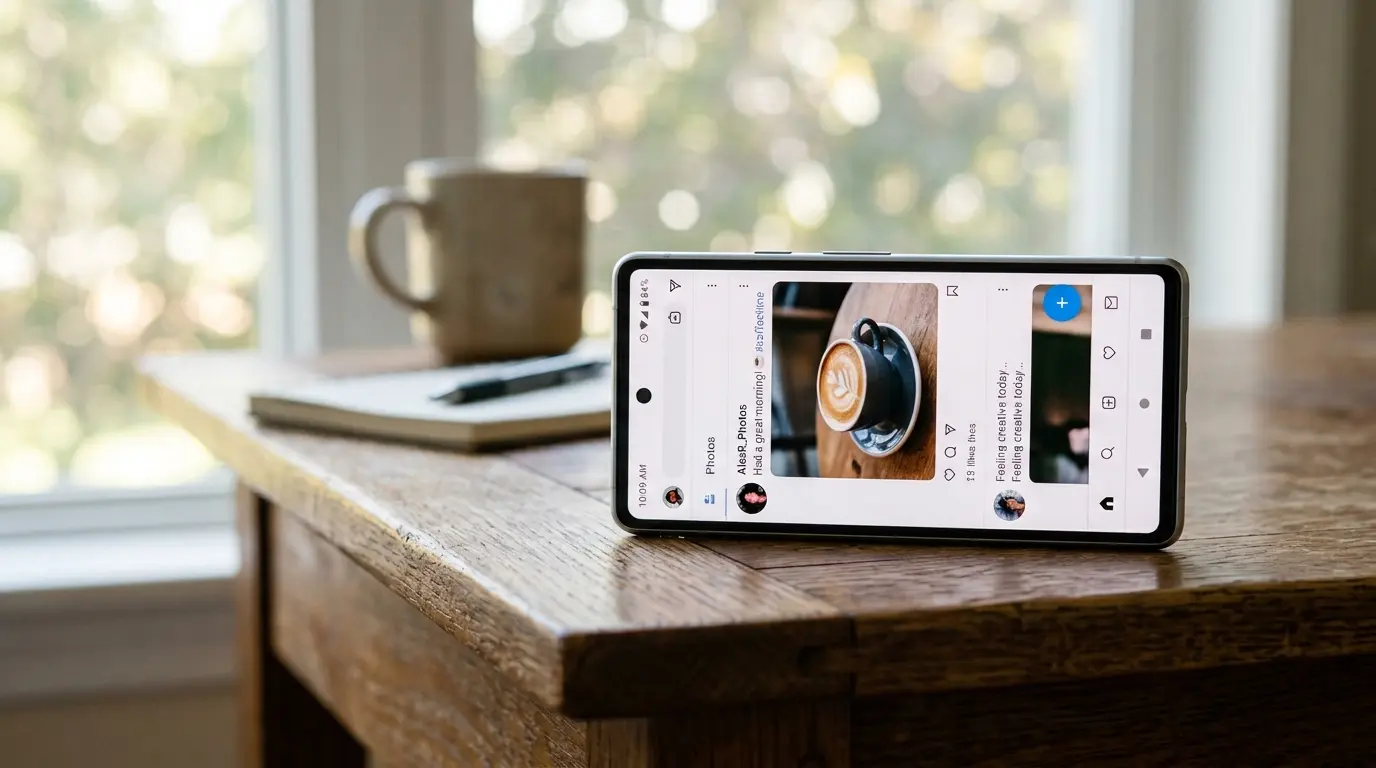
Most people’s first move is tapping the rotation lock icon two or three times in a row. It doesn’t work, so they assume the phone is broken. In almost every case we’ve looked at on the bench, that toggle was never the actual problem. It’s a symptom, not a switch.
Screen auto-rotate usually gets stuck for one of three reasons: a software service that manages orientation has frozen, the accelerometer or gyroscope reading is being blocked by a case or magnet, or, less often, the sensor itself has failed after a drop. A restart clears the software cause most of the time. If auto-rotate still won’t respond after a restart and a case removal test, the sensor hardware is the more likely culprit, and that usually means a paid diagnostic rather than a free fix.
The Toggle Test Most People Get Wrong
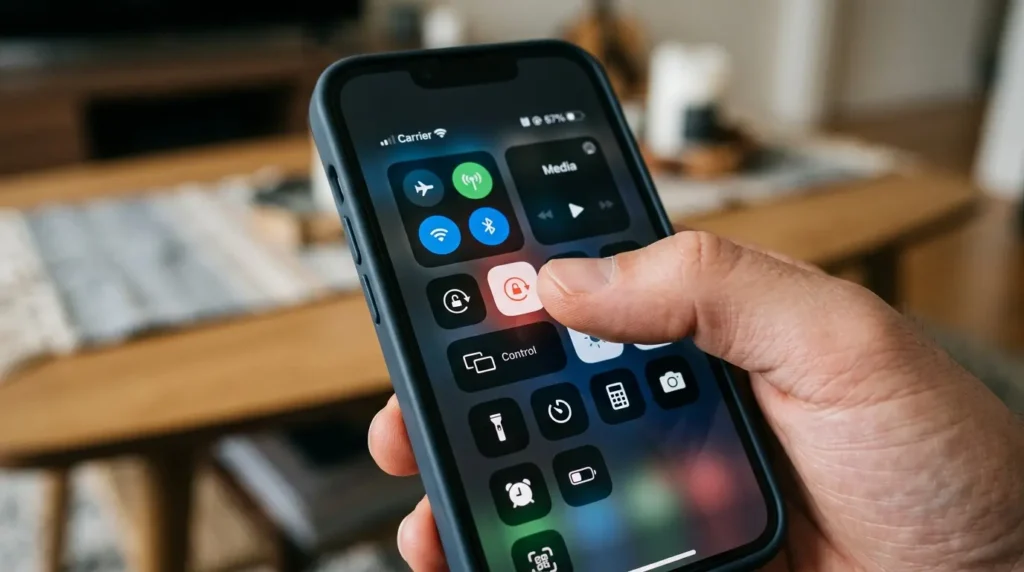
Turning rotation lock on and off doesn’t reset the sensor. It only flips a flag that tells the operating system whether to listen to the sensor at all. If the sensor itself has stopped reporting data, flipping that flag does nothing, because there’s nothing behind it to reset.
This is why the icon toggle “works” for some people and does nothing for others. It only fixes the problem when rotation lock was accidentally left on in the first place. Everyone else is toggling a setting that was never broken.
Why This Actually Happens
Rotation Lock Was Left On by Accident [Most Common]
On iPhone, this lives in Control Center as a padlock-with-arrow icon. On Android, it’s the auto-rotate tile in the quick settings shade, usually next to brightness. Either one can get toggled by a stray swipe in a pocket or bag.
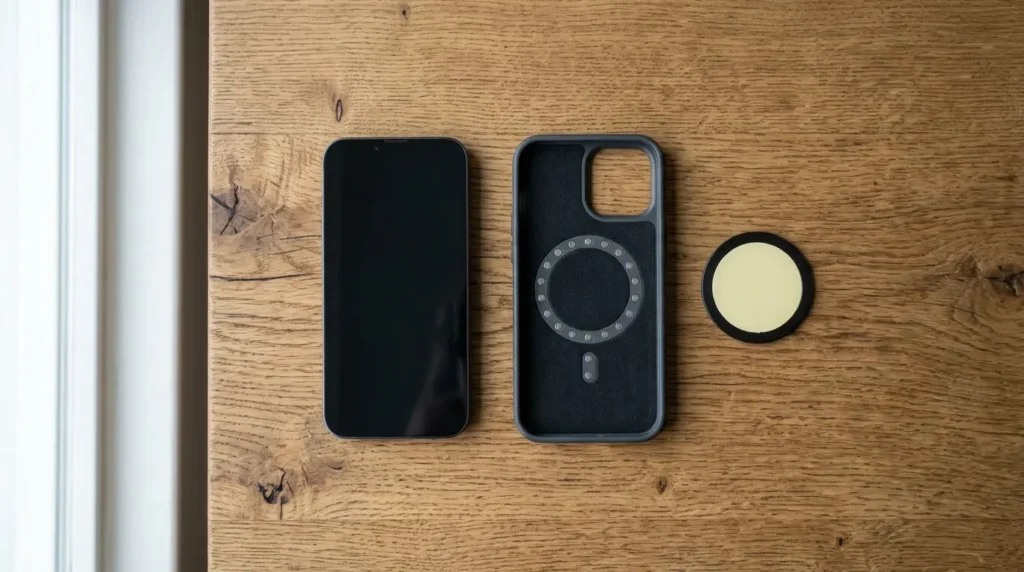
A Case or PopSocket Is Triggering the Compass Sensor [Common]
Magnetic phone cases, car mounts, and wallet cases with metal clasps can interfere with the magnetometer, which some phones use alongside the gyroscope to judge orientation. Samsung devices running One UI have had documented issues with magnetic accessories confusing “Smart rotation,” which also factors in face position through the front camera.
A Background App Is Holding Orientation Lock [Common]
Video players, camera apps, and some banking apps request a locked orientation while they’re open, then fail to release it properly if the app crashes instead of closing normally. This is one of the more overlooked causes because the app in question is often not the one currently on screen.
Software Update Left the Sensor Service in a Bad State [Less Common]
iOS and Android both run a background service that reads raw sensor data and converts it into an orientation event. After a major OS update, this service can start in a broken state on some units, particularly if the update happened while other apps were running in the background.
Gyroscope or Accelerometer Hardware Failure [Rare]
This is usually the result of a drop, even a minor one, or water exposure that reached the motherboard. It shows up as auto-rotate that never responds no matter what settings are changed, sometimes paired with a tilted or inaccurate compass reading in Maps.
The gyroscope and accelerometer are usually built into a single IMU, short for inertial measurement unit, soldered directly to the logic board. When impact or moisture reaches that chip, sensor fusion, the process of blending accelerometer, gyroscope, and magnetometer data into one orientation reading, breaks down. Calibration drift is another variant of this, where the sensor still responds but reports a slightly wrong angle, which shows up as rotation triggering late or at the wrong tilt point.
Causes at a Glance
| Cause | Likelihood | Fixable at Home | Typical Sign |
|---|---|---|---|
| Rotation lock left on | Most Common | Yes | Icon shows locked in Control Center or quick settings |
| Case or magnet interference | Common | Yes | Works fine with case removed |
| App holding orientation lock | Common | Yes | Only happens after using one specific app |
| Sensor service in bad state | Less Common | Yes | Started right after an OS update |
| IMU or gyroscope hardware failure | Rare | No | Level app reading is unstable or frozen |
How to Tell Software From Hardware Before You Spend Anything
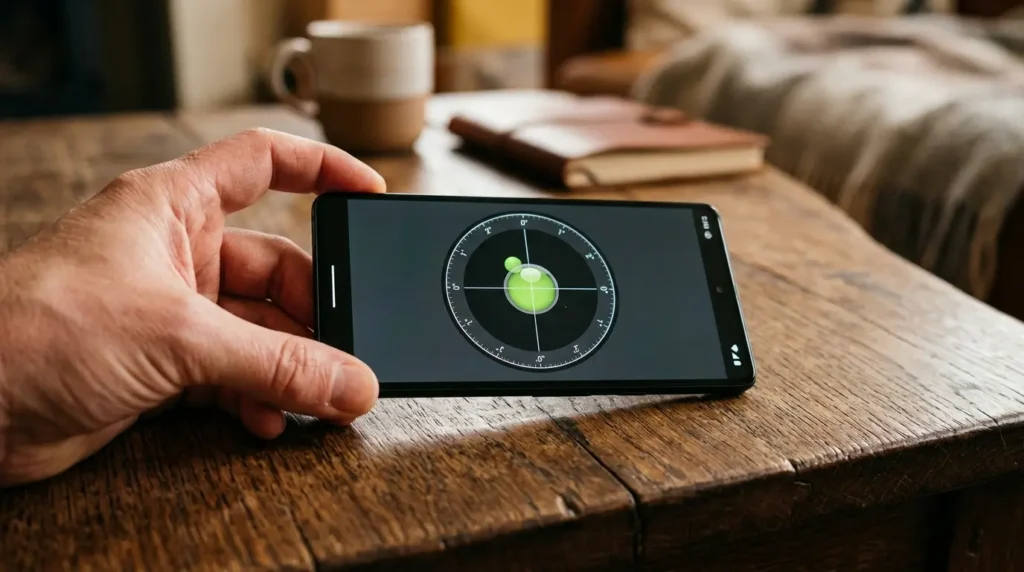
Open a level app, or the built-in Compass app on iPhone, which has a level tool built in. Lay the phone flat, then tilt it slowly in each direction. If the level line responds smoothly and accurately, the sensor hardware is fine and this is a software problem. If the reading jumps, freezes, or doesn’t move at all, you’re looking at a sensor fault, and no settings change will resolve that.
This single test saves more wasted time than any other step in this article. It’s the difference between a five-minute software fix and a repair conversation.
Fixing It Step by Step
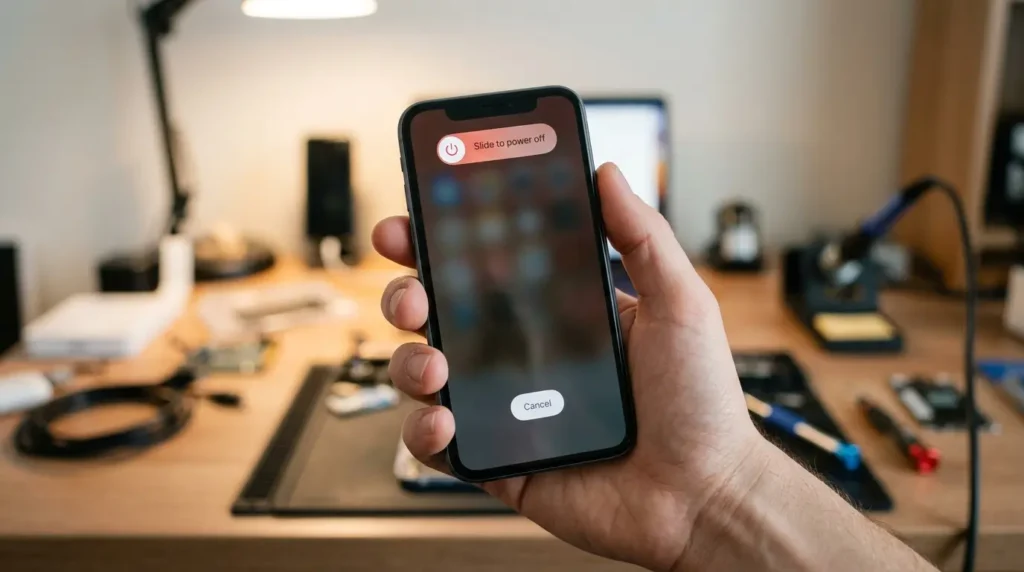
Restart the Device [Free] [2 minutes] [Success Rate: 70%]
Power off completely rather than just locking the screen. A full restart clears the sensor service and forces it to re-initialize from scratch.
- Hold the power button until the shutdown slider or menu appears.
- Wait a full 10 seconds after the screen goes black.
- Power back on and test rotation immediately by turning the phone sideways on the home screen.
Technician note: On several older Android units we’ve tested, a soft restart from the power menu did nothing, but a full hold-to-shutdown followed by a 10 second wait resolved it every time. The wait matters more than people expect.
Remove the Case and Any Magnetic Accessories [Free] [1 minute] [Success Rate: 55%]
Take the phone completely out of its case, including any magnetic wallet attachment or car mount plate still stuck to the back.
- Remove the case entirely.
- Test rotation on a flat surface away from other phones, tablets, or magnetic mounts.
- If rotation works, reintroduce the case alone first before adding any magnetic accessory back.
Technician note: We’ve seen this specifically with magnetic wallet cases that have a metal RFID-blocking plate. The plate sits directly behind where the magnetometer is placed on most phones.
Force Close the App That Was Open When It Broke [Free] [3 minutes] [Success Rate: 60%]
If auto-rotate stopped working while a specific app was running, that app is the first suspect, even if it’s now closed.
- Open the recent apps view.
- Fully swipe away the app that was active when rotation stopped responding.
- Restart the device afterward rather than just closing the app, since the orientation lock request can persist in memory until the next reboot.
Technician note: Video call apps and camera apps cause this more than anything else we see come through for this specific complaint.
Reset System Settings Without Erasing Data [Free] [10 minutes] [Success Rate: 50%]
On iPhone, this is under Settings, General, Transfer or Reset iPhone, Reset, Reset All Settings. On Android it’s typically under Settings, General Management, Reset, Reset Settings. This resets toggles and permissions, not photos or apps.
- Back up nothing is required, since this doesn’t touch personal files, but a backup is always smart practice regardless.
- Navigate to the reset menu on your specific device and confirm Reset All Settings, not Erase All Content.
- Let the phone restart on its own and re-test rotation before setting anything else back up.
Fix Summary Table
| Fix | Cost | Time | Success Rate |
|---|---|---|---|
| Full restart | Free | 2 minutes | 70% |
| Remove case and magnets | Free | 1 minute | 55% |
| Force close the app at fault | Free | 3 minutes | 60% |
| Reset all settings | Free | 10 minutes | 50% |
| Sensor or motherboard diagnostic | $40-$60 USD / £30-£45 GBP | Same day | Confirms cause, not a fix itself |
When It’s a Hardware Problem, Not a Settings Problem
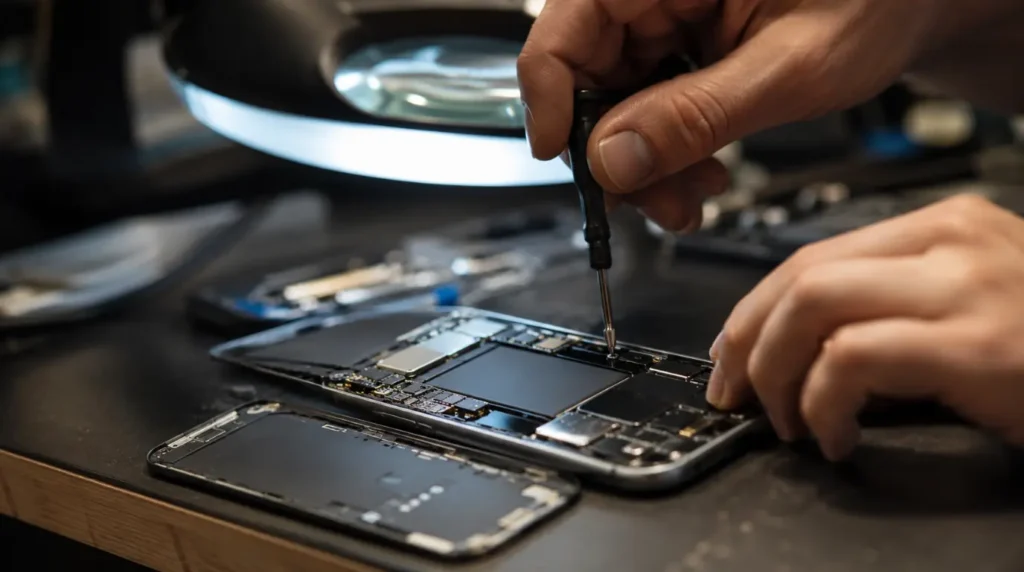
If the level test showed an unstable or dead reading, the accelerometer or gyroscope chip on the motherboard has likely failed. This is not something screen replacement fixes, because the sensor is a separate component soldered to the logic board, not part of the display assembly.
A qualified repair shop can run a diagnostic for around $40 to $60 USD or £30 to £45 GBP to confirm which sensor has failed. Full sensor or motherboard-level repair typically runs $120 to $220 USD or £95 to £175 GBP depending on the phone model and whether the part is available as a standalone component or requires a full logic board swap.
On phones older than three years, this is usually the point where replacing the device makes more financial sense than repairing it, especially once diagnostic and labor costs are added together.
Common Mistakes People Make With This Problem

- Repeatedly toggling rotation lock instead of testing with a level app first
- Assuming a factory reset is required when a settings-only reset usually solves it
- Not checking for a case or magnetic mount before assuming hardware failure
- Ignoring an unstable compass reading in Maps, which is often the earliest hardware warning sign
Prevention Tips
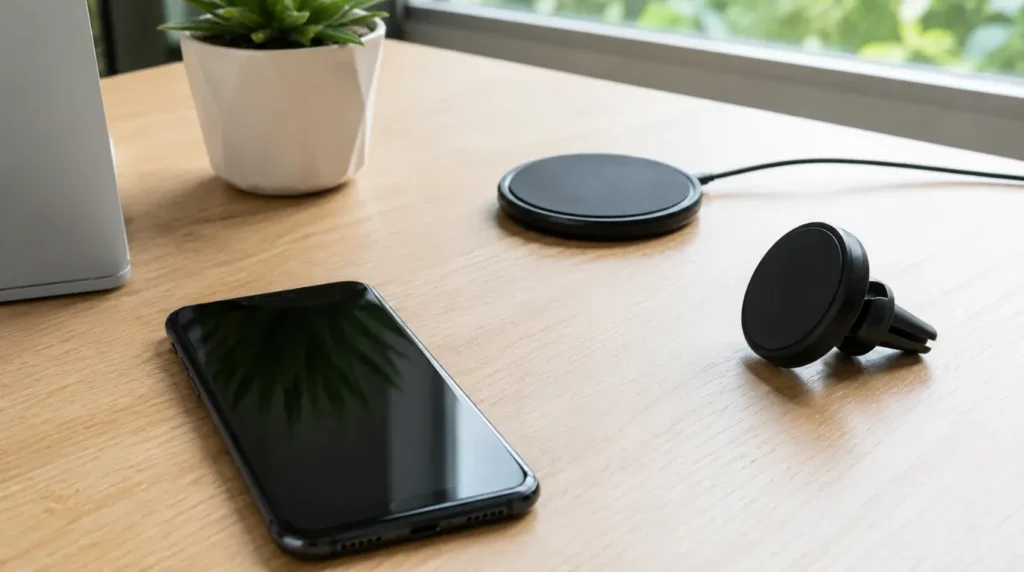
- Avoid stacking two magnetic accessories on the same phone at once
- Install OS updates when the phone is otherwise idle, not mid-task, to reduce the chance of a broken sensor service
- Case shop for phones known to have RFID or magnetic sensor sensitivity, and prefer non-magnetic cases if auto-rotate has failed before
Expert Verdict
Test with a level app before touching a single setting. That one step tells you whether you’re dealing with a two-minute fix or a paid diagnostic, and it removes almost all the guesswork people bring into this problem. For a deeper look at how phone motion sensors work and how manufacturers calibrate them, Apple’s own support documentation on device motion and orientation is a solid technical reference if you want to go further.
If you’re also dealing with a display that’s shown a solid green tint after a drop or update, our iPhone green screen troubleshooting guide covers that specific failure pattern in more depth. And if rotation issues are showing up inside a single app rather than system-wide, our white screen app repair guide walks through isolating app-specific display bugs the same way.
Frequently Asked Questions
Why does my phone rotate in some apps but not others? Some apps lock their own orientation regardless of your system setting. If Instagram rotates but your camera roll doesn’t, that’s usually an app-level lock, not a system problem.
Can a screen protector cause auto-rotate to get stuck? Not directly. Screen protectors don’t sit near the motion sensors, so they aren’t a realistic cause here, unlike magnetic cases or mounts.
Does restarting delete anything on my phone? No. A restart only clears active processes and memory. It doesn’t touch photos, messages, or installed apps.
Is auto-rotate the same sensor as the one used for step counting? They’re related but not identical. Both rely on the accelerometer, but step counting also uses separate motion coprocessors on newer phones, which is why one can fail while the other still partially works.
Should I try a factory reset if nothing else works? Try Reset All Settings first. A full factory reset is rarely necessary for this specific problem and mainly makes sense if a technician has already ruled out hardware failure and software resets haven’t helped.
If the level test came back stable and none of the software fixes above changed anything, it’s worth getting an actual sensor diagnostic rather than guessing further. That’s the one situation here where continuing to troubleshoot at home just delays the real answer.
Article Summary
Auto-rotate almost never fails because the lock icon itself is broken. Rule out accidental rotation lock, magnetic case interference, and a stuck app first, since those three cover most cases and cost nothing to test. A level app tells you in under a minute whether you’re chasing a software glitch or an IMU hardware fault. If the reading is unstable, stop troubleshooting settings and get a diagnostic instead.
Disclaimer
This guide reflects general repair patterns observed across common phone models and is meant for informational troubleshooting purposes only. Repair costs, menu paths, and settings labels can vary by device model, carrier, and OS version. Always confirm current pricing and warranty coverage with your device manufacturer or a qualified repair technician before proceeding with paid repairs.
Editor Note
This article was reviewed for technical accuracy and updated in July 2026 to reflect current iOS and Android settings menus. Menu paths were checked against current-generation devices at the time of publishing and may shift slightly with future OS updates.
Author Note
Written by Ben, founder of screenproblems.com and a hardware diagnostic specialist with 10 years of hands-on display and device repair experience. Ben writes from direct bench testing rather than secondhand sources, and this article draws on real repair cases involving rotation and motion sensor faults.