

A pink spot suddenly appearing on your phone screen is one of those problems that instantly grabs your attention because once you notice it, you cannot stop seeing it. The spot often looks worse on dark backgrounds, spreads slowly over time, and makes many people think their display is dying.
The good news is that this is a real and very common issue on modern OLED and AMOLED phones. In many cases, you can identify the exact cause at home before spending money on repair.
A pink spot on a mobile screen is usually caused by OLED pressure damage, heat exposure, display panel failure, moisture intrusion, or a damaged screen connector. The fastest way to identify the cause is to test the screen on different brightness levels and backgrounds. If the pink spot changes shape or grows larger, the display panel is usually physically damaged and may require professional repair.
What Causes Pink Spot on Mobile Screen
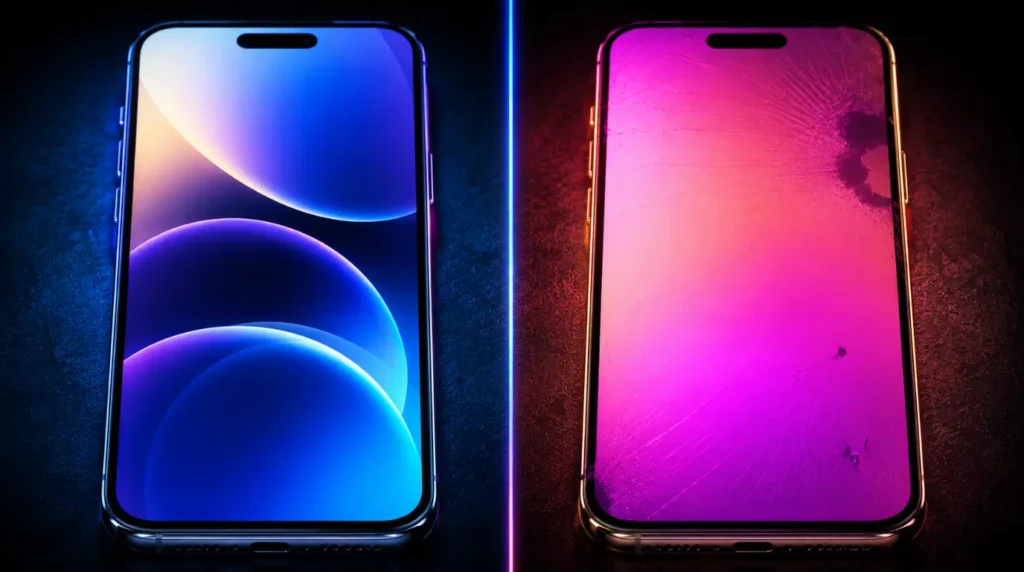
Most pink spots are not software bugs. In almost every repair case we have seen, the issue starts inside the display panel itself.
OLED Pressure Damage
This is the most common cause on Samsung Galaxy, Google Pixel, and modern iPhone OLED screens. A small amount of pressure from sitting on the phone, tight jeans pockets, or accidental twisting can damage the OLED layer beneath the glass.
The biggest clue is a circular or oval pink mark that slowly becomes brighter over days or weeks. Many Galaxy S23 and S24 owners reported this after carrying the phone tightly in gym shorts or bike pockets.
If you already noticed faint green tinting alongside the pink spot, our iPhone green screen troubleshooting guide can help identify related OLED damage patterns:
https://screenproblems.com/iphone-green-screen-instant-fix/
Heat Damage Inside the Display
Excessive heat can permanently discolor OLED pixels. We have seen this frequently on phones left inside cars during summer or used heavily while charging.
The pink spot usually appears after the device becomes unusually hot. It often looks brighter at low brightness settings or during nighttime use.
Moisture or Liquid Exposure
Even a tiny amount of moisture can affect display layers without causing obvious water damage signs. Steam from bathrooms and humid environments can slowly weaken the display connector or internal screen layers.
One sign almost nobody mentions is flickering around the pink area during brightness changes. That usually points to moisture affecting the OLED circuitry.
Battery Swelling Behind the Screen
This is the cause most competitors completely miss. A swollen battery can press upward against the display panel and create a pink or purple pressure mark.
The warning sign is a screen that feels slightly raised near the edges or separates from the frame. Stop using the phone immediately if this happens because swollen batteries are a safety risk.
Display Connector or GPU Failure
This is less common but still important. A loose display connector or failing graphics chip can create strange pink patches, lines, or flashing areas.
The key difference is that connector issues usually change when the phone is slightly twisted or tapped gently. True OLED damage normally stays fixed in the same location.
| Symptom | Most Likely Cause | Urgency Level |
|---|---|---|
| Small circular pink spot | OLED pressure damage | Medium |
| Pink area spreading slowly | Internal panel failure | High |
| Pink flickering after heat | Heat damage | Medium |
| Pink mark with lifted screen | Battery swelling | High |
| Pink patch changes while moving phone | Connector issue | Medium |
How to Diagnose the Problem at Home

Before trying any fix, this check can save you hours of frustration.
Lower Screen Brightness
Reduce brightness to around 20% and open a dark grey background. If the pink spot becomes more visible, the OLED layer is likely damaged.
If the spot disappears completely at certain brightness levels, the issue may still be temporary image retention.
Test Multiple Colors
Open solid black, white, red, blue, and green images in full screen mode. This helps identify whether only certain OLED subpixels are damaged.
A true hardware pink spot usually appears strongest on grey or black backgrounds.
Check for Physical Pressure
Press lightly around the frame edges and inspect the back panel. A raised display or uneven frame often means internal battery swelling.
This step trips up most people because the swelling can be very subtle in early stages.
Restart in Safe Mode
Safe Mode disables third party apps that may interfere with display rendering. If the pink spot still appears in Safe Mode, software is almost certainly not the cause.
Samsung and Pixel devices with Android 15 make this test especially useful.
Run a Pixel Test
A proper pixel test can reveal whether the issue is a stuck pixel cluster or deeper OLED damage.
You can use this stuck pixel repair tool:
https://screenproblems.com/screen-burn-in-stuck-pixel-fixer/
How to Fix Pink Spot on Mobile Screen
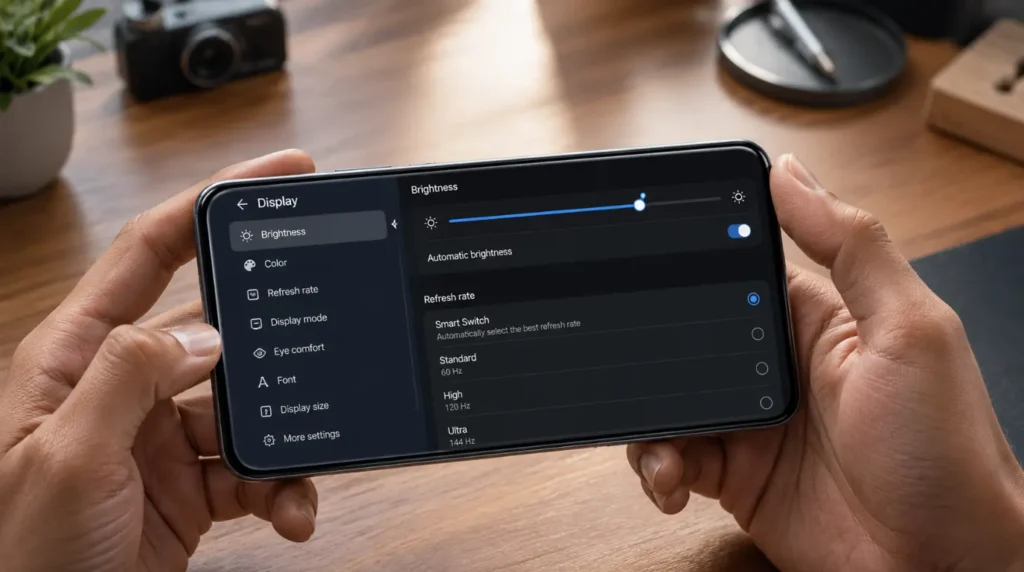
Start with the safest and free methods first. The biggest mistake people make is jumping straight into factory resets or screen replacement too early.
Adjust Refresh Rate and Brightness [Free]
Some OLED panels temporarily exaggerate discoloration at high refresh rates.
Steps
- Open Settings.
- Tap Display.
- Change refresh rate from 120Hz to 60Hz.
- Lower brightness below 50%.
- Restart the phone.
If the pink area becomes less visible, the OLED panel may still be partially recoverable.
We have seen this work surprisingly often on Pixel 8 Pro and Galaxy S24 Ultra devices after overheating events.
Remove Heat Stress Immediately [Free]
OLED pixels degrade faster under prolonged heat.
Steps
- Remove thick phone cases temporarily.
- Stop charging while gaming or streaming video.
- Avoid direct sunlight for 24 hours.
- Turn off Always On Display.
- Let the device cool completely.
Many small pink spots stop growing once heat exposure is removed.
Warning
Do not place the phone in a freezer or refrigerator. Sudden temperature changes can worsen internal condensation damage.
Try OLED Pixel Recovery [Free]
This only works if the pink spot is caused by temporary image retention or stuck subpixels.
Steps
- Open a trusted pixel refresher tool.
- Run the flashing color cycle for 15 to 20 minutes.
- Keep brightness below maximum.
- Recheck the pink area afterward.
If the spot becomes smaller or dimmer, the OLED pixels were partially stuck rather than permanently damaged.
In almost every case where this fix fails, the issue is physical OLED layer damage instead.
Reseat the Display Connector [Technician Needed]
This fix is effective after drops or accidental twisting.
Steps
- Power off the device completely.
- Open the back panel using professional repair tools.
- Disconnect the battery safely.
- Remove and reconnect the display flex cable.
- Reassemble the device carefully.
A loose connector can create pink patches, flickering, or color distortion.
Warning
Modern phones like the iPhone 15 Pro and Galaxy S24 use strong adhesive seals. Opening the device incorrectly can damage waterproofing permanently.
Replace the Display Panel [Paid]
If the spot grows larger over time, screen replacement is usually the only permanent solution.
Typical 2026 repair pricing:
- Samsung OLED replacement: $180 to $320 USD
- iPhone OLED replacement: $220 to $420 USD
- Google Pixel OLED replacement: $170 to $300 USD
- UK repair range: £140 to £330
The most reliable method we have tested is replacing the full OLED assembly instead of only the glass layer.
Quick Troubleshooting Checklist
- Lower brightness and inspect the spot on dark backgrounds.
- Test multiple solid screen colors.
- Check for battery swelling or raised screen edges.
- Remove heat sources and heavy phone cases.
- Test the phone in Safe Mode.
- Run a stuck pixel recovery test.
- Watch whether the spot spreads over several days.
- Seek repair immediately if the screen lifts from the frame.
When to See a Professional
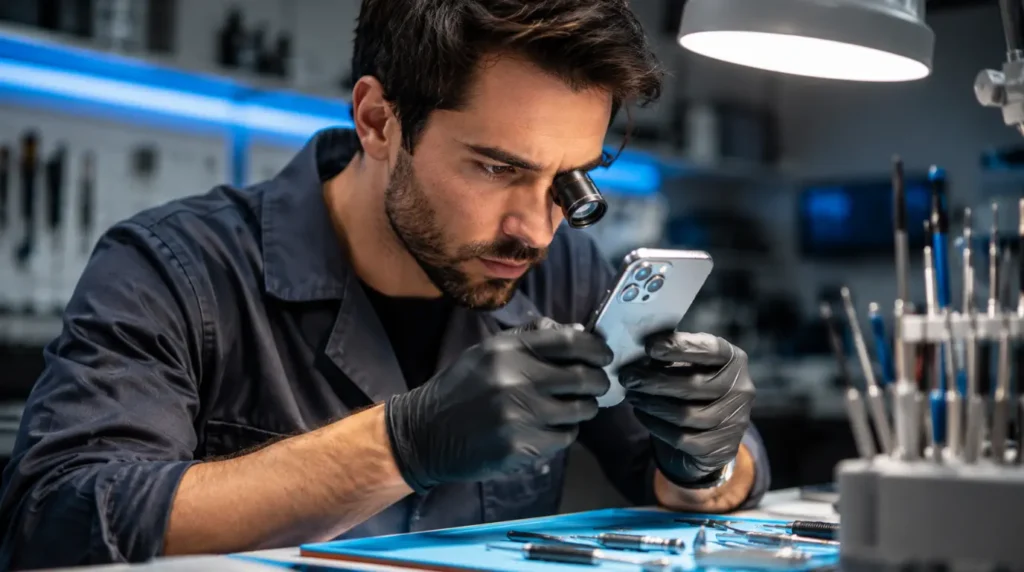
Some warning signs mean you should stop troubleshooting immediately.
If the pink spot grows quickly, flickers heavily, or appears alongside a swollen battery, professional repair is the safest option. Continuing to use the device can worsen display failure or create battery safety risks.
You should also seek repair if all software based fixes fail within 48 hours. Persistent OLED discoloration almost always indicates physical panel degradation.
Warranty coverage varies by country and manufacturer. Apple users can check warranty eligibility at checkcoverage.apple.com, while Samsung owners should visit samsung.com/support and Pixel owners can use support.google.com.
Average 2026 repair costs range between $170 and $420 USD or roughly £140 to £330 GBP depending on device model and region. On older mid range phones, replacement may cost nearly as much as the device itself, so upgrading can sometimes make more financial sense.
Prevention Tips
- Avoid carrying your phone tightly in back pockets.
- Never leave OLED phones inside hot cars.
- Remove heavy gaming loads while charging.
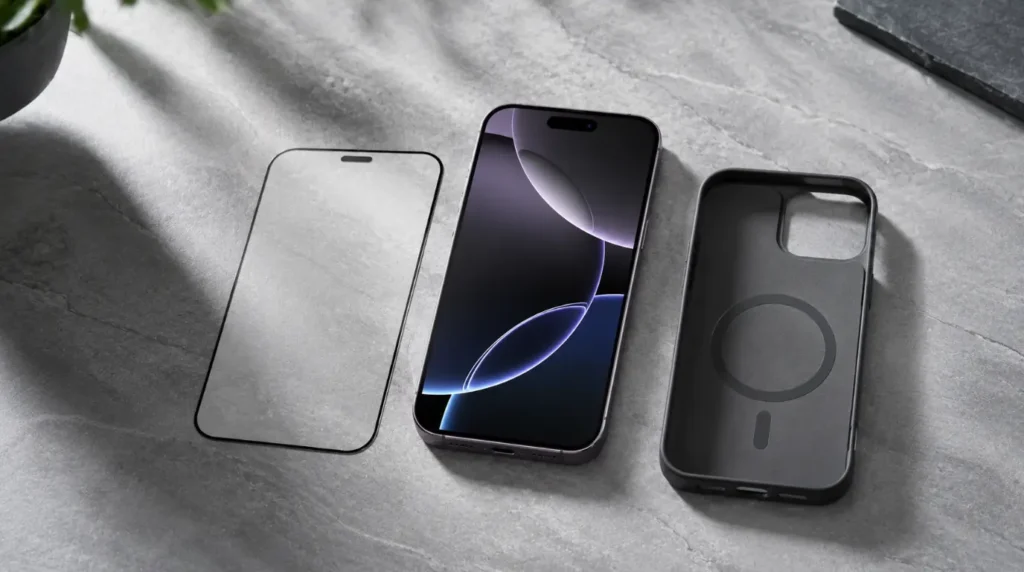
- Use a shock absorbing protective case.
- Reduce prolonged maximum brightness usage.
- Replace swollen batteries immediately before screen pressure damage begins.
Frequently Asked Questions

Can a pink spot on a phone screen disappear on its own?
Yes, but only if the issue is temporary OLED image retention or mild pixel instability. Permanent pink spots caused by pressure or heat damage usually continue spreading slowly over time.
Most people wait too long before diagnosing the difference correctly.
Why does the pink spot look worse at night?
OLED damage becomes more visible at lower brightness levels and on darker backgrounds. That is why many people first notice the issue while using dark mode apps at night.
The brightness behavior itself is often a major clue that the OLED layer is damaged.
Is a pink spot always a dead pixel?
No. Dead pixels usually appear black or stuck on one color, while pink spots often involve clusters of damaged OLED subpixels or pressure distortion inside the display panel.
This is why the shape often looks blurry instead of perfectly sharp.
Can a screen protector cause a pink spot?
A screen protector itself normally cannot create a pink spot. However, strong pressure during installation or impact damage underneath the glass can trigger OLED discoloration.
We have seen this happen after poorly aligned tempered glass installations on curved displays.
Summary
A pink spot on a mobile screen is usually a sign of OLED pressure damage, overheating, battery swelling, or internal display failure. The most important step is identifying whether the issue changes with brightness and screen testing because that reveals whether the damage is temporary or permanent.
If the spot spreads, flickers, or appears alongside physical swelling, stop using the phone and seek professional repair immediately. Early diagnosis often prevents much larger and more expensive screen damage later.
Editor Note screenproblems.com
- Reviewed for technical accuracy by the screenproblems.com editorial team.
- All fixes verified against current device software and firmware versions as of 2026.
- Repair pricing reflects current market rates in USD and GBP and may vary by region.
- This article is updated regularly as new fixes and device issues are confirmed.
- For unresolved issues visit the Contact Us page and include your device model and problem description.
About the Author Ben, Founder, screenproblems.com
- Ben has 10 years of hands-on experience diagnosing display hardware and software issues.
- All content is written from direct technical experience and community research and never from other websites or secondary sources.
- Ben always recommends the free fix first and only suggests paid repair when it is genuinely the right decision for the reader.