
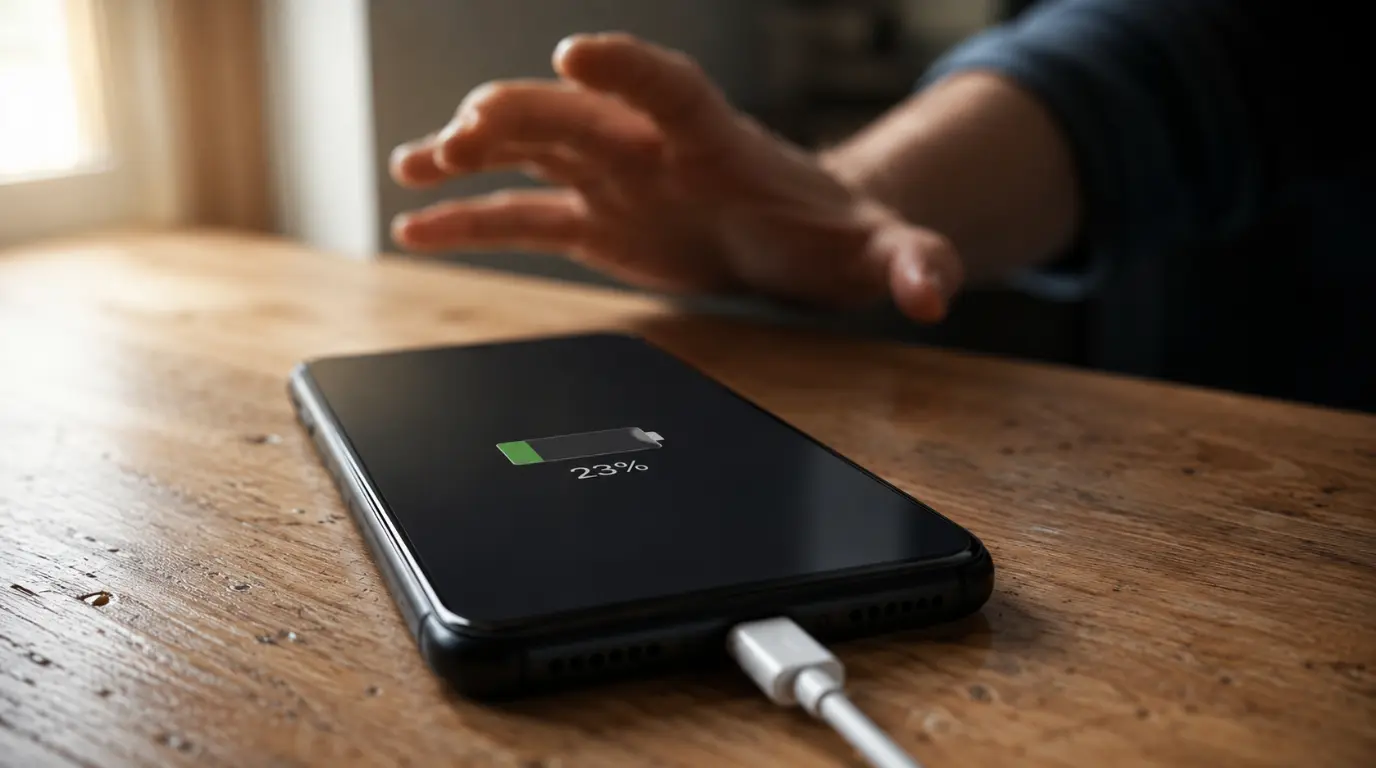
If your phone is charging slowly, the cause is almost always one of five things: a weak charger, a bad cable, a dirty port, background apps eating power while you charge, or a battery that has started to age. Test each one in that order and you will usually find the culprit within ten minutes. The fix is often a five-dollar cable, not a new phone.
- Most slow charging comes from a low-wattage charger, a worn cable, or a lint-clogged port, not a broken phone.
- Using your phone while it charges can cut charging speed by half or more.
- Charging fast to 80% then crawling is normal. That’s Optimized Battery Charging or Adaptive Fast Charging protecting your battery, not a fault.
- A 90-second test (below) tells you which of the five causes you’re actually dealing with.
- If charging stays slow after trying every fix, battery degradation is the most likely remaining cause.
Your Phone Used to Charge Fast. What Changed?
Nothing usually “breaks” overnight. Slow charging almost always comes from one small change: a swapped cable, a new case, a software update, or a battery that has quietly aged past its efficient window.
The good news is that the five causes are easy to tell apart once you know what to check. Work through them in order rather than guessing, and you’ll waste less time.
The 90-Second Diagnostic Test (Unique Angle)
Here’s a quick way to narrow it down before you try anything else. Plug your phone into the wall with your normal cable, screen off, and note the battery percentage.
Wait 90 seconds and check again. If the percentage barely moved and the phone feels warm, heat or a background app is likely the cause.
If it barely moved and the phone stayed cool, suspect the charger or cable first. If it climbed at a normal rate, the issue may only show up later in the charge cycle, which usually points to battery health or Optimized Battery Charging near the 80% mark.
The Charger Might Not Be the Problem You Think It Is
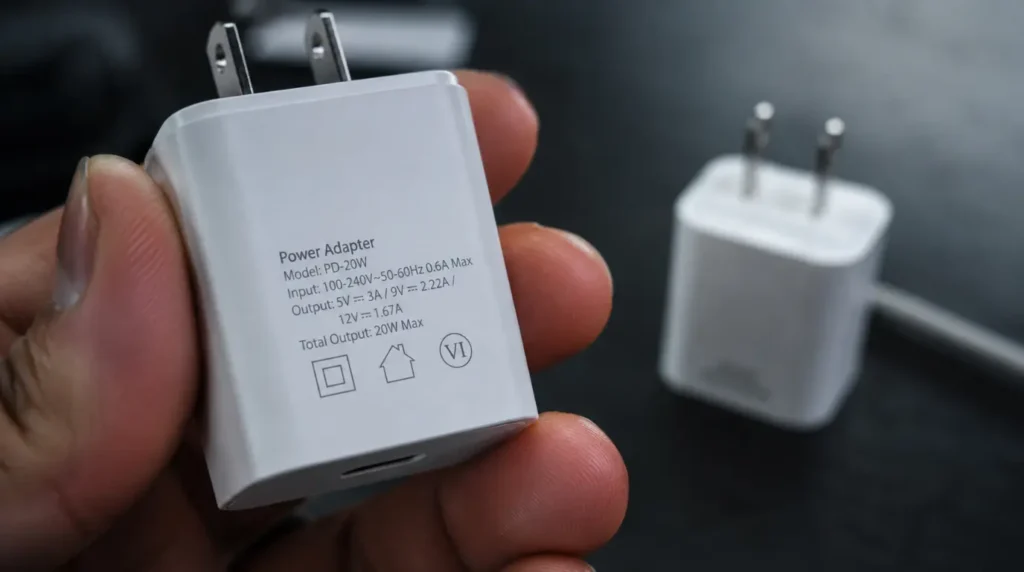
A charger that outputs less than 18W will always charge a modern phone slowly, no matter how good your cable is. Most flagship phones now support 20W to 65W or higher, and using an old 5W adapter is the single most common cause of slow charging.
Check the small print on your charger’s body. It lists the wattage output directly, usually as “5V/1A” for old 5W bricks or “20W” and up for anything fast-charging capable.
If you’re using a laptop USB port, a car’s USB slot, or a public charging hub, expect slow charging. These sources typically deliver only 5W to 10W, far below what fast charging needs.
Check the Cable Before You Blame the Phone
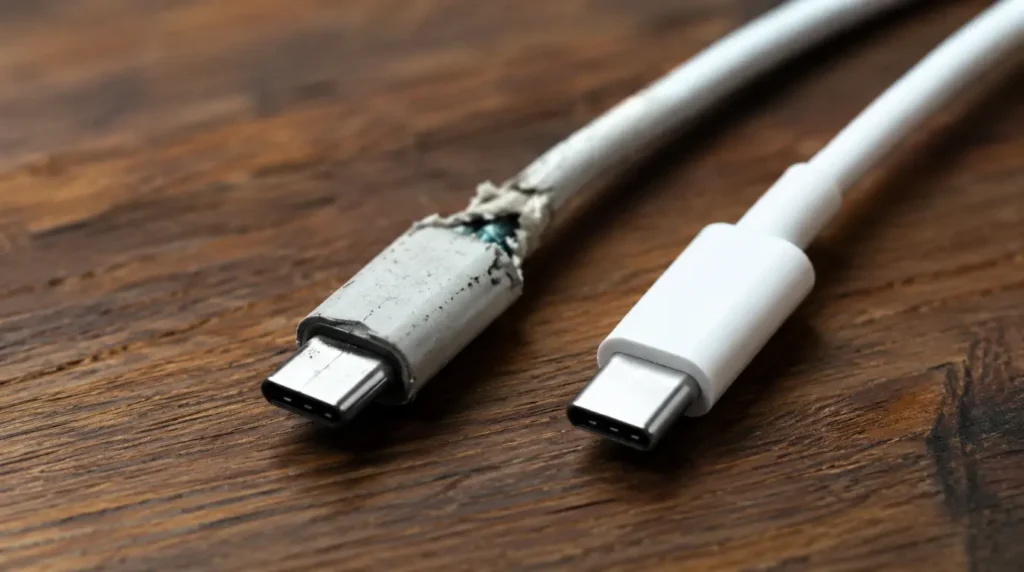
A damaged or uncertified cable is a bottleneck even when your charger and phone both support fast charging. Frayed cables, bent connectors, and cheap third-party cables without proper certification often negotiate only the slowest charging mode available.
Look for USB-IF certification on USB-C cables and MFi certification on Lightning cables. Cables rated above 60W usually carry an E-Marker chip inside the connector, which many bargain cables skip entirely.
Swap in a cable you know is good, ideally the one that shipped with your phone, and retest. If charging speed jumps immediately, the old cable was your answer.
If You See a Slow Trickle, Look Inside the Port First
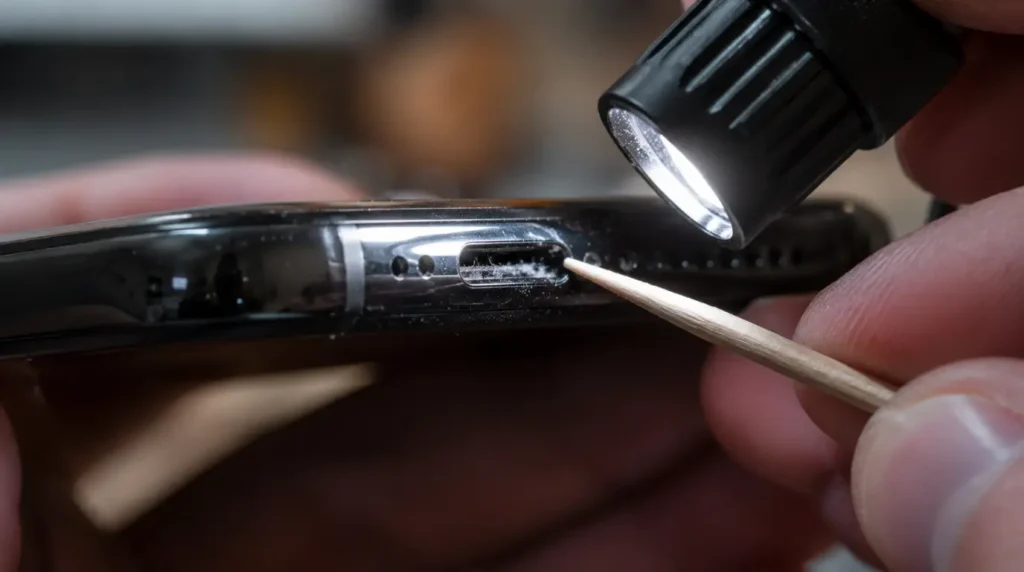
Dust and pocket lint build up inside charging ports over months of daily use. This blocks the physical contact between the pins in your cable and the connectors inside the port, which can cause slow, inconsistent, or failed charging.
Shine a flashlight into the port and look for visible debris or a grayish buildup at the back. If the cable sits at an angle or doesn’t seat flush, that’s a strong sign of blockage.
Use a wooden toothpick, a plastic pick, or a short burst of compressed air. Never use metal tools, since the pins inside are delicate and easy to short or bend.
Still Using Your Phone While It Charges? That’s Your Bottleneck
Gaming, video calls, and navigation apps draw power fast, sometimes faster than the charger can replace it. In extreme cases the battery percentage barely moves because the phone is consuming power almost as quickly as it receives it.
This is the most overlooked cause because the phone genuinely is “charging,” just at a crawl. Turn the screen off and close demanding apps for ten minutes and watch how much faster the percentage climbs.
Hot Phone, Slow Charge: The Temperature Connection
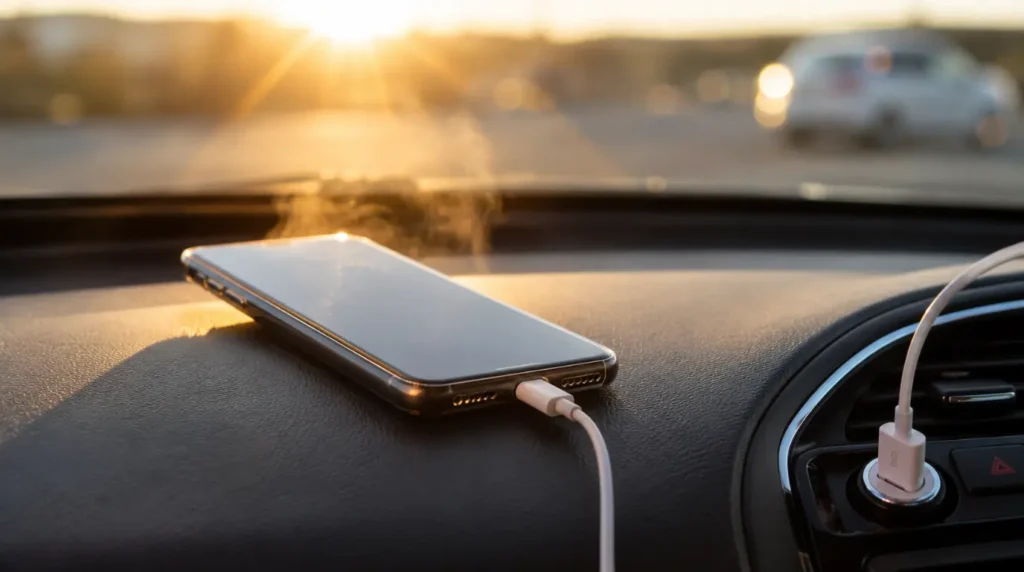
Every phone throttles charging speed once internal temperature climbs too high. Apple documents that ambient temperatures above 95°F (35°C) can permanently reduce battery capacity, and charging software will limit speed above 80% when recommended temperatures are exceeded.
Direct sunlight, a hot car, or a thick case that traps heat are common triggers. Move the phone somewhere cool, remove the case, and let it drop back to normal temperature before expecting normal charging speed.
Battery Health Settings That Quietly Slow You Down
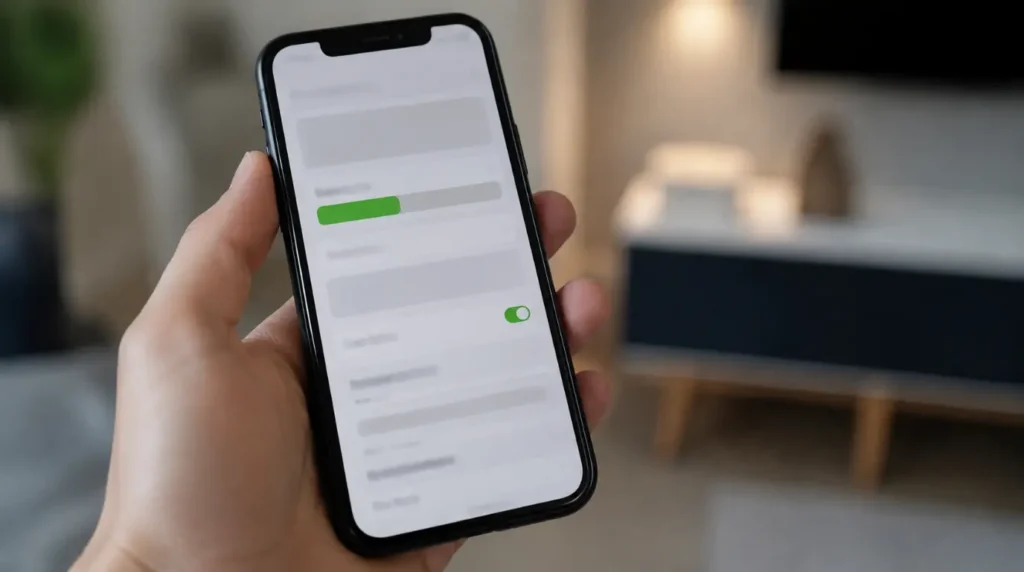
If your phone charges quickly up to around 80% and then crawls toward 100%, that’s not damage. Apple’s Optimized Battery Charging and the Android equivalent, Adaptive Fast Charging, deliberately slow the final stretch to reduce time spent at full charge, which protects long-term battery health.
This is on by default and requires roughly two weeks of consistent charging habits before it fully engages. If you need a full charge immediately, most phones let you override it with a “Charge Now” prompt on the lock screen or in battery settings.
When It’s Actually the Battery Itself
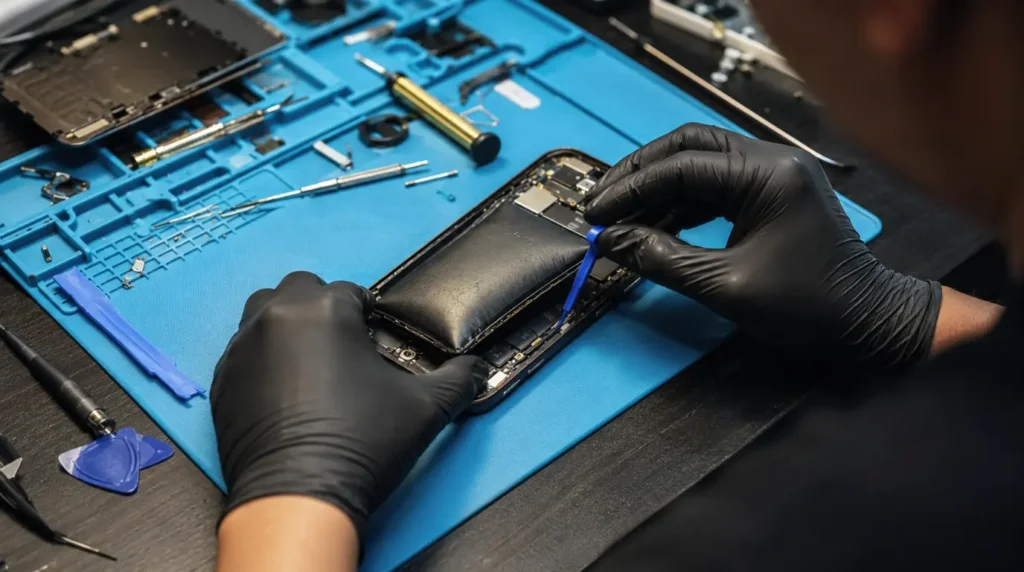
Lithium-ion batteries degrade with every charge cycle, and older batteries hold and accept less power efficiently. If your phone charges slowly, drains fast, or gets unusually warm even with a known-good charger and cable, battery health is the likely cause.
Check battery health under Settings on iPhone or your manufacturer’s battery app on Android. A capacity below roughly 80% is generally the point where charging speed and daily performance both start to noticeably suffer.
Cause vs. Fix at a Glance
| Cause | How to Confirm | Fix | Cost / Time | Success Rate |
| Low-wattage charger | Check wattage label on brick | Use 20W+ certified fast charger | $10-25 / 5 min | High |
| Damaged or uncertified cable | Test with known-good cable | Replace with USB-IF/MFi certified cable | $8-20 / 5 min | High |
| Debris in charging port | Inspect with flashlight | Clean with plastic pick or compressed air | Free / 10 min | High |
| Phone in use while charging | Screen off, retest for 10 min | Avoid gaming/streaming while charging | Free / instant | High |
| Overheating | Phone feels hot to touch | Remove case, move to cool area | Free / 10-15 min | High |
| Optimized Battery Charging | Charges fast to 80%, then slows | Normal behavior, or override in settings | Free / instant | N/A (not a fault) |
| Degraded battery | Battery health below ~80% | Battery replacement | $50-90 / 30-60 min (technician) | Moderate-High |
Technician Note: A battery swap fixes slow charging caused by aging cells, but it will not help if the real cause is a weak charger or bad cable. Confirm the diagnosis before paying for a replacement.
Fast Charging Standards Compared
| Standard | Typical Wattage | Used By |
| USB Power Delivery (PD) | 18W-100W+ | iPhone, most Android phones, laptops |
| Adaptive Fast Charging | 15W-25W | Older Samsung Galaxy devices |
| SuperVOOC | Up to 100W | OnePlus |
| HyperCharge | Up to 120W | Xiaomi |
Proprietary standards like SuperVOOC and HyperCharge only reach their top speeds with a matched charger from the same brand. A universal USB-PD charger will still work, just at standard USB-C speeds instead of the manufacturer’s fastest rate.
For deeper troubleshooting when your phone won’t charge at all rather than charging slowly, see our guide on phones stuck in recovery mode for related power and boot issues.
Common Mistakes People Make
- Buying the cheapest “fast charging” cable available, which often can’t actually deliver more than 5W despite the label.
- Assuming a warm phone during charging always means a faulty battery, when it’s frequently just active use or heat exposure.
- Turning off Optimized Battery Charging permanently because the 80%-to-100% slowdown feels like a bug rather than a built-in protection.
- Charging through a laptop or car USB port and expecting wall-outlet speeds.
- Ignoring a visibly bent or loose charging port until charging stops working entirely.
Prevention: Keep Charging Speed From Dropping Again
- Keep one certified fast-charging cable dedicated to daily use and avoid rotating in cheap spares.
- Clean the charging port every few months, especially if you carry your phone in a pocket with lint-heavy fabric.
- Charge in a cool, shaded spot and skip thick cases during long charging sessions.
- Keep software updated, since charging bugs are occasionally fixed in routine updates.
- Avoid letting the battery repeatedly drain to 0% or sit at 100% for long stretches, which accelerates the aging that eventually slows charging.
FAQ
Why is my phone charging slowly all of a sudden?
The most common reasons are a swapped charger or cable, a clogged port, or a recent software update that changed charging behavior. Run the 90-second test above to narrow it down quickly.
Does using my phone while charging really slow it down?
Yes. Power-heavy activity like gaming or video calls can draw nearly as much power as the charger supplies, making the percentage climb very slowly.
Is it bad to leave my phone charging overnight?
No. Modern phones stop charging once they hit their limit and use Optimized Battery Charging or Adaptive Fast Charging to avoid sitting at 100% for too long.
Can a cheap charging cable really cause slow charging?
Yes, and it’s one of the most common causes. Uncertified cables often can’t negotiate fast-charging protocols even if your charger supports them.
Why does my phone charge fast to 80% then slow down?
That’s intentional. Charging software slows the final stretch to reduce heat and stress on the battery near full charge.
How do I know if my charging port is dirty?
Check with a flashlight for visible lint or debris, and notice if the cable sits at an angle instead of flush against the port.
Should I replace the battery if charging is slow?
Only after ruling out the charger, cable, port, and overheating. If battery health has dropped below roughly 80%, a replacement is usually the right call.
Author Note: The most common reason I’ve seen this happen in repair shops is people replacing the phone before they ever test the cable. A five-dollar swap fixes it more often than people expect.
Ben
Editor’s Note: This guide was reviewed against current Apple support documentation and manufacturer charging specs for accuracy.
Editorial Team, ScreenProblems.com
Disclaimer: This guide covers general troubleshooting only. If you suspect internal battery damage, swelling, or any burning smell, stop charging immediately and consult a certified technician.