
Taskbar Frozen on Screen: Real Causes and Fast Fixes
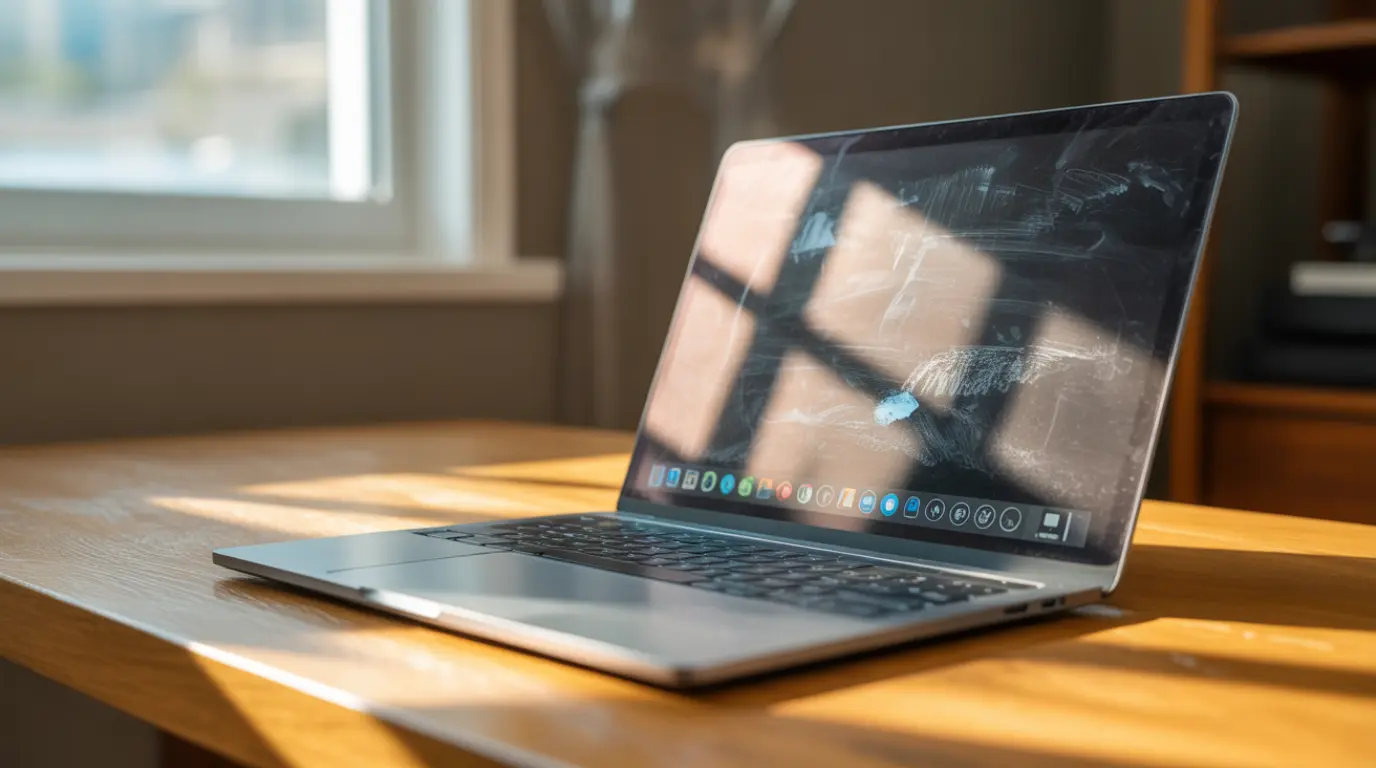
A frozen taskbar almost always means the Windows Explorer process has stopped responding, not a hardware fault. Press Ctrl+Shift+Esc, open Task Manager, and restart Windows Explorer first. If the freeze returns within minutes, corrupted system files, a recent Windows update, or a multi-monitor display conflict is the real cause. Most cases clear up in under … Read more