
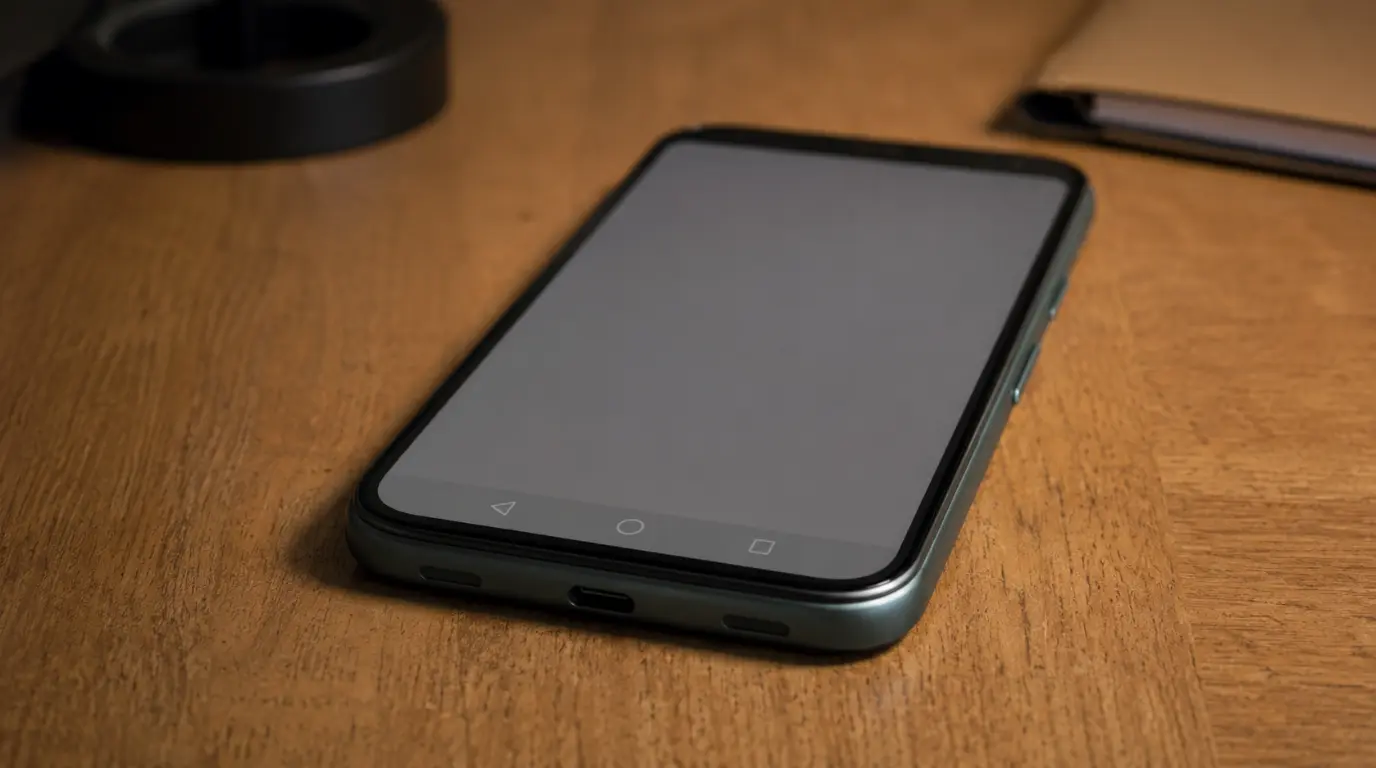
True OLED burn-in on a Google Pixel cannot be undone with software, but most faint marks people report are image retention, which fades on its own within minutes to a few hours. Test with a solid gray screen first. If the mark disappears after the phone rests for a while, it is retained. If it stays for days across different apps, it is a burn-in, and Pixel Care+ or an authorized repair is the only real fix.
Burn-In and Image Retention Are Not the Same Thing
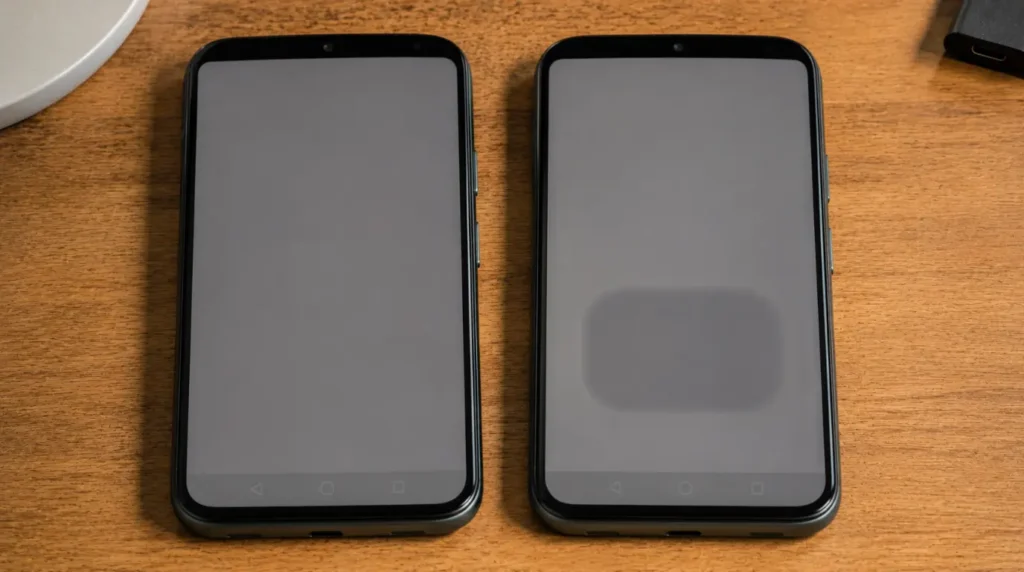
Google has said this directly to its own customers before. When Pixel Watch owners reported burn-in on early always-on displays, Google’s response was that the ghosting was image retention, not permanent damage.
That distinction matters for your phone too. Image retention is temporary. The organic compounds in the OLED panel are momentarily fatigued from displaying the same pixels too long, and they recover once the screen rests.
Burn-in is permanent. The subpixels have physically degraded at different rates, and no software update, cache clear, or factory reset brings that back.
The Two-Minute Test That Tells You Which One You Have
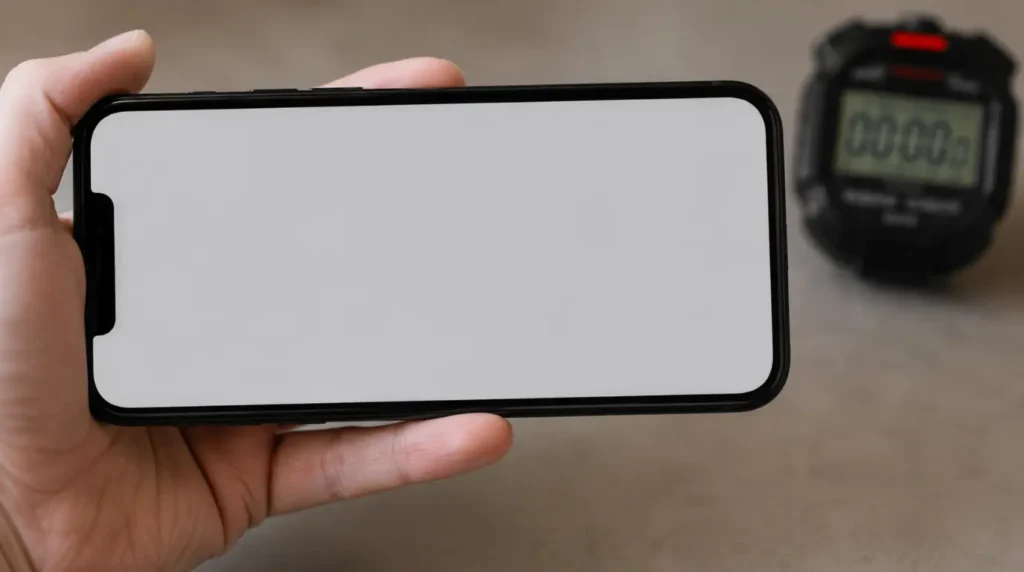
Open a plain gray or white background at medium brightness. Screenproblems.com built a free browser tool for exactly this called the Screen Dead Pixel Checker, which fills your display edge to edge with test colors so nothing else on screen distracts from the shadow.
Look for the outline of your navigation bar, status bar icons, or a keyboard shape. Now turn the screen off completely for 15 minutes and check again.
If the shadow is fainter or gone, you were looking at retention. If the outline is just as sharp as before, note exactly which shapes are visible, because that tells you which app or UI element caused it.
Why This Happens on Pixel Phones Specifically
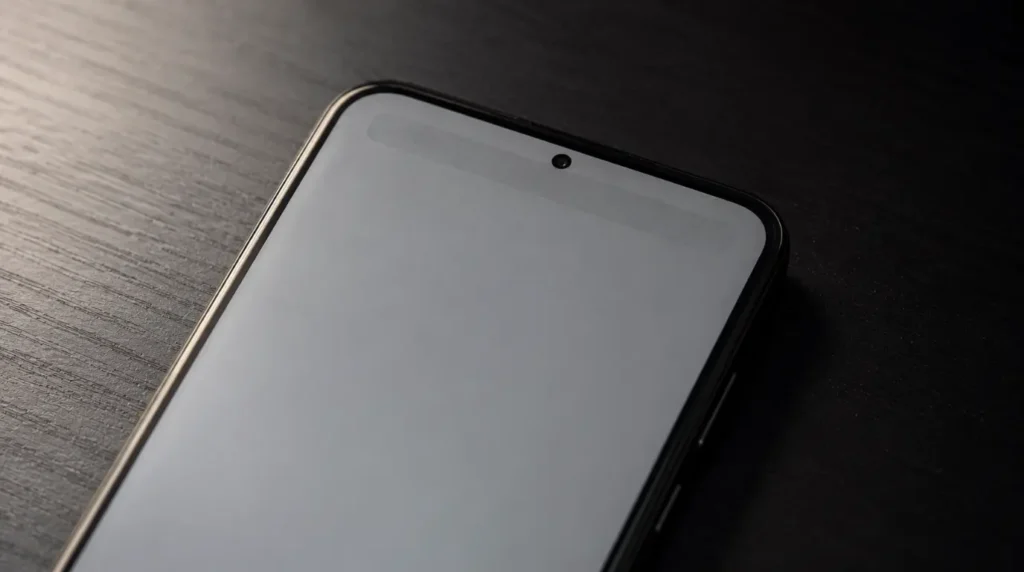
Persistent navigation and status bars [Most Common]
The three-button or gesture navigation bar sits in the same screen position for nearly every minute the phone is unlocked. On a Pixel 6, 7, or 8 left at high brightness for a year or more, this is the shape people see first.
Always-on display left at full intensity [Common]
Pixel’s always-on display is designed to dim automatically, but a miscalibrated brightness setting or a third-party clock face app can keep it brighter than intended for hours at a time.
One app pinned open at max brightness for long stretches [Common]
Navigation apps, banking apps, and video calling apps often get used at full outdoor brightness for an hour or more without a break. This uneven wear shows up as a rectangular or app-shaped shadow.
Cheap aftermarket screen protectors that trap heat [Less Common]
Thick or poorly ventilated tempered glass can raise the panel’s operating temperature slightly during long charging or gaming sessions, which accelerates uneven pixel wear over months.
Manufacturing variance in early production units [Rare]
Google itself investigated early Pixel 2 XL units after owners reported burn-in within a week of unboxing, tied to inconsistent panel batches rather than user behavior.
| Cause | Likelihood | Typical Shape Seen |
|---|---|---|
| Navigation and status bar | Most Common | Bar-shaped line near bottom or top edge |
| Always-on display | Common | Faint clock or widget outline |
| Single app at max brightness | Common | Rectangular patch matching app UI |
| Heat-trapping screen protector | Less Common | Diffuse patch, no clear shape |
| Panel manufacturing defect | Rare | Appears within days of a new device |
What Actually Helps Right Now
Force a Full Pixel Refresh Cycle
Cost: Free Time: 20 minutes Success Rate: 55% for retention, not effective for true burn-in
Play a solid white, then solid red, then solid blue full-screen video at medium brightness for five minutes each. This is not a manufacturer feature on Pixel the way Panel Care is on some Samsung TVs, but cycling extreme colors gives fatigued subpixels a chance to equalize.
Technician note: This helps mild retention noticeably within a day, but on phones where the shape stays identical after this cycle, we have never seen it improve further with repeated attempts.
Turn Off Always-On Display and Lower Screen Timeout
Cost: Free Time: 2 minutes Success Rate: 70% at preventing further spread, does not reverse existing marks
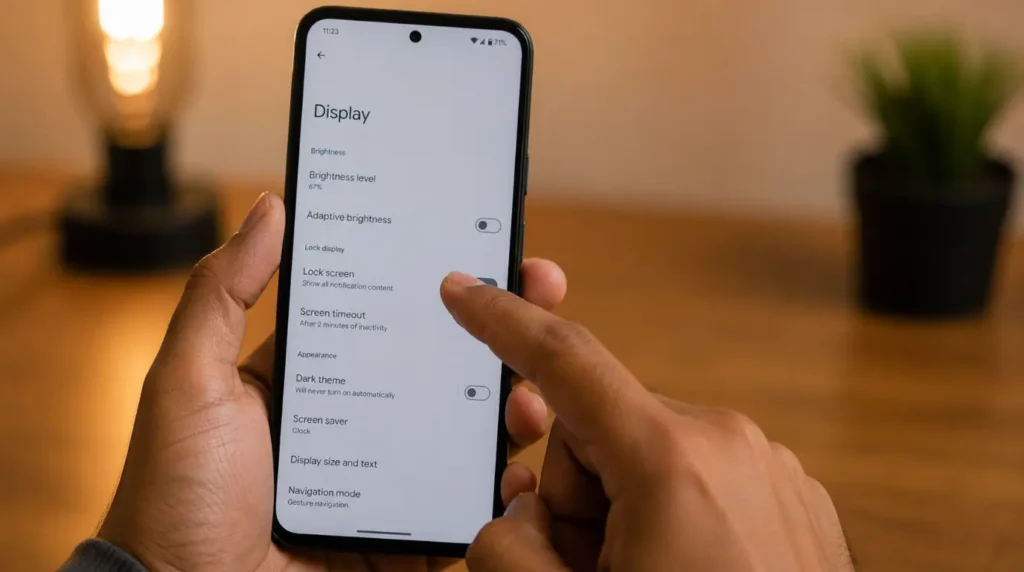
Go to Settings, then Display, then Lock Screen, and turn off Always-on display. Then go back to Display and set Screen timeout to 30 seconds.
This will not remove an existing shadow, but it stops the same pixels from being taxed further while you decide on a permanent fix.
If these display steps feel unclear on your specific Pixel model, a short walkthrough video showing the exact Settings path can help confirm you are in the right menu before you make changes.
Recalibrate Adaptive Brightness
Cost: Free Time: 5 minutes Success Rate: 40%, cosmetic improvement only
Go to Settings, then Display, then Adaptive brightness, and toggle it off, then back on. Manually drag the brightness slider up and down a few times in a dim room and then a bright room.
This resets the ambient light sensor’s learned curve, which sometimes makes an existing shadow less visible against a properly calibrated background. It does not repair the panel itself.
Professional Screen Replacement
Cost: $180 to $300 USD official out-of-warranty pricing, roughly $130 to $150 USD for a DIY parts kit Time: Same day at an authorized store, 45 to 90 minutes for DIY Success Rate: 95% for eliminating the visible shadow entirely
Confirmed burn-in only goes away with a new panel. Google’s own authorized repair pricing varies by model, with older Pixels like the 5 running closer to $150 and current Pro models landing nearer $270 to $300.
Technician note: We have watched more than one reader void their warranty attempting a DIY panel swap on a Pixel with Face Unlock or fingerprint calibration data tied to the original screen, so confirm your model’s repair complexity before ordering parts.
| Fix | Cost | Time | Best For |
|---|---|---|---|
| Color cycle refresh | Free | 20 min | Mild image retention |
| Disable always-on display | Free | 2 min | Preventing further wear |
| Recalibrate brightness | Free | 5 min | Cosmetic reduction |
| Professional or DIY screen replacement | $130 to $300 | Same day to 90 min | Confirmed permanent burn-in |
Is Pixel Screen Burn-In Covered Under Warranty?
Google’s standard limited warranty generally treats screen burn-in from normal manufacturing defects as covered within the warranty period, but Google has also stated that cosmetic damage and issues tied to how the phone was used can be excluded case by case. Pixel Care+ subscribers get accidental damage coverage that typically applies to screen issues at a reduced service fee, so check your specific plan before assuming either full coverage or full cost.
Mistakes That Make This Worse
- Installing third-party “burn-in fixer” apps that flash random colors with no fixed sequence
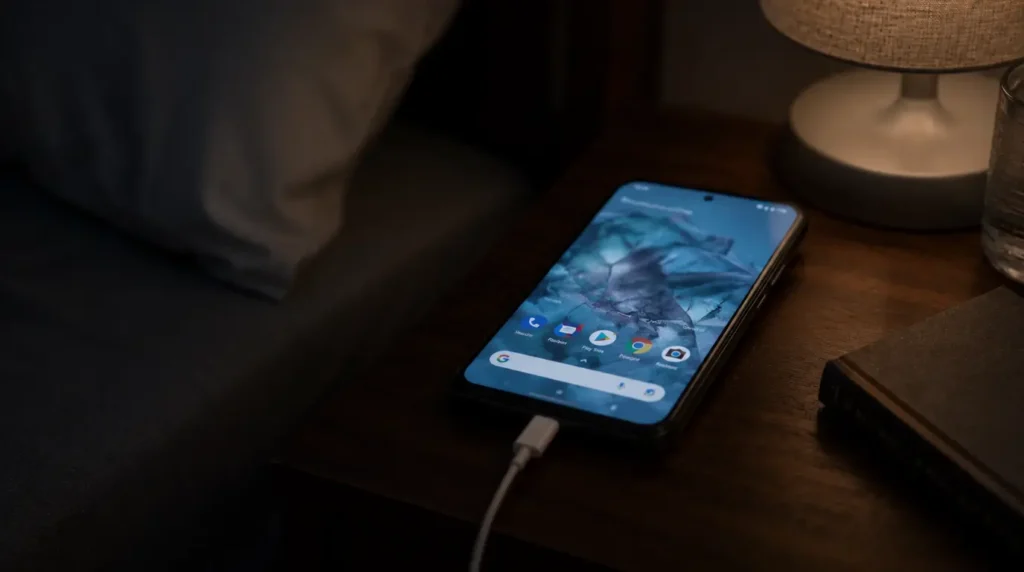
- Leaving the phone plugged in and running the same app overnight to try to “force” a fix
- Wiping the phone with a factory reset, which does nothing to OLED hardware
- Buying a cheap replacement screen without checking if it disables Face Unlock calibration
Prevention Tips for Every Pixel Model
- Keep screen timeout at 30 seconds or less through Settings, then Display
- Turn off always-on display, or lower its brightness manually if you rely on it
- Avoid leaving the same app open at maximum outdoor brightness for hours at a stretch
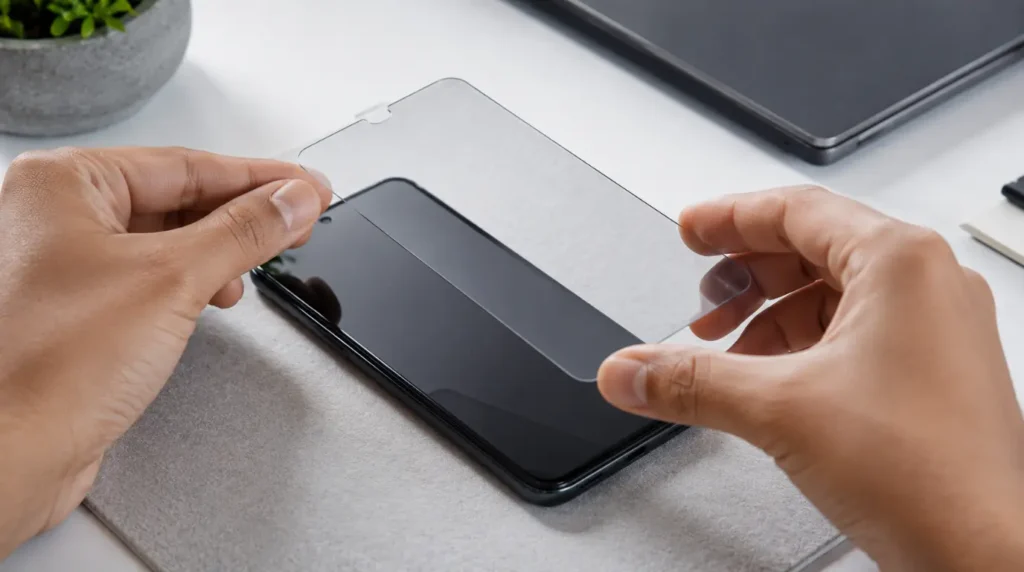
- Choose a screen protector rated for heat dissipation rather than the thickest option available
- Keep the phone out of direct sunlight and let it cool before heavy use resumes
For a deeper look at whether a mark is a stuck pixel rather than burn-in, screenproblems.com’s Stuck Pixel and Burn-In Fixer runs a longer diagnostic pattern that isolates single dead or stuck pixels from broader panel wear. Google also publishes its own guidance on protecting Pixel displays from burn-in, which is worth reading if your phone is still within its first year.
Frequently Asked Questions
Can Google Pixel screen burn-in go away on its own? Image retention fades within hours, but confirmed burn-in is permanent subpixel damage and will not resolve without a screen replacement.
Does a screen protector cause burn-in? A screen protector cannot directly cause OLED burn-in, but a thick or poorly ventilated one can trap heat, and heat does accelerate uneven pixel wear over time.
Is burn-in covered by Pixel Care+? Pixel Care+ typically covers screen issues under its accidental damage terms for a service fee, though coverage details vary by plan and should be confirmed directly with Google.
Why does the shape look like my navigation bar specifically? The navigation bar sits in a fixed screen position almost every time the phone is unlocked, so it wears the underlying pixels more evenly and predictably than any other on-screen element.
The Bottom Line
A shadow on your Pixel’s screen is not automatically bad news. Run the gray screen test before you assume the worst, since most cases people describe as burn-in turn out to be image retention that clears up within a day. If the mark survives that test unchanged, stop trying software fixes and get a real cost quote for a screen replacement instead of waiting for it to spread.
Disclaimer: This guide reflects general troubleshooting steps for Google Pixel OLED displays and is not a substitute for an in-person diagnostic at an authorized repair center. Actual repair costs and warranty terms vary by Pixel model, purchase region, and current Google policy.
Editor Note: This article was reviewed for accuracy against Google’s published Pixel support documentation and current 2026 repair pricing at the time of publication.
Author Note: Written by Ben, founder of screenproblems.com and a hardware diagnostic specialist with 10 years of hands-on display repair experience across OLED and LCD smartphone panels.
Article Summary: True Pixel burn-in is permanent subpixel damage that only a screen replacement fixes, while the far more common image retention clears up on its own after the screen rests. Test with a solid gray screen, turn off the always-on display to slow further wear, and budget $130 to $300 for a replacement if the shadow does not fade.