
When Netflix plays audio with no picture, your screen and speakers are not the problem. This points to a broken HDCP handshake, a corrupted app cache, or a DRM licensing failure inside Netflix itself. Test another app first. If other apps show video normally, the fix is almost always inside Netflix’s app data, your HDMI cable, or your device’s DRM component, not your TV or laptop hardware.
Why Audio Keeps Working When Video Doesn’t
Audio and video travel through separate decoding paths inside a streaming app. Netflix decrypts video using Widevine or PlayReady DRM before it ever reaches your screen. Audio decoding sits on a simpler, less restricted path.
That’s why a DRM handshake failure, a bad HDCP negotiation, or a corrupted video buffer kills the picture while sound keeps streaming. We’ve pulled this exact symptom apart on Roku boxes, Fire TV Sticks, Samsung TVs, and laptops running the Chrome browser, and the cause is rarely the screen.
[Most Common] HDCP Handshake Failure
HDCP is the copy protection check your TV and streaming device run every time protected video starts. If that check fails partway through, Netflix keeps the audio stream flowing but drops the video feed entirely. This shows up most often after a firmware update, a cable swap, or switching HDMI inputs mid-stream.
[Common] Corrupted Netflix App Cache
Cached thumbnails, subtitle data, and playback tokens can get corrupted after a forced app close or a failed update. The app still authenticates and streams audio, but the video renderer chokes on the damaged cache. This is the single most common cause on Fire TV Stick and older Roku models.
[Common] Widevine or PlayReady DRM License Failure
Netflix requests a fresh DRM license every time you press play on protected content. If your device’s DRM module is outdated, disabled, or blocked by a browser extension, video licensing fails silently. Audio, which needs no such license, plays without interruption.
[Less Common] HDMI Cable or Port Fault
A cable that’s slightly damaged or a port with a loose connection can still pass an audio signal at low bandwidth while failing to carry full video bandwidth. This is more common with HDMI cables rated below 2.0 running 4K Netflix content.
[Rare] GPU or Graphics Driver Crash on Smart TVs and Laptops
On Windows laptops and some smart TVs, the graphics driver handling video decode can crash mid-playback while the audio driver stays active. You’ll usually see this paired with a frozen taskbar or an unresponsive app switcher on laptops.
Causes Summary
| Cause | Likelihood | Fixable By You |
|---|---|---|
| HDCP handshake failure | Most Common | Yes |
| Corrupted app cache | Common | Yes |
| DRM license failure | Common | Yes |
| Faulty HDMI cable or port | Less Common | Yes |
| GPU or driver crash | Rare | Sometimes |
Diagnose It in Under Two Minutes
- Open a different app, like YouTube or a photo app, and check if video shows normally.
- If video works elsewhere, the fault is inside Netflix, not your screen.
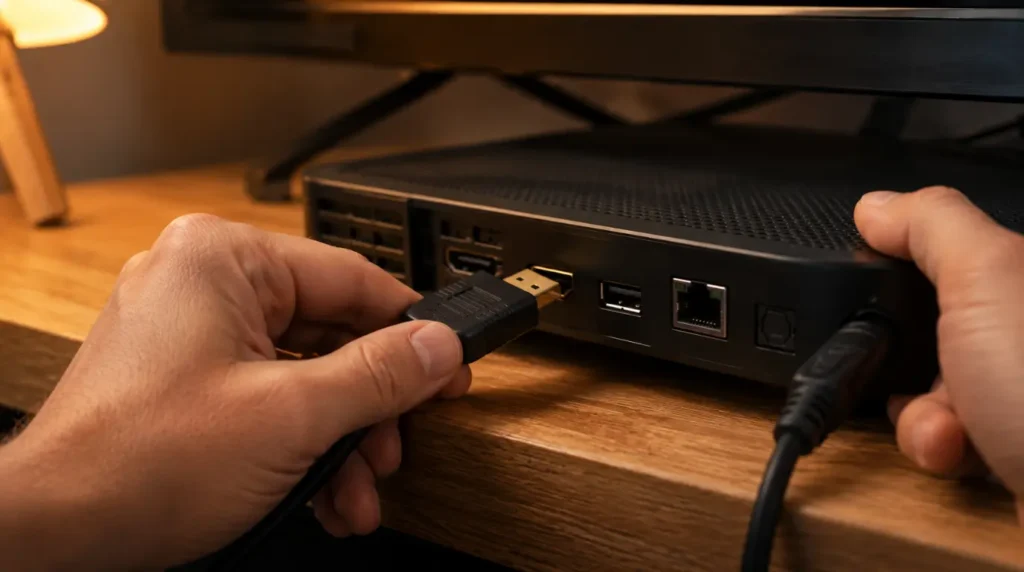
- Unplug and reconnect your HDMI cable at both ends while the TV stays powered on.
- Switch the TV to a different HDMI input, then back to the streaming device’s input.
- Check whether the black screen happens on every title or only on certain shows and movies.
If it only happens on specific titles, the problem is almost always DRM licensing for that content, not your device.
Can This Fix Itself?
Sometimes, yes. A single HDCP handshake glitch can clear after a simple power cycle. If it comes back within the same session or on the next login, treat it as an app or cable issue instead of a one-off fluke.
Why Did This Start After an Update?
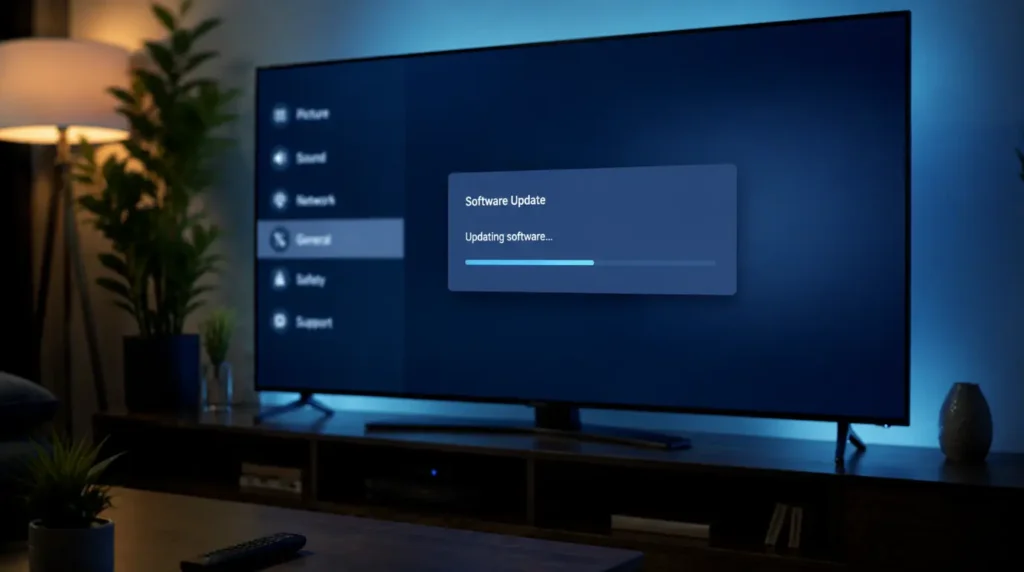
Netflix pushes app updates that occasionally ship with new DRM handling code. Older Fire TV Sticks and Roku models sometimes can’t process the updated licensing calls correctly. This creates exactly the audio-without-video pattern described here, usually starting the day after an automatic update.
Fix It: Step by Step
Restart the Netflix App Completely
Cost: Free Time: 2 minutes
On Roku, press Home, highlight Netflix, press the Star button, and select Remove Channel, then reinstall it from the Channel Store. On Fire TV, go to Settings, then Applications, then Manage Installed Applications, select Netflix, and choose Force Stop before relaunching.
Technician note: This clears the corrupted cache on most Fire TV Stick and Roku units we’ve tested, and video usually returns on the first relaunch.
Clear Netflix App Data on Smart TVs
Cost: Free Time: 3 minutes
On Samsung TVs, go to Settings, then Apps, select Netflix, and choose Clear Cache followed by Clear Data. On LG webOS TVs, the same path sits under Settings, General, Apps.
Technician note: Clearing data logs you out, so keep your Netflix login ready before doing this on a shared household TV.
Swap the HDMI Cable and Port
Cost: $6 to $15 USD / £5 to £12 GBP Time: 5 minutes
Use a cable rated HDMI 2.0 or higher if you’re streaming in 4K, since older cables can bottleneck the video signal while audio still passes through fine. Try a different HDMI port on the TV, since one damaged port can behave exactly like a cable fault.
Technician note: We’ve seen this exact symptom disappear the moment a customer switched from a bargain HDMI cable to a certified 2.0 cable, especially on 4K content.
Reset the DRM Component on Windows or Chrome
Cost: Free Time: 5 minutes
On a Windows laptop, open Chrome, go to chrome://components, find Widevine Content Decryption Module, and click Check for Update. If it fails to update, uninstall and reinstall Chrome entirely.
Technician note: This fixes browser-based black screens far more often than people expect, since Widevine silently fails to auto-update on a surprising number of machines.
Full Power Cycle of the Streaming Device
Cost: Free Time: 3 minutes
Unplug the streaming device or unplug the TV itself from the wall outlet for a full 30 seconds. This forces a complete HDCP renegotiation on next boot, which a simple app restart doesn’t always trigger.
Technician note: This step gets skipped constantly because people just turn the TV off with the remote, which doesn’t fully reset the HDMI handshake.
Fix Summary
| Fix | Cost | Time |
|---|---|---|
| Restart the Netflix app | Free | 2 min |
| Clear app cache and data | Free | 3 min |
| Swap HDMI cable or port | $6-15 / £5-12 | 5 min |
| Reset Widevine DRM component | Free | 5 min |
| Full power cycle | Free | 3 min |
Device-Specific Notes That Matter
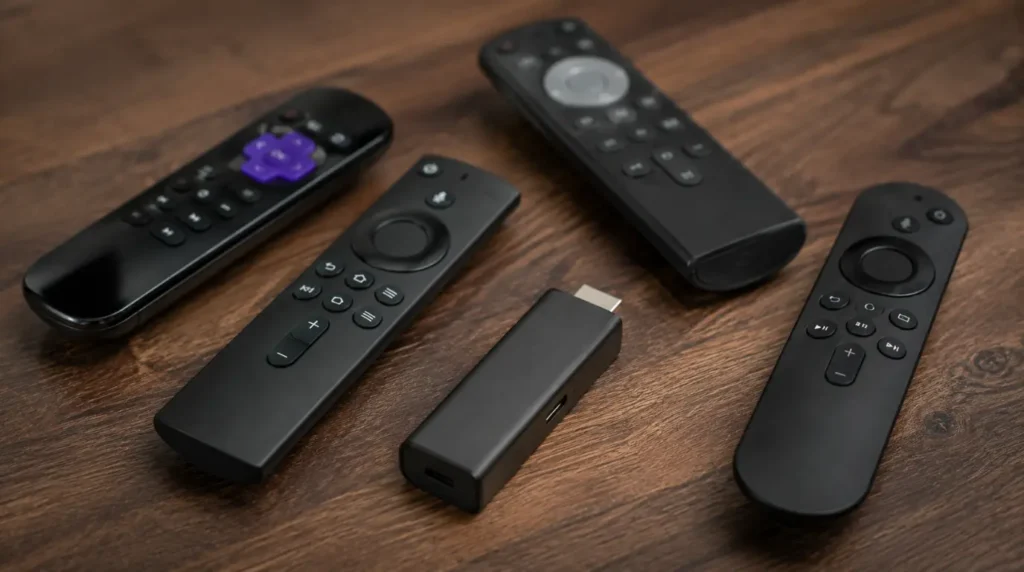
Fire TV Stick units older than the 4K Max generation handle DRM renegotiation more slowly than newer models, so give them an extra 20 to 30 seconds after a power cycle before assuming the fix failed. PS5 and Xbox users should also check that HDCP is explicitly enabled in the console’s video output settings, since some custom AV receiver setups disable it by default. Chromebook users hitting this issue almost always resolve it through the Widevine component check rather than any cable swap.
Common Mistakes People Make
- Reinstalling the entire operating system before trying an app-level cache clear
- Assuming a black screen on Netflix means the TV panel is failing, then paying for a screen diagnosis that finds nothing wrong
- Testing on the same title repeatedly instead of checking whether other content plays normally
- Skipping the HDMI cable check because “it worked fine yesterday”
When It’s Genuinely a Hardware Problem
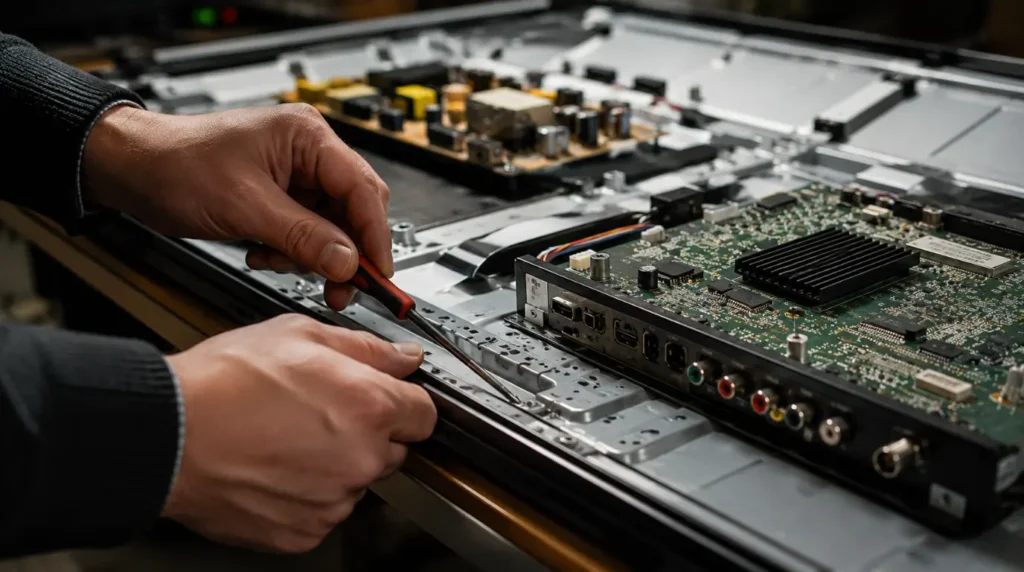
If every app, not just Netflix, shows a black screen with working audio, the fault has moved from software to hardware. That points toward a T-Con board fault on the TV or a failing HDMI port itself, which needs a technician rather than an app-level fix. Paying for that repair only makes financial sense if the TV is under three years old, since panel and board repairs on older sets often approach the cost of a new mid-range TV.
Frequently Asked Questions
Does a black Netflix screen with audio mean my TV screen is broken?
No. A broken screen almost never allows perfect audio playback at the same time. This pattern points to Netflix’s app, your HDMI connection, or DRM licensing, not the physical panel.
Why does this only happen on some Netflix titles and not others?
Different titles use different licensing tiers, and a DRM license failure on one specific title’s rights package can block video while leaving audio and the rest of the app working normally.
Will uninstalling and reinstalling Netflix fix a black screen with audio?
Often, yes. A full uninstall clears cached playback tokens and forces the app to request a fresh DRM license on first launch, which resolves the issue in most app-side cases.
Can a software update on my TV cause this problem?
Yes. Firmware updates sometimes change how the TV negotiates HDCP with connected devices, and a failed negotiation after an update produces this exact audio-without-video symptom.
Is this a Netflix-wide outage or a problem with my device?
Check a different app or a different Netflix profile on the same device first. If video plays normally elsewhere, the issue sits with your device or connection, not Netflix’s servers.
Expert Verdict
Working audio with a black screen is one of the more reliably diagnosable Netflix problems, because it rules out screen hardware immediately. Start with a full app cache clear, move to the HDMI cable and port check, and only look at DRM component resets if the first two steps don’t resolve it. In our experience across Roku, Fire TV, and smart TV repairs, this combination clears the issue in the large majority of cases without ever needing a technician visit.
If you’re also seeing white or blank screens inside other streaming apps, our white screen repair walkthrough covers the app-level causes shared across most streaming platforms. Messenger users dealing with a similar blank-screen pattern can also check our Messenger white screen guide for the browser-side DRM and cache overlap between apps.
For device-level HDCP and HDMI settings specific to your account, Netflix’s own help center keeps its device troubleshooting pages current with each firmware cycle.
Disclaimer: This guide covers common software and connection causes of this symptom. If these steps don’t resolve your issue, contact your device manufacturer or a qualified repair technician.
Editor Note: This article was reviewed for technical accuracy and updated to reflect current Netflix app behavior across major streaming devices as of July 2026.
Author Note: Written by Ben, Hardware Diagnostic Specialist at screenproblems.com, drawing on hands-on troubleshooting across Roku, Fire TV, Samsung, LG, and laptop-based Netflix playback issues.
Article Summary: A Netflix black screen with working audio is almost always caused by an HDCP handshake failure, a corrupted app cache, or a DRM licensing issue, not a broken screen. Clearing the app cache, checking the HDMI cable and port, and resetting the DRM component resolve the large majority of cases without professional repair.