
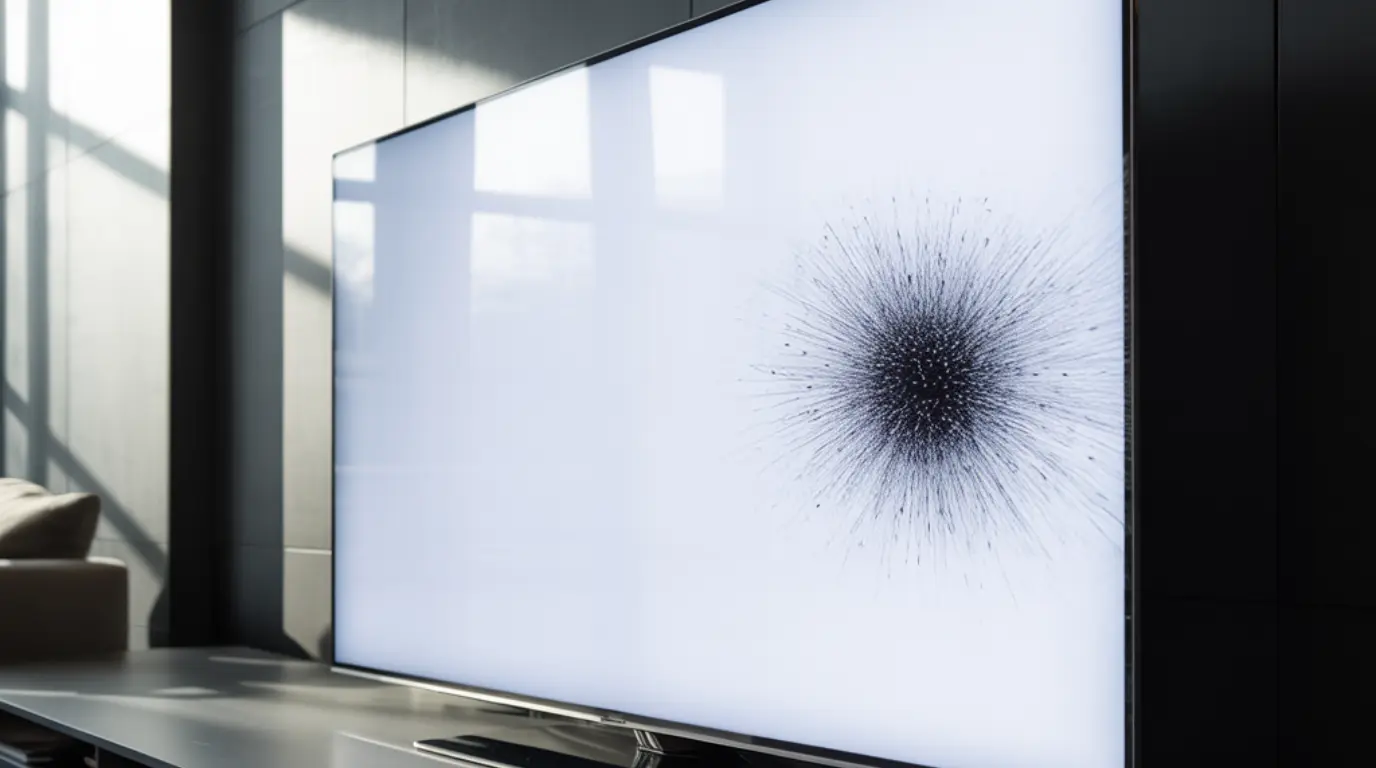
Black dots on a TV screen are most commonly caused by dead or stuck pixels, physical pressure damage to the LCD panel, or a failing backlight LED behind the display. Stuck pixels can sometimes be fixed at home using a pixel repair tool or gentle pressure technique. Dead pixels and spreading dark patches caused by panel damage almost always require professional repair or panel replacement.
You sat down to watch something, and there was a small dark dot sitting on your TV screen that definitely was not there yesterday. Now you cannot stop staring at it, and every time you look the rest of the picture feels wrong. Before you start researching replacement TVs, take a breath, because some of the causes behind black dots are fixable for free and the rest have clear answers worth knowing.
What Causes Black Dots on a TV Screen
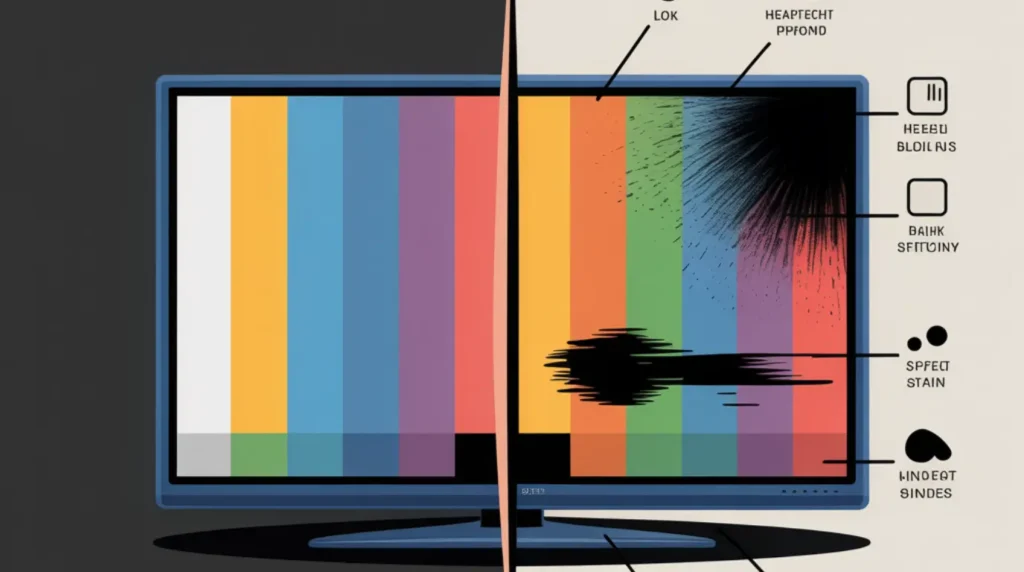
Not every black dot is the same problem, and the cause determines whether you can fix it or not. Here are the five most common culprits, each with one clear confirming sign so you know exactly which one you are dealing with.
Dead Pixels
A dead pixel is a pixel that has completely lost power and stopped producing light, leaving a permanently dark point on the display. On LCD and LED panels, each pixel is driven by a tiny transistor, and when that transistor fails the pixel goes dark and stays that way regardless of input. The confirming sign: the dot looks identical on every channel, every streaming app, and every input with zero change in color or intensity.
Stuck Pixels
A stuck pixel is still receiving power but has frozen in one state, either permanently on or locked on a single color. Most stuck pixels appear red, green, or blue but some freeze in the off position and appear black, making them look exactly like dead pixels at first glance. The confirming sign: the dot flickers, shifts slightly, or briefly disappears when you switch between a bright red and a bright blue solid-color background.
Physical Pressure Damage
Pressing too hard against an LCD screen, even accidentally through a protective cover or during cleaning, can crush the liquid crystal layer and create a dark blot that spreads outward from the point of impact. This type of TV screen damage produces a soft irregular stain rather than a sharp dot, and it often looks slightly different depending on your viewing angle. The confirming sign: the dark area has blurry ink-like edges and is visibly larger than a single pixel.
Debris or Dust Trapped Behind the Panel
On some budget TV models the seal between the outer protective glass and the LCD layer is not fully airtight, which allows dust, microscopic debris, or in humid climates even moisture droplets to settle inside the display. What you see is a soft dark smudge with undefined edges that cannot be wiped away from the outside surface. The confirming sign: the edges of the mark are blurry and inconsistent rather than perfectly circular or square.
LED Backlight Failure and Diffuser Slip
LED televisions use a grid of LEDs behind the panel to produce the light that makes images visible. When one LED or a small cluster fails, the screen goes dark in that specific area, producing a shadow or spot that appears regardless of what is on screen. On some Samsung models specifically, the small plastic diffuser caps glued over the LEDs eventually detach as the adhesive fails, causing the backlight shadow to appear and grow over time. The confirming sign: a dark area that appeared suddenly on a TV that has never taken any physical impact, often on a model that is three or more years old.
How to Diagnose at Home
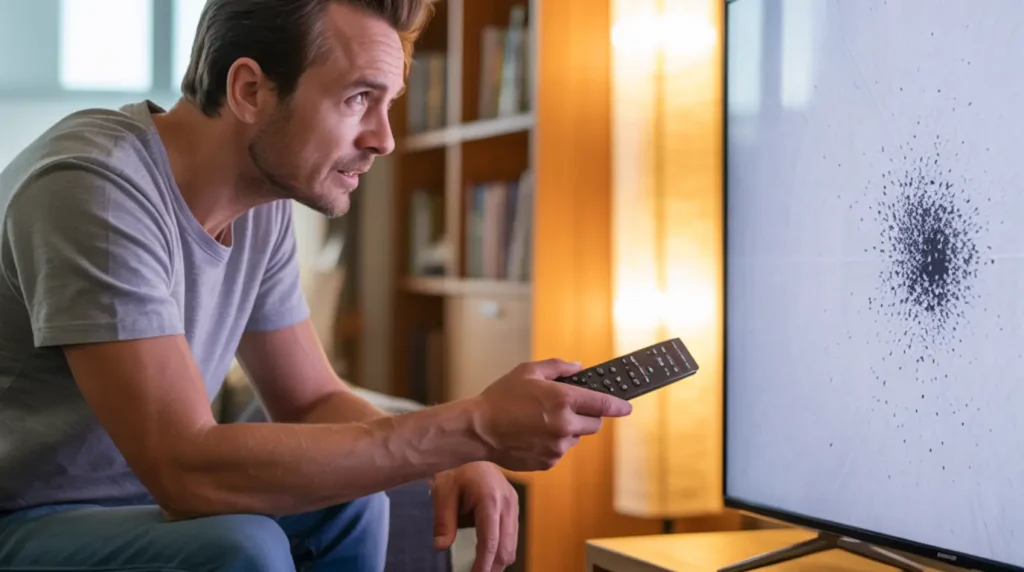
You can identify the cause of your black dot in under five minutes using tools you already have. Every step below costs nothing and gives you the information you need before attempting any fix.
- Display a solid white screen using your TV’s built-in test pattern or by pulling up a white image on any streaming app or connected device. A dead pixel will remain a sharp black dot against this bright background with no variation.
- Switch the screen to solid red, then solid green, then solid blue. A stuck pixel that is frozen in the off position often reacts to at least one of these backgrounds by flickering or shifting slightly in color, which tells you it still has partial function.
Use the free Dead Pixel Checker tool on screenproblems.com to cycle your TV through multiple color backgrounds automatically. This maps the exact location and behavior of every problem pixel on your screen without guesswork.
- Wipe the screen surface gently with a clean dry microfiber cloth using zero pressure. If the mark disappears or smears during wiping, it is a surface-level blemish and not a screen defect at all.
- Move to a 45-degree viewing angle on both sides and observe whether the dark area changes in shape, depth, or intensity. Significant appearance change from an angle strongly points to LCD layer stress or pressure damage rather than a pure pixel failure.
How to Fix Black Dots on a TV Screen
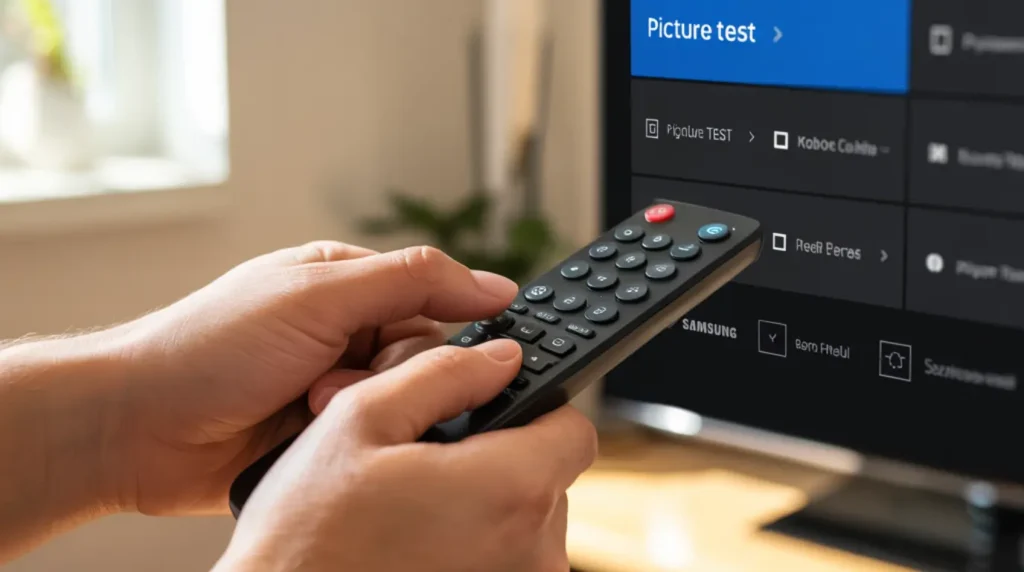
Work through these fixes from the easiest and completely free options first. Stop the moment you see improvement and do not attempt a more invasive method unless simpler ones have not worked.
Run a Pixel Repair Tool (Free)
Cost: Free | Works for: Stuck pixels
Pixel repair tools cycle through colors rapidly to send a stimulation signal to frozen pixels and encourage them back to normal operation. This method has no effect on dead pixels or physical damage but it costs nothing and takes less than ten minutes.
- Search for a pixel repair or stuck pixel fix video on YouTube and open one that runs for at least 10 to 15 minutes.
- Play it full screen on the affected TV at normal brightness.
- Watch the dot carefully for any flickering, color shift, or brief disappearance during playback.
- Run the video two or three more times if you see any partial response from the pixel.
You can also run the free Stuck Pixel Fixer tool directly in your browser on screenproblems.com, which works the same way without needing a separate device or YouTube. Recovery for a stubborn stuck pixel can take multiple sessions over several days, so repeat the process before concluding it has not worked.
Apply the Screen Massage Technique (Free, Careful)
Cost: Free | Works for: Stuck pixels and LCD stress points
This method is less known but confirmed by TV owners on AVForums who resolved spreading dark areas on Samsung models without replacing the panel. It works by gently redistributing pressure stress in the LCD matrix and can also nudge a stuck pixel back to normal.
- Turn off the TV completely and let it rest for 30 minutes so no heat or current remains in the panel.
- Wrap a clean soft microfiber cloth around the end of a blunt stylus or use just your fingertip covered with the cloth.
- Apply very gentle circular pressure directly over the problem area for 10 to 15 seconds, then switch to sweeping horizontal and vertical strokes across the same area.
- Turn the TV back on and test against a white background immediately.
Never apply enough pressure to see the screen distort while it is on. If you feel any resistance from the panel you are pressing too hard. Stop immediately and test the result before trying again.
Clean the Outer Screen Surface (Free)
Cost: Free | Works for: Surface marks only
What appears to be a fixed screen defect is sometimes a dried smudge, fingerprint residue, or dust particle sitting on the outer glass surface that cleans away instantly.
- Turn off the TV and allow it to cool to room temperature completely.
- Dampen a fresh microfiber cloth with distilled water only, not tap water, and wring it thoroughly so the cloth is barely moist.
- Wipe in slow straight horizontal strokes with minimal pressure from one edge to the other.
- Allow the screen to air dry fully before powering the TV back on.
Never use paper towels, glass cleaners, or any solution containing alcohol or ammonia on a TV screen, as these strip the anti-reflective coating permanently.
Perform a Factory Reset (Free)
Cost: Free | Works for: Software-related display glitches
On rare occasions a firmware bug causes individual pixel regions to display incorrectly, mimicking a hardware defect. A factory reset clears all stored settings and can resolve software-side display problems in under two minutes.
- Open the Settings menu on your TV using the remote.
- Navigate to General or System depending on your TV brand.
- Select Reset to Factory Default and confirm the action.
- Allow the TV to restart fully and test the screen against a white background.
A factory reset has no effect on physical pixel damage but it takes no time and carries no risk, so it is always worth attempting before escalating to paid repair.
Professional Panel Replacement (Paid)
Cost: $150 to $400 depending on panel size and brand
When free methods confirm a dead pixel, spreading damage, or backlight failure, the panel or the LED backlight array needs to be replaced by a technician with the right tools. Independent repair shops typically charge significantly less than manufacturer service centers for identical parts and the same quality of labor. Always collect at least two separate quotes and ask specifically whether they are replacing the full panel or only the backlight strips, as the answer affects both the cost and the long-term result.
When to See a Professional
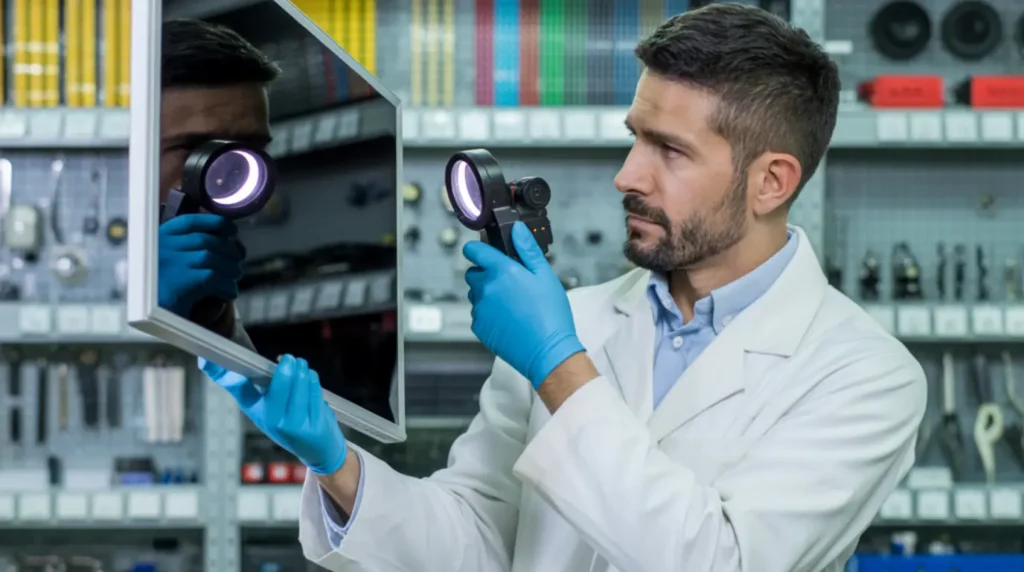
If the black dot is spreading in size, if additional dots are appearing nearby, or if the dark area has soft irregular edges that grow over days rather than staying fixed in shape, these are signs of progressive panel failure that will not stop on its own. Continuing to apply pressure or heat at this stage accelerates the damage, so stop all home fixes immediately and arrange for a professional inspection.
Check your warranty status before paying for any repair. Most major TV brands including Samsung, LG, and Sony offer a standard one-year warranty covering parts and labor, and OLED panels on premium models sometimes carry extended display guarantees of up to two years. A single isolated dead pixel may fall below the threshold for warranty coverage under some manufacturer policies, but spreading damage, multiple dots, or a confirmed backlight failure caused by a manufacturing defect almost always qualifies.
If your TV is under two years old and the dot appeared with no physical impact to the screen, photograph the defect immediately with a date-stamped image and file a warranty claim with the manufacturer before contacting any third-party repair service. Authorized service centers are required by law in most regions to honor valid warranty claims at no cost to you.
Prevention Tips
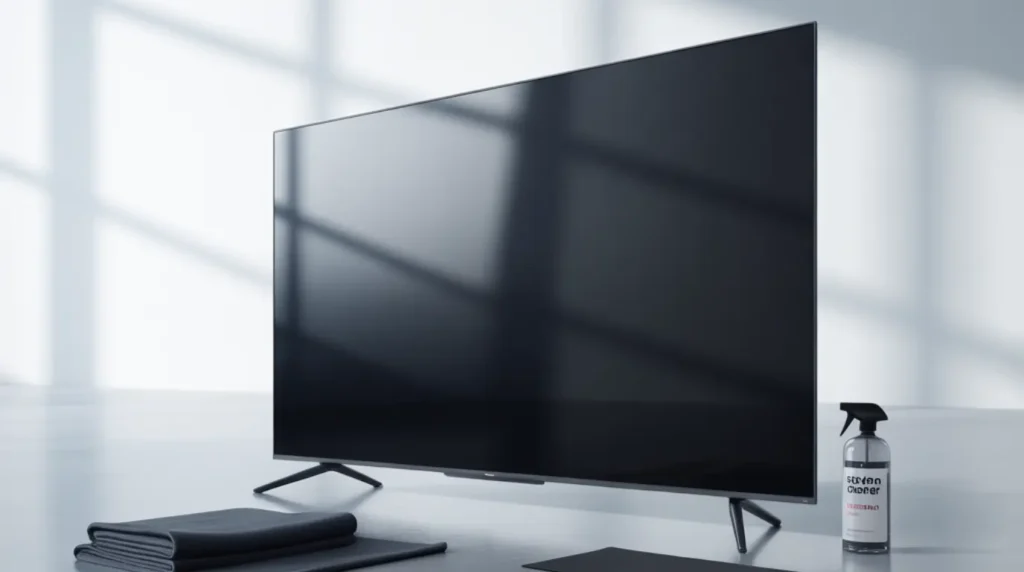
- Never press directly on the screen surface during cleaning or when reaching past the TV. Even light sustained pressure redistributes the liquid crystal layer over time.
- Clean only with a microfiber cloth and distilled water. Tap water deposits minerals that etch the anti-reflective coating and create marks that are indistinguishable from display defects.
- Keep the TV away from sources of heat and humidity. Warm air from a nearby kitchen, bathroom steam, or a vaping habit in the same room can migrate moisture into the panel over months.
- Avoid leaving a single static image on screen for more than four consecutive hours. This is particularly important on OLED panels where extended static images cause uneven pixel degradation that shows up as dark areas.
- Use a surge protector or UPS between the TV and the wall outlet. Sudden power spikes can overwhelm pixel transistors instantly and cause spontaneous dead pixel clusters that appear overnight.
- If you transport the TV for any reason, keep it upright in its original packaging or a purpose-made padded bag. Laying a large flat panel on its side or face concentrates stress on the LCD matrix and creates pressure damage that appears days after the move.
Frequently Asked Questions

Can a black dot on a TV screen spread?
Yes, if the black dot is caused by physical pressure damage or a failing LCD layer, it can spread outward gradually over days or weeks. Dead pixels caused by transistor failure generally stay fixed in one location and do not spread on their own. If you notice the dark area growing or changing shape, treat it as progressive panel failure and consult a repair professional without delay.
Is a black dot on a TV covered under warranty?
Single isolated dead pixels often fall below warranty coverage thresholds because most manufacturers only cover screens with five or more dead pixels in defined screen zones. However, black dots caused by manufacturing defects, spontaneous panel failure without physical impact, or spreading backlight damage typically qualify under the standard one-year warranty. Document the problem with dated photos as early as possible and contact the manufacturer directly using your proof of purchase.
Will a pixel repair video actually fix my TV black dot?
Pixel repair videos only work on stuck pixels, not dead ones. If your dot is completely dark with no change across any background color during testing, it is almost certainly a failed transistor that no video or software tool can restore. If the dot shows any flickering or color shift during a repair video playback, it is a stuck pixel and has a real chance of recovery with repeated treatment sessions over several days.
Why did a black dot appear overnight on my TV with no physical damage?
Spontaneous pixel failure occurs in LCD and OLED panels due to manufacturing variation in the transistors controlling each pixel, and it can happen at any age. Voltage spikes from power surges, sustained heat buildup inside the cabinet, and long-term static image retention can all trigger sudden pixel failure without any visible physical impact to the screen. If the TV is within warranty age and shows no signs of physical damage, this constitutes a component failure that your manufacturer is responsible for repairing at no charge.
Editor Note screenproblems.com
- Reviewed for technical accuracy by the screenproblems.com editorial team.
- All fixes verified against current device software and firmware versions.
- Pricing reflects current market rates and may vary by region.
- This article will be updated whenever new fixes are confirmed.
- For unresolved issues visit the Contact Us page with your device details.
About the Author Ben, Founder of screenproblems.com
- Ben has 10 years diagnosing display hardware and software issues.
- All content is written from direct technical experience, not sourced from other websites.
- Ben always prioritizes free fixes before recommending any paid repair.