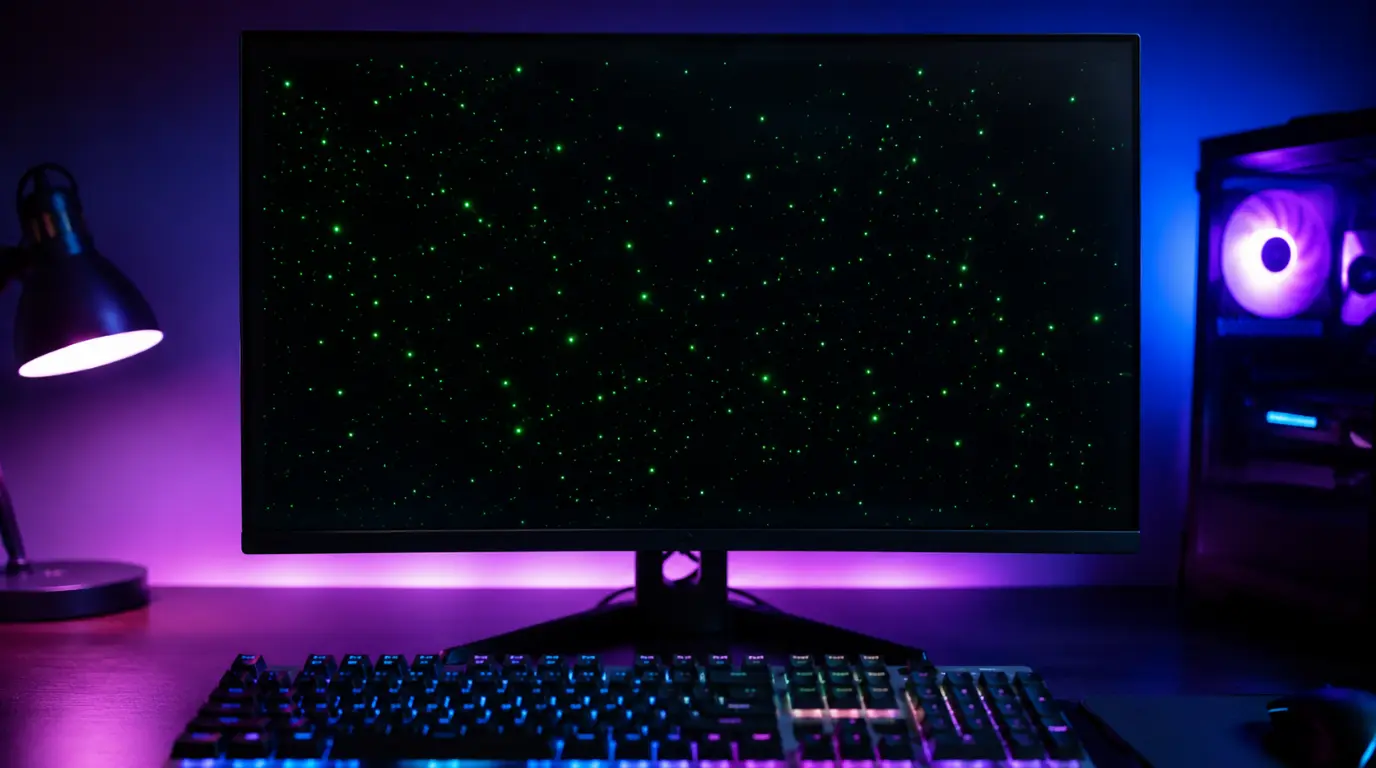
Green Dots on Computer Screen? Expert Fix Guide That Actually Works

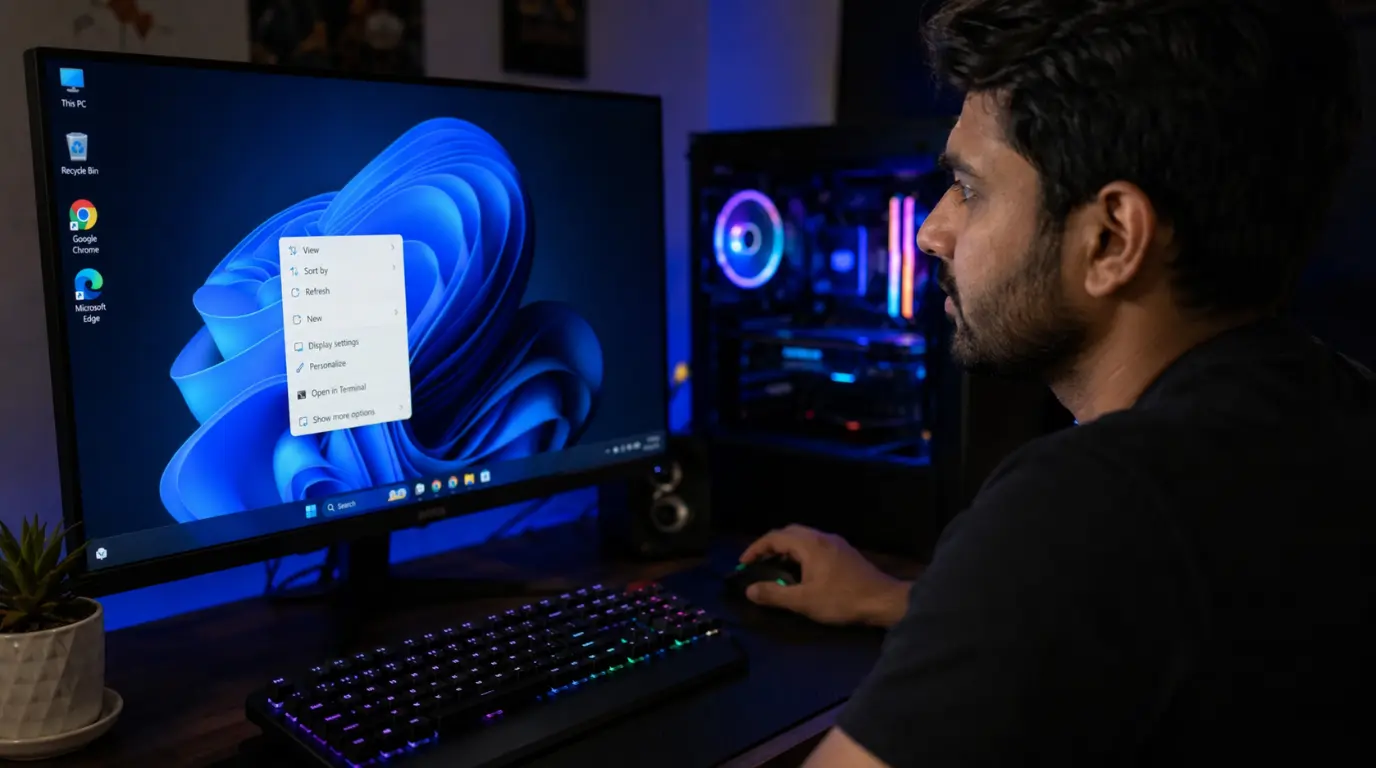
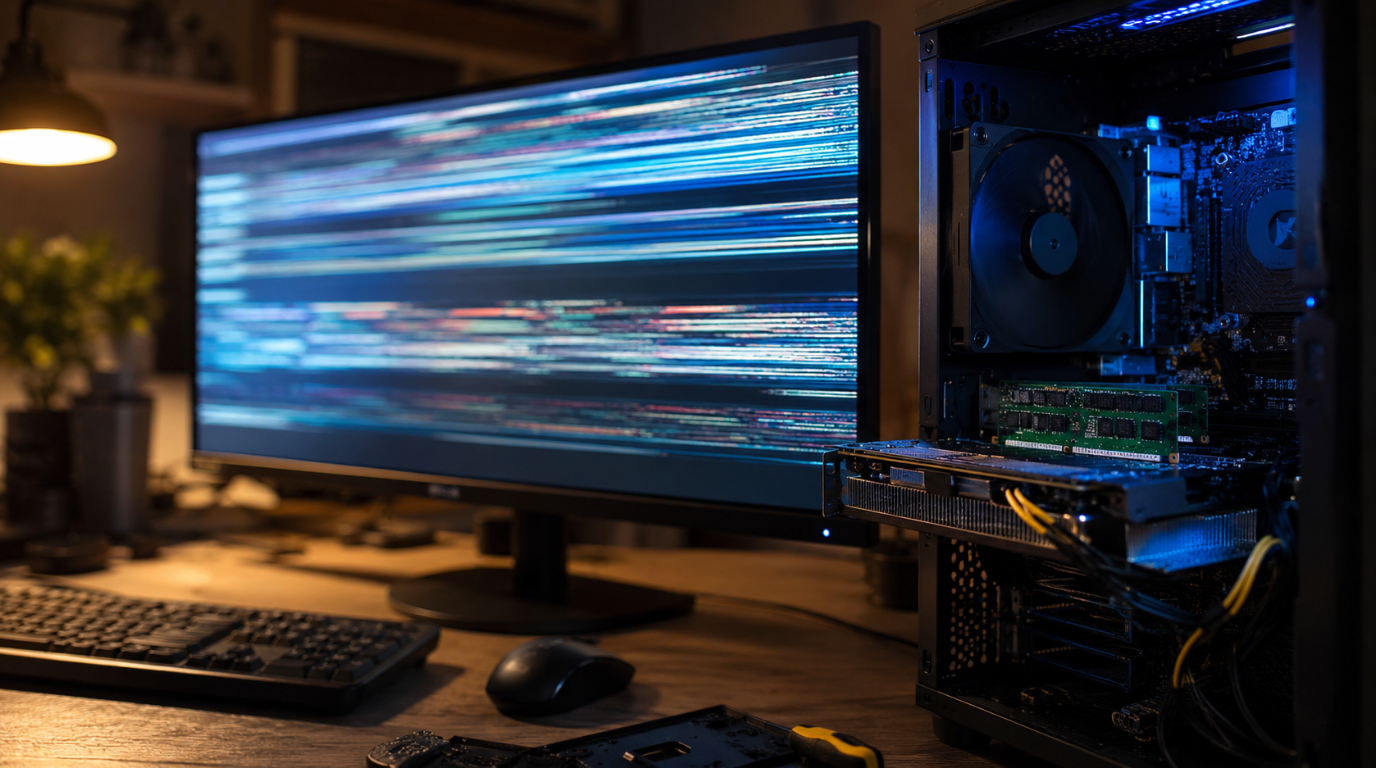
Green dots visible on a desktop PC monitor displaying screen artifact issues.

Green dots on a computer screen are usually caused by GPU overheating, VRAM damage, a loose display cable, stuck pixels, or corrupted graphics drivers. The fastest way to identify the cause is connecting your computer to an external monitor. If the dots appear in BIOS or during startup, the problem is usually hardware-related and may … Read more

How to Fix Second Screen Projection Lag

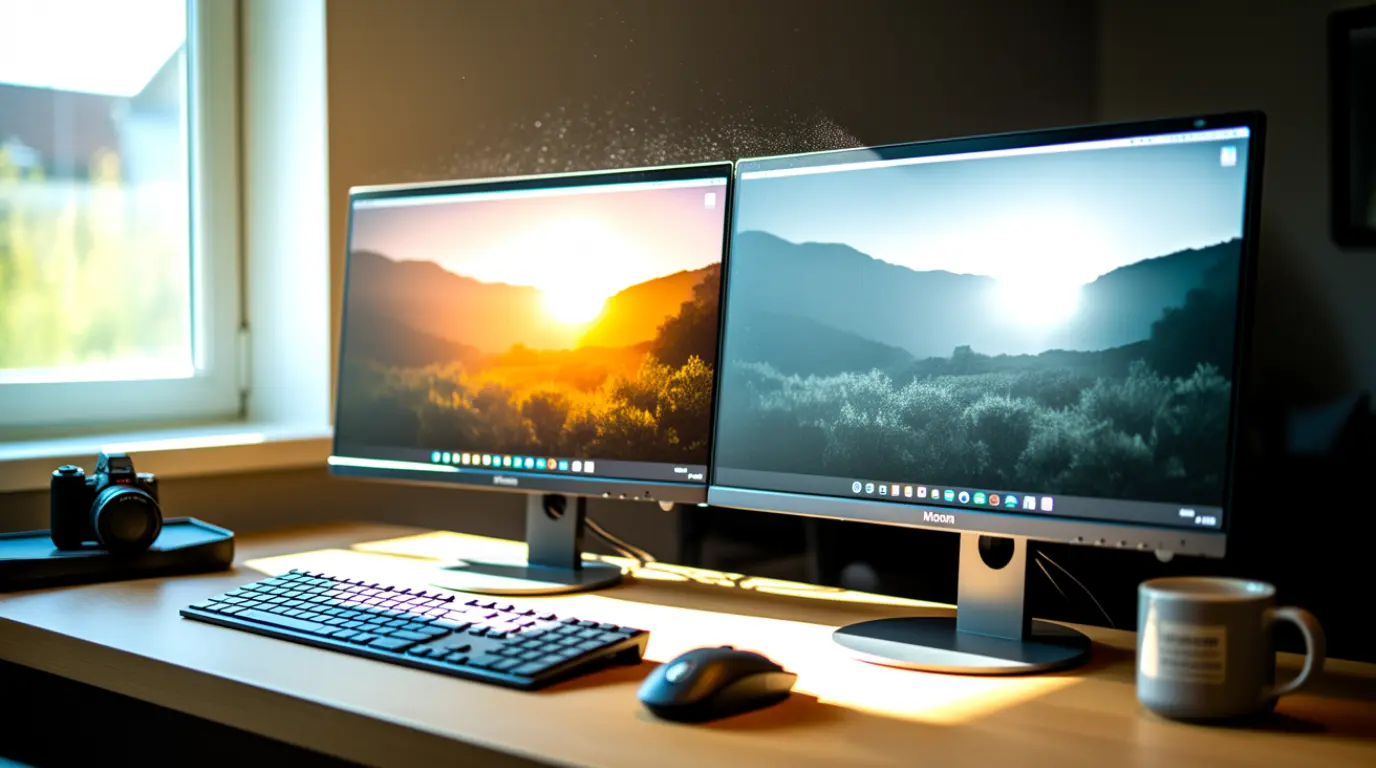
A dual monitor setup showing second screen projection lag with visible ghosting and screen tearing on the extended display.

Second screen projection lag happens when your extended or mirrored display falls behind the main screen, causing choppy or delayed visuals. The most common causes are refresh rate mismatches, outdated GPU drivers, and low-quality cables. Fixing it usually takes under 10 minutes and costs nothing. You plugged in your second screen, started your presentation or … Read more