
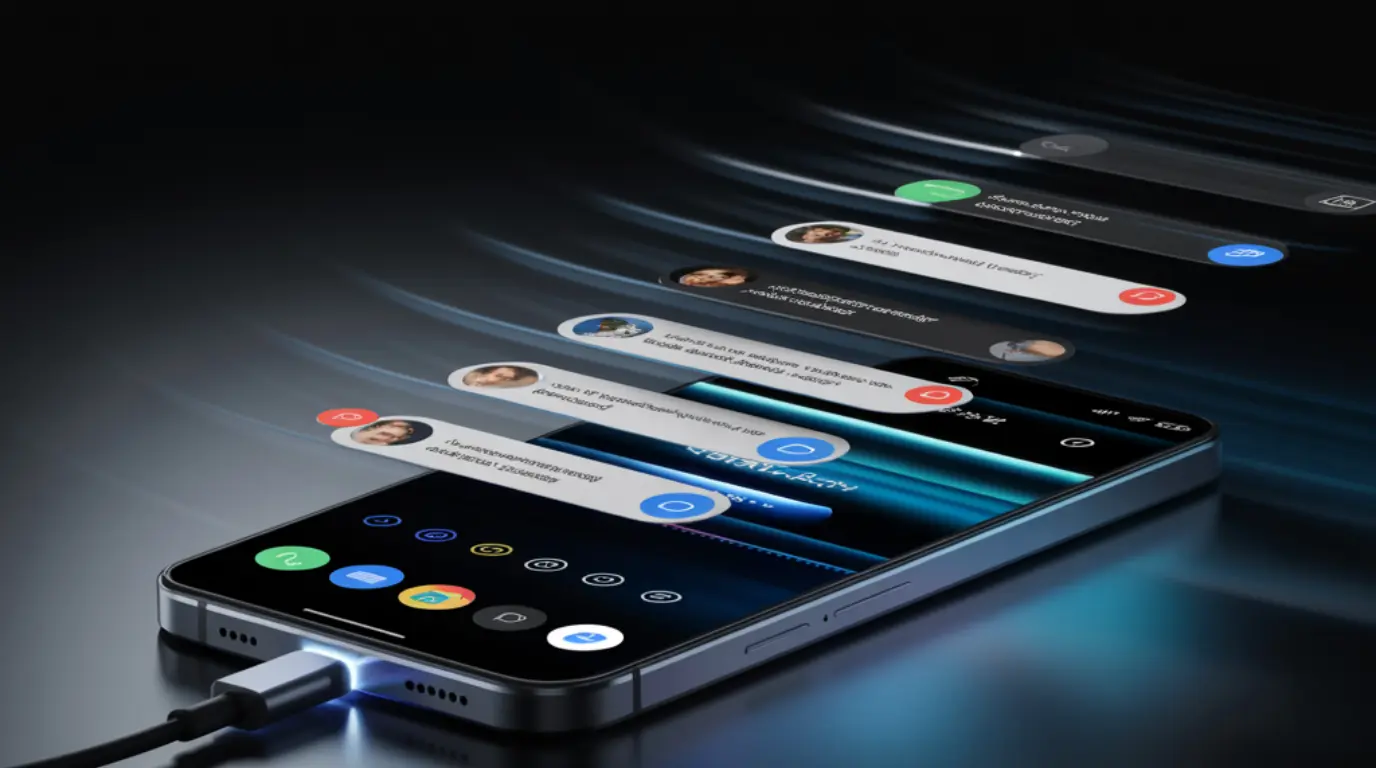
| Ghost touching while charging happens when electrical interference from a low-quality or ungrounded charger enters your phone’s digitizer circuit and triggers fake touch inputs. Switching to an original manufacturer charger or a certified replacement resolves the problem in most cases. If phantom touches continue after changing the charger, the issue may be a damaged digitizer that needs professional inspection. |
You plug your phone in to charge and within seconds the screen starts tapping, scrolling, and launching apps completely on its own. It feels alarming, but this is a well-understood technical problem with clear causes and straightforward fixes. Most people solve it in under five minutes without spending a single penny.
What Causes Ghost Touching While Charging
Faulty or Counterfeit Charger
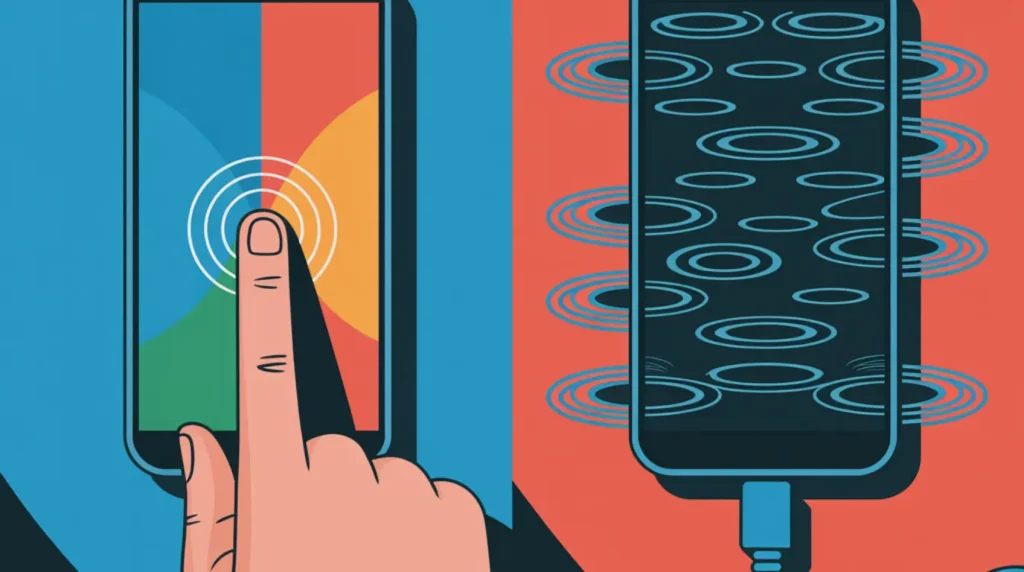
The number one cause of phantom touchscreen behavior while charging is a cheap or counterfeit charger. These chargers lack proper electrical shielding and grounding, which allows alternating current noise to leak directly into your phone’s USB power input. Your phone’s digitizer reads this electrical noise as fake touch signals, and the screen starts responding as if invisible fingers are pressing it. The clearest sign this is your cause: the ghost touches stop completely the moment you unplug.
Damaged or Poor Quality Charging Cable
A frayed cable or a low-quality third-party USB lead can cause the same touchscreen malfunction when charging. Damaged cables deliver unstable voltage to the phone, and that electrical irregularity bleeds into the display circuit and confuses the capacitive touch layer. Check both ends of your cable for bends, kinks, or any visible exposed wiring.
Electrical Grounding Issues in Your Wall Outlet
Sometimes the charger and cable are perfectly fine but the wall outlet itself is ungrounded. Outlets without a proper earth connection allow stray electrical current to enter connected devices, and your phone’s screen sensitivity layer picks this up as touch input. This problem is especially common in older homes, when using extension cords, or when plugging into multi-socket adapters.
Screen Protector Interference
A cracked, lifted, or incorrectly fitted screen protector can physically press against your digitizer and generate false touch readings. Air bubbles trapped beneath tempered glass also interfere with the capacitive layer that detects your real finger. If ghost touches follow a consistent pattern or stay in one fixed area of the screen, a faulty screen protector is very likely the cause.
Digitizer Hardware Damage
If you have ruled out every external cause, the touchscreen malfunction may come from inside the phone itself. A digitizer that has suffered impact damage, water exposure, or long-term wear can produce ghost touch behavior completely independently of any charger. The key sign of hardware damage: ghost touches happen both when charging and when running on battery power.
How to Diagnose Ghost Touching While Charging at Home
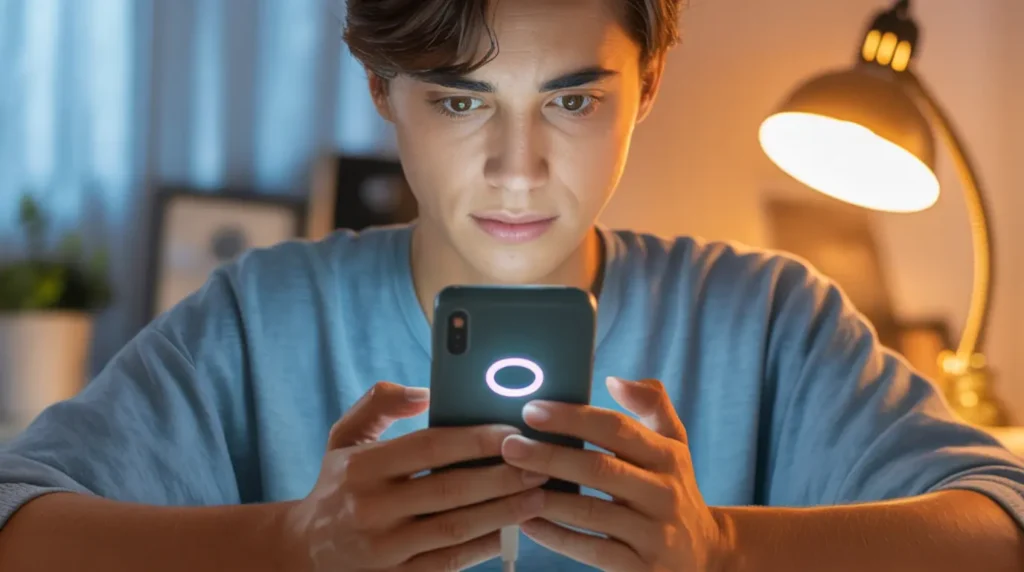
You do not need any technical tools or experience to pinpoint the exact cause before spending any money. Work through these steps in order and stop as soon as you find the one that resolves the problem.
- Unplug your phone completely and watch the screen for 60 seconds. If the ghost touches stop immediately, the charger or cable is the source of the interference.
- Plug in using a different cable. Use the original cable that came with your phone if you have been using a third-party one.
- Try a different wall outlet in another room. Avoid extension cords and plug directly into the wall socket.
- Remove your screen protector entirely and clean the screen with a dry microfiber cloth. Test the phone while charging without any protector in place.
- If ghost touches continue on battery with no screen protector and no charger, the issue is internal hardware and a technician needs to inspect your digitizer.
How to Fix Ghost Touching While Charging
Start with the free fixes and only move forward if the previous step did not solve the problem.
Switch to a Certified Charger Cost: Free to $25
- Replace your current charger with an original Apple charger, a Samsung Super Fast Charger, or a USB-IF certified third-party alternative.
- Look for the USB-IF or MFi certification logo on the charger packaging before purchasing.
- Plug in and test for two full minutes before deciding whether this fix has worked.
Most users resolve ghost touching at this step alone. If it works, you are done.
Use a Different Wall Outlet Cost: Free
- Move your charger to a three-prong grounded outlet in a different room.
- Avoid charging through laptop USB ports, car adapters, or multi-socket extension leads for this test.
- If ghost touching stops at the new outlet, have an electrician inspect your original socket for grounding faults.
A grounded outlet is the simplest free fix that most competitors never mention.
Remove Your Screen Protector Cost: Free
- Peel off your existing screen protector carefully from one corner.
- Wipe the screen clean with a microfiber cloth to remove any adhesive residue.
- If the problem disappears, replace the old protector with a correctly sized tempered glass unit from a reputable brand.
Air bubbles under cheap protectors are a surprisingly common and completely overlooked cause.
Force Restart Your Phone Cost: Free
- On iPhone 8 and later, press Volume Up once, press Volume Down once, then hold the Side button until the Apple logo appears.
- On most Android phones, hold the Power and Volume Down buttons together for 10 to 15 seconds until the device reboots.
- Plug your charger in and test the screen immediately after the phone restarts.
A force restart clears any temporary software processes amplifying charger-related sensitivity issues.
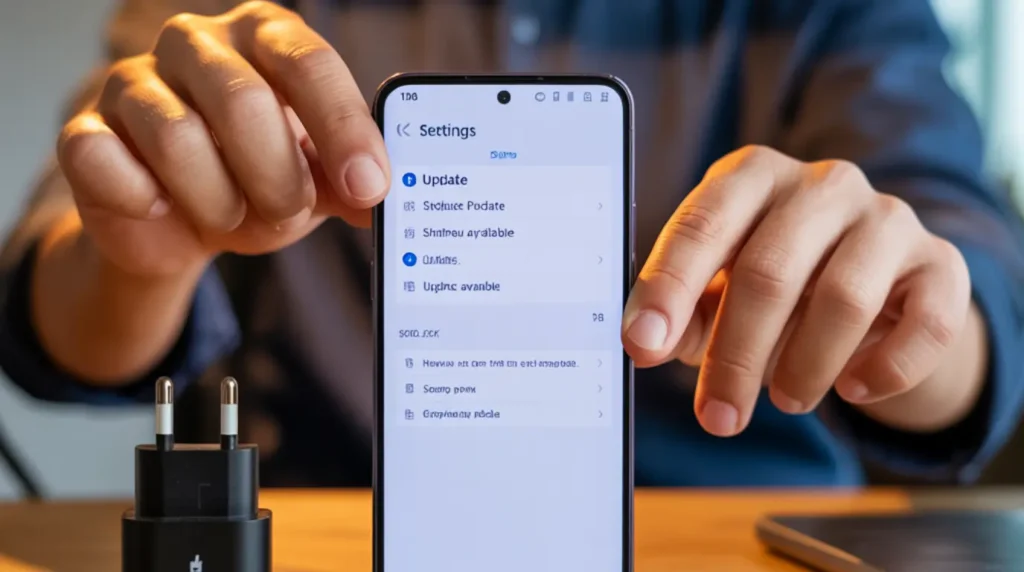
Update Your Phone’s Software Cost: Free
- Open Settings on your phone.
- Go to General or About Phone, then tap Software Update.
- Download and install any pending update, then test your phone while plugged in immediately after the update completes.
Manufacturers regularly release patches targeting touchscreen sensitivity bugs caused by software errors.
Factory Reset Cost: Free, Final Software Step
- Back up all your data to iCloud or Google Drive before proceeding.
- On iPhone: go to Settings, General, Transfer or Reset iPhone, then Erase All Content and Settings.
- On Android: go to Settings, System, Reset Options, then Erase All Data. If ghost touching returns after a factory reset, the cause is confirmed as hardware.
A factory reset conclusively proves whether the root cause is software or hardware.
When to See a Professional

If your phone still ghost touches after every fix above, the digitizer or an internal connector has physical damage that no software action can repair. Attempting to open the phone yourself risks voiding your warranty and causing further damage to the display assembly. Book a professional inspection at this point rather than continuing to troubleshoot on your own.
Always check your warranty status first. Apple Care, Samsung Care Plus, and most carrier protection plans cover digitizer faults, particularly if no accidental damage is on record. Visit an authorized service center with your proof of purchase and explain the exact conditions under which the ghost touching occurs.
If you are an iPhone user also noticing unusual display behavior like color shifts or flickering alongside your ghost touches, check our iPhone green screen instant fix guide for related display faults that can accompany digitizer issues. Independent repair shops can replace a digitizer for considerably less than official service centers, typically between $40 and $180 depending on the device model.
Prevention Tips
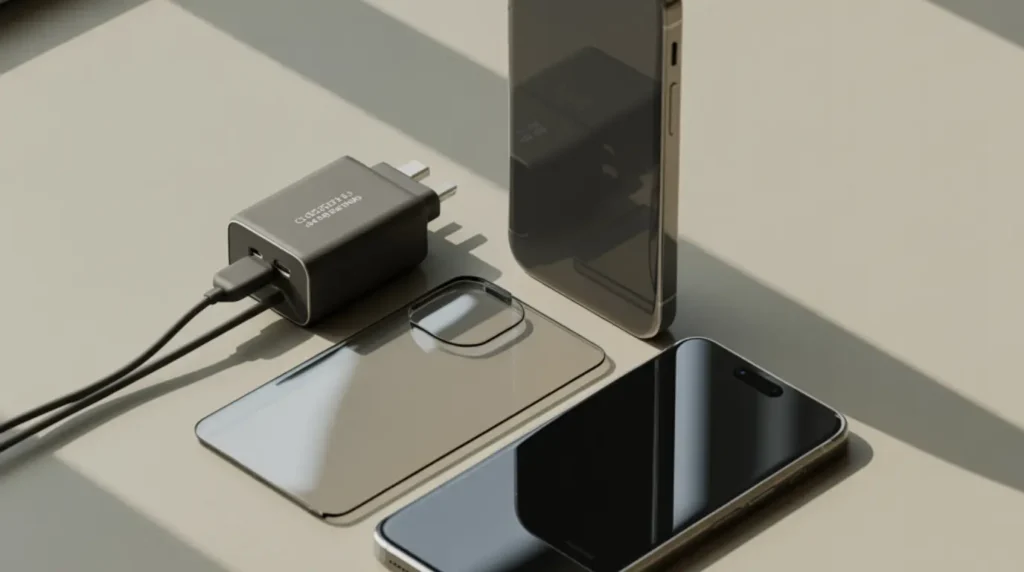
- Always charge with the original manufacturer charger or a USB-IF or MFi certified replacement from a trusted brand.
- Never charge through ungrounded outlets, extension leads, or multi-socket adapters that lack proper earthing.
- Replace your screen protector every 6 to 12 months or immediately when cracks or lifting appear at any edge.
- Keep your phone’s operating system updated at all times to receive touchscreen sensitivity and firmware patches.
- Avoid charging your phone next to high-interference appliances such as microwaves or wireless routers placed within close range.
- If using a wireless charger, verify it carries the Qi certification logo before regular use.
Frequently Asked Questions

Why does my phone only ghost touch when it is plugged in?
Ghost touching that appears exclusively while charging points directly to electrical interference from the charger entering the digitizer circuit. On battery power, your phone operates on clean regulated power with no external electrical noise. Replacing the charger with a certified model resolves this issue in the large majority of cases.
Can a bad charger permanently damage my touchscreen?
Using a faulty charger for a prolonged period can gradually degrade the capacitive sensitivity layer of your digitizer. The damage is not immediate, but consistent electrical interference over weeks or months can lead to permanent ghost touch behavior even when the phone is unplugged. Replace any suspect charger as soon as the problem first appears.
Does ghost touching while charging mean I need a new screen?
Not in most cases. Ghost touching while charging is almost always a charger, cable, or outlet problem rather than a screen hardware fault. Work through all the diagnosis and fix steps before considering a screen replacement. A new screen is only necessary if the problem persists while running on battery with a freshly reset phone.
My phone ghost touches on wireless charging too. What does this mean?
Wireless ghost touching usually means either the wireless charger is not Qi certified and is delivering unregulated power, or the digitizer itself is failing and reacting to any power source. Try a different Qi-certified wireless pad first. You can also use our stuck pixel and screen layer fixer tool to rule out display layer damage, then book a hardware inspection for your digitizer if ghost touches continue across all charging methods.
Editor Note screenproblems.com
Reviewed for technical accuracy by the screenproblems.com editorial team.
All fixes verified against current device software and firmware versions.
Pricing reflects current market rates and may vary by region.
This article will be updated whenever new fixes are confirmed.
For unresolved issues visit the Contact Us page with your device details.
About the Author Ben, Founder of screenproblems.com
Ben has 10 years diagnosing display hardware and software issues.
All content is written from direct technical experience, not sourced from other websites.
Ben always prioritizes free fixes before recommending any paid repair.